
Participating Frequently
January 20, 2024
Question

Welcomescreen by start of the program

  • January 20, 2024
  • 2 replies
  • 246 views

How can I avoyd this welcomside ? I want it because I am using Magix Photostory de luxe 2024 to make slideshows, and in this program I can optimice in external programs ( Pho
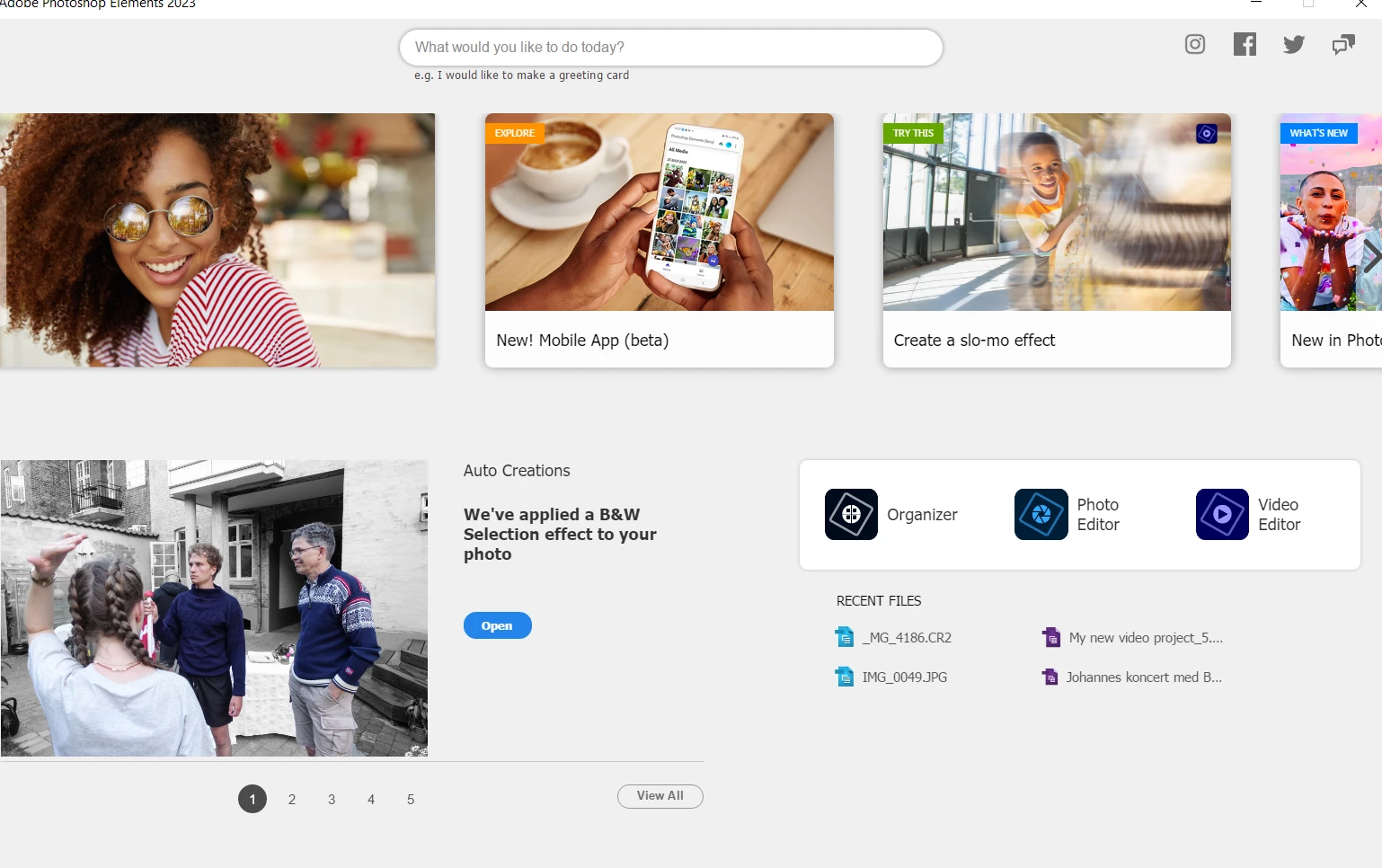
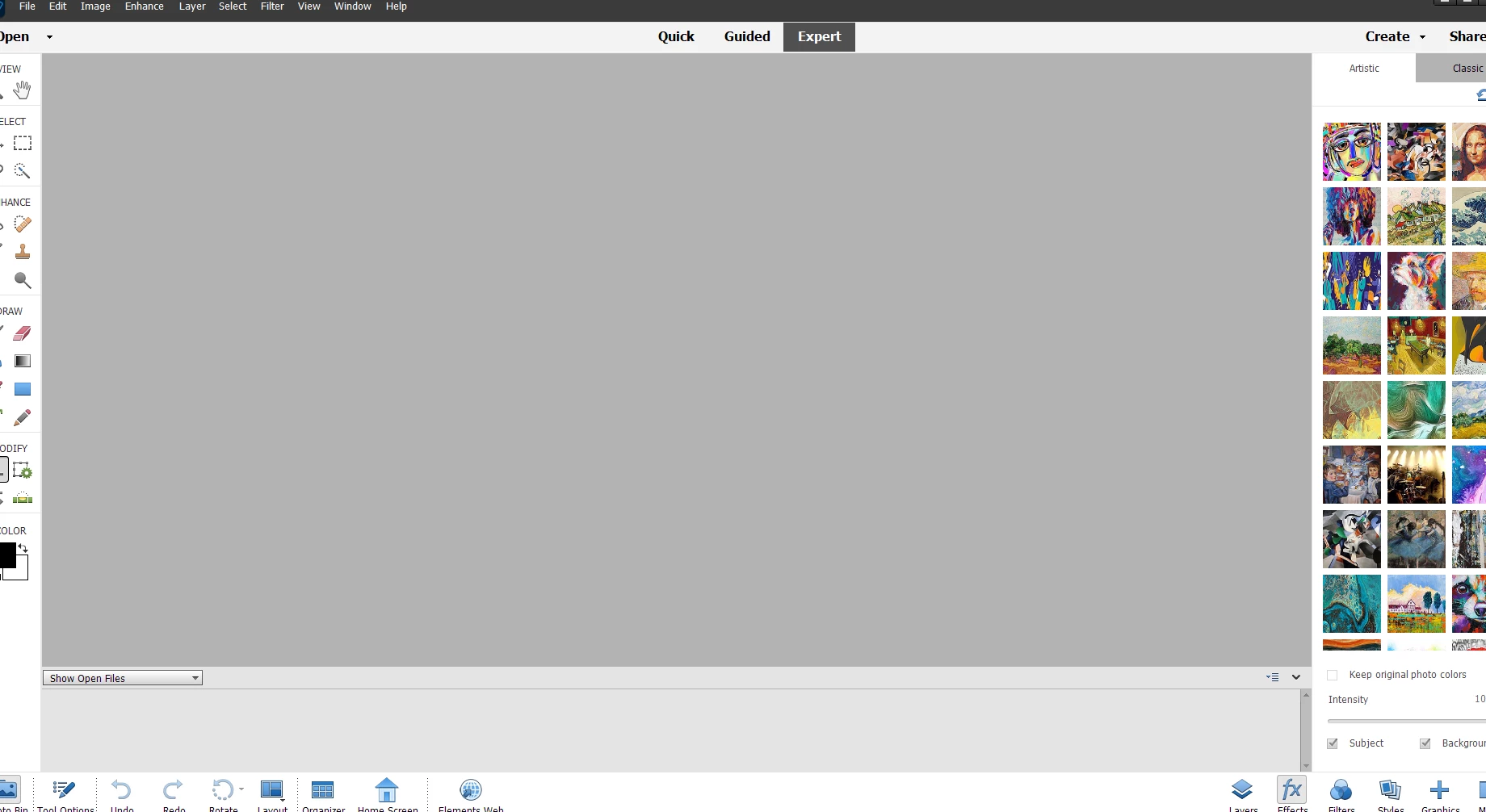


toshop elemens) but to open Elements without welcomescreen I want to close it, and at once go to the optimiceside.  Above I show the side/screen as I not want to se, but instead this: 

Knud

This topic has been closed for replies.

2 replies

Greg_S.
Community Expert
Community Expert
January 20, 2024

I am guessing that you have tried to find the program .exe file to use as a plug-in to your slideshow program and that you have chosen the Adobe Photoshop Elements 2023 item which is in the C:\Program Files\Adobe\Photoshop Elements 2023.


That is actually only a shortcut to the Welcome Screen.  You need to select the PhotoshopElementsEditor.exe file  which is located way further down in the directory.  This file will launch the Editor.


This is a common cause of confusion, particularly for those who have file extensions hidden in Windows File Explorer.

99jon
Genius
January 20, 2024

You can launch the Editor directly. Is that what you want? See if my YouTube video helps.

When setting up as an external editor browse to the folder with the editor application.

Participating Frequently
January 20, 2024
Ja.