Question
When I install PSE 2022 it runs only once.
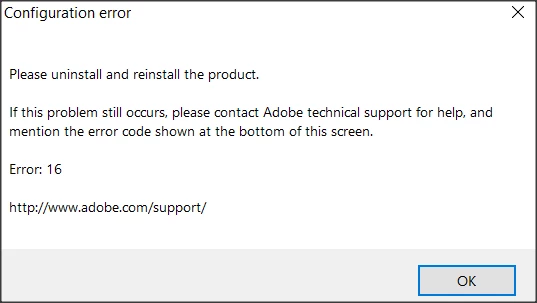
Then I get an Error: 16 and it tells me to reinstall, which I have done a number of times.
I am running Windows 10 on a Dell 8940 desktop.
help help ! help !!

Then I get an Error: 16 and it tells me to reinstall, which I have done a number of times.
I am running Windows 10 on a Dell 8940 desktop.
help help ! help !!
Already have an account? Login
Enter your E-mail address. We'll send you an e-mail with instructions to reset your password.


 AdChoices