

When importing from Android phone, is there a way to avoid importing the thumbnails?
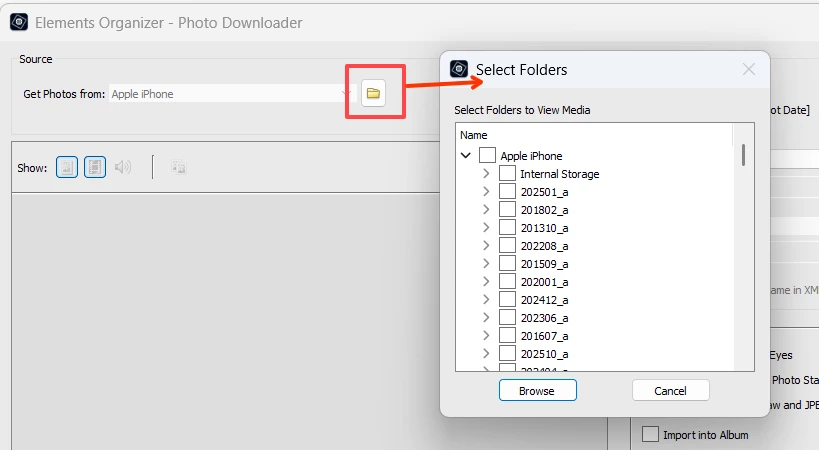
I am using Photoshop Elements 2022 I've been importing my images from my Samsung S25 for a year now (since I bought it). I am using the PSE function: Import > From Camera or Card Reader. While organizing my images, I recently discovered that PSE is also importing the thumbnails. This makes it look like I have duplicates but one has a normal 5-6 Megapixel resolution the other the resolution of the thumbnail on the phone and the file name does not match.
On the phone, they are located in another folder under: Internal Storage.
- The images: This PC > Internal Storage > DCIM > Camera
- The thumbnails: This PC > Internal Storage > Pictures > .thumbnails.
The .thumbnails folder is marked as Hidden, but still PSE grabs the thumbnails.
I guess I'll have to use the 'Files or Folder' option and navigate the the DCIM > Camera folder.
Is there another way to avoid downloading the thumbnails?


 AdChoices