Answered

Try this:
Open a blank layer above the Background layer
Change the default blending mode to "Color" for the blank layer, and paint on the blank layer.
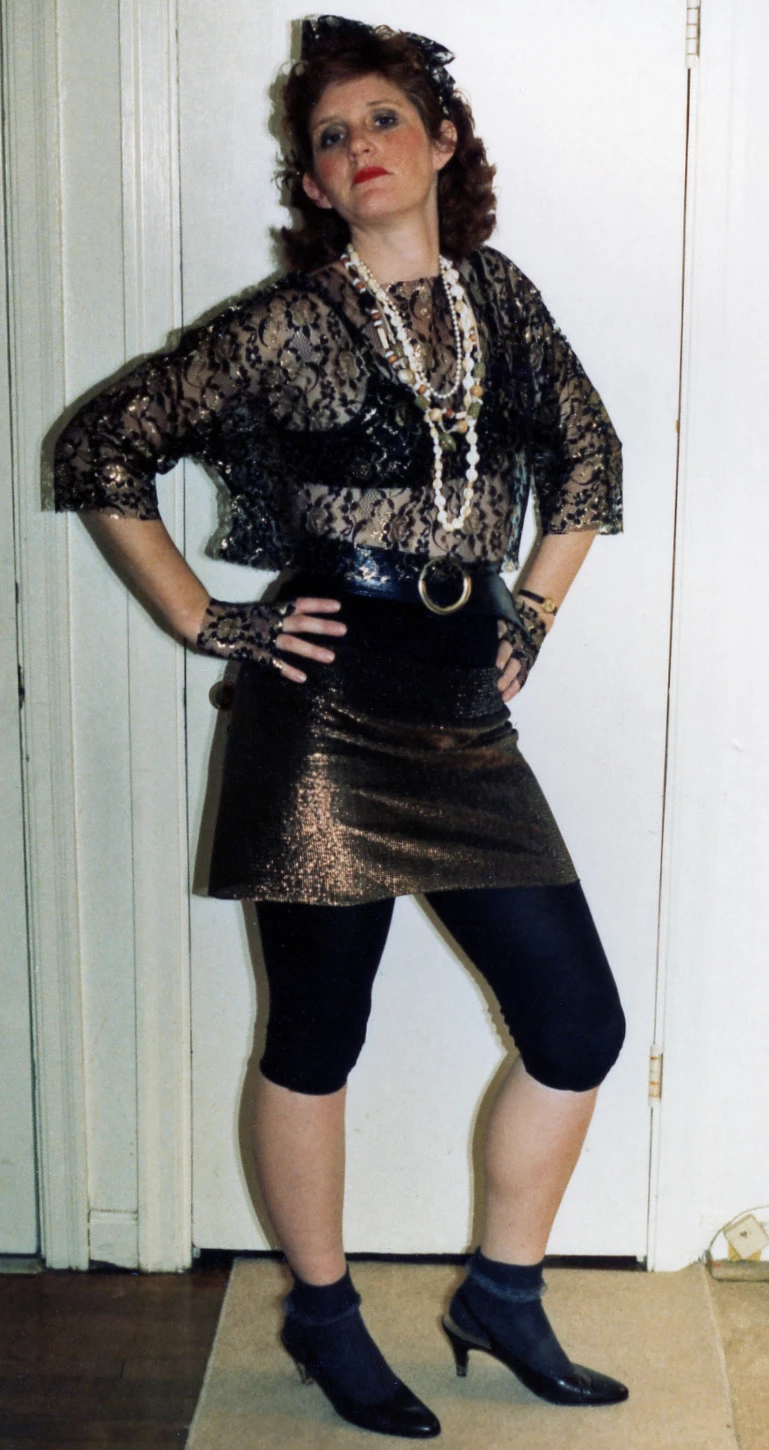
If I were to change hair color of a subject, I would not do it the way that you have described. Instead, I would use one of the selection tools to select the crop of hair, place the selection on its own layer (CTRL+J), open a Hue/Saturation adjustment layer above the layer with the hair, then link these two layers (CTRL+G). In the dialog that comes up, check the "colorize" box, and work the Hue/Saturation/Lightness sliders. Give this a try.
Already have an account? Login
Enter your E-mail address. We'll send you an e-mail with instructions to reset your password.
 AdChoices