ICC= International Color Consortium. It's a group of smart people who got together and said "We need to make a "color standard" that everyone uses so that colors across printers / screens / commercial printers' match"--- meaning blue on one machine will be blue on another machine-- not just close blue but blue blue.
Equate ICC profiles to image formats. It's a created standard used across devices and computers.
A BLURB ABOUT IMAGE FORMAT DEVELEOPMENT (Why? It's a standard that's easier for people to understand than a color profile.)
Years ago, about the mid 1980's, some scary smart people got together and figured out ways to share photographic quality images on text base monitors they created a standardized format: JPG stand for "Joint Photographic Experts Group."
IN 1996 another standardized format, the PNG was created (Portable Network Graphics).
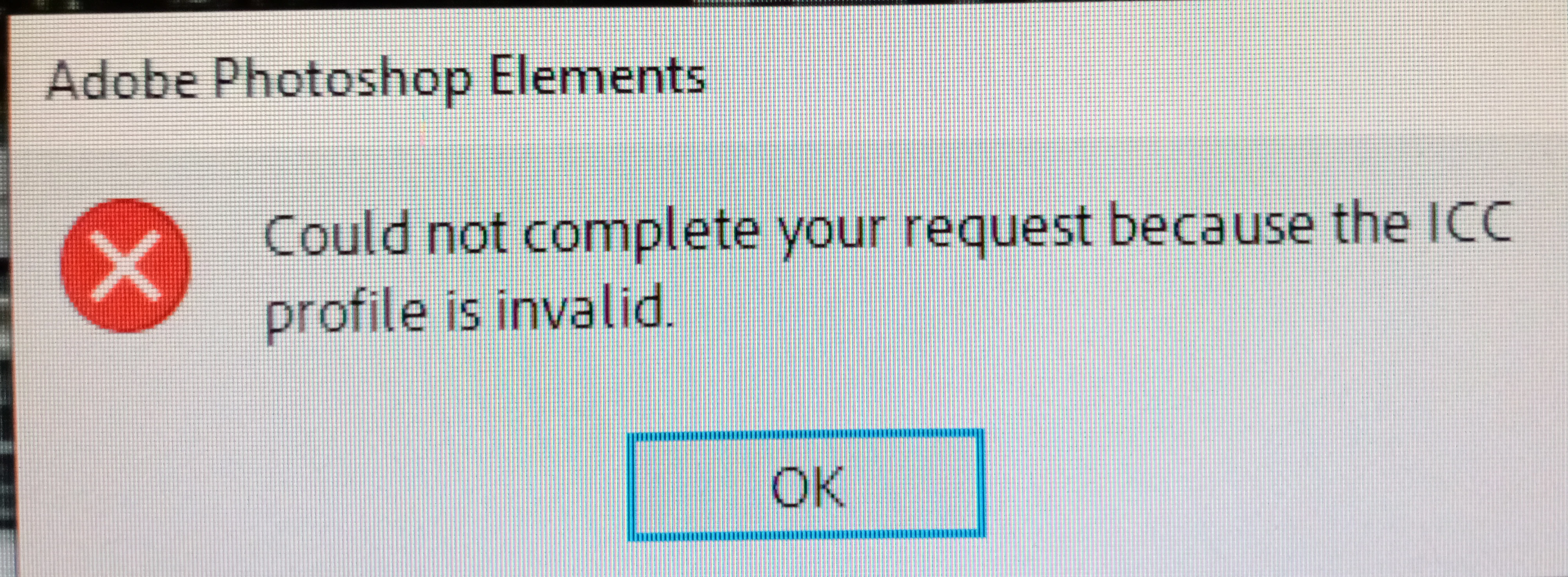
YOUR ERROR MESSAGE HAPPENS BECAUSE AND IMAGE OR TWO "DOES NOT MEET A STANDARD".
ABOUT THE INTRODUCTION OF ICC PROFILES (Another "Standard") The International Color Consortium was established in 1993 by eight industry vendors for the purpose of creating, promoting and encouraging the standardization and evolution of an open, vendor-neutral, cross-platform color management system architecture and components.
IN SIMPLE TERMS: You get the same color matching across all devices blue on one device will be the exact same blue on another.
HOW TO FIX YOUR ERROR MESSAGE: (A quick fix) Delete the profiles associated with the images used in the photomerge-- for the average mom and pop user it's not a big deal.
I suspect you might be using images from different sources: different cell phones, or using some images created with a cell phone, and others created with a digital camera. My digital camera produces images with much better colors compared to images taken with my cheap Android phone.
HOW TO FIX YOUR ERROR MESSAGE: Delete the profiles associated with the images used in the photomerge-- for the average mom and pop user it's not a big deal.
*I guess I'm not an average pop user. How do I delete the profiles??*
do what my image shows for each of your images you want to use in your panorama. If the image has a color profile associated with it your problem should go away. No pop ups that I am aware of.



 AdChoices