
Question
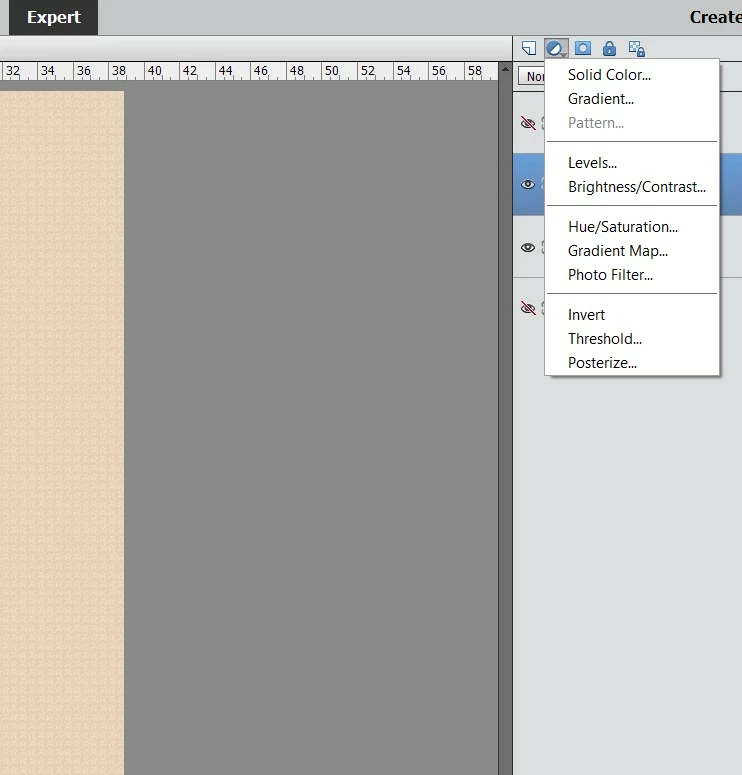
Why does the Pattern Fill Button Sometimes get grayed out?
I've restarted my PC. I can select the pattern fill from the menu at the top, but not at the right side nav bar.
Adobe Photoshop Elements Version: 14.1 (20151206.m.83730) x64
Operating System: Windows 10 64-bi
[ moved from Photoshop to Photoshop Elements by moderator ]
 AdChoices