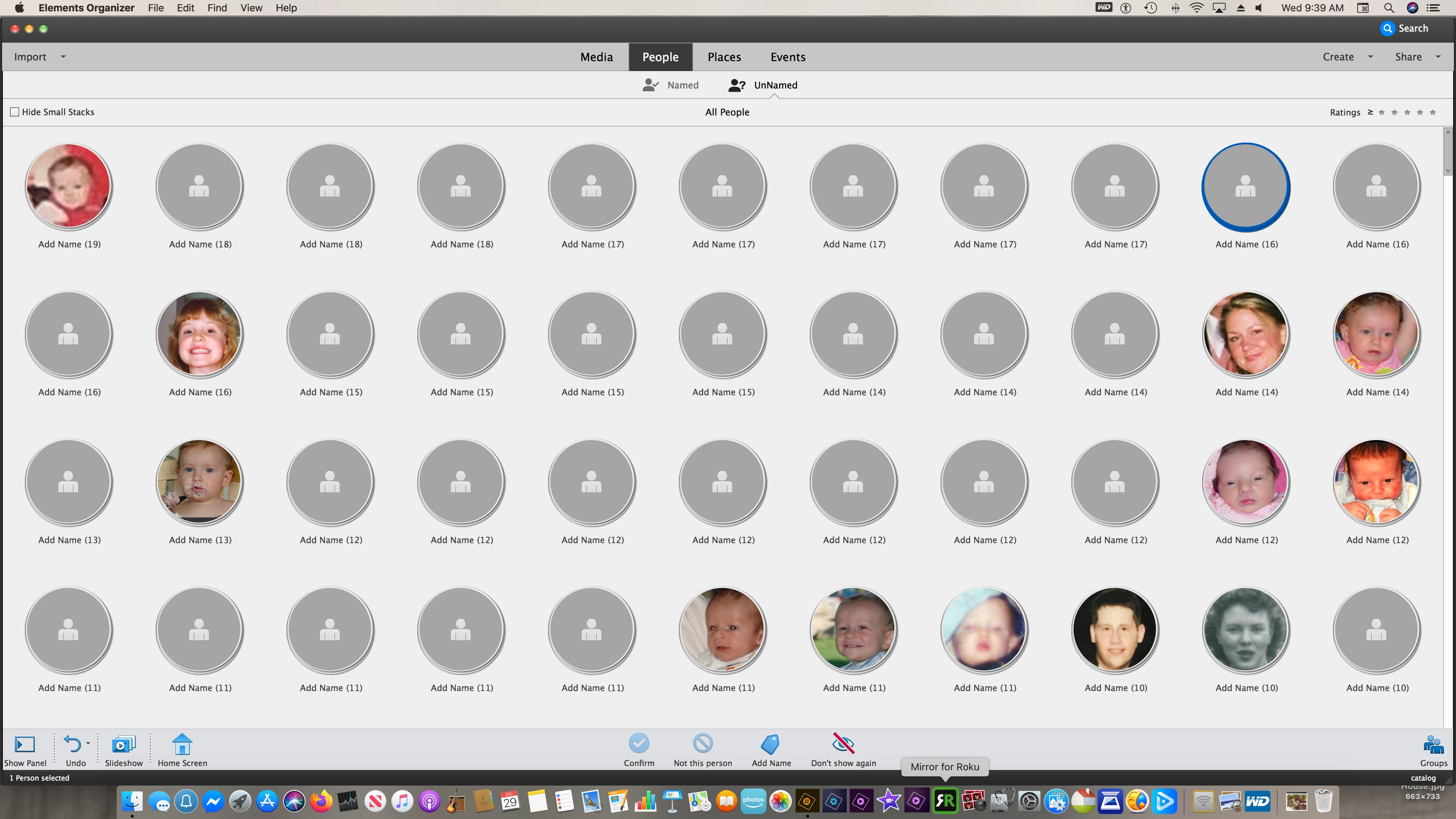
It is puzzling to me why you are seeing the generic icons in the UnNamed People room. Something is not right with your screenshot. You have a stack selected but it doesn't show the "Faces" or "Media" options underneath. (This may just be an issue with taking the screenshot.)
In any event, what happens when you click on a stack with the generic icon? Do any faces or full images actually appear?
And as I think about it, what may have happened is that your catalog has gone through the media analysis and created the UnNamed stacks, but you have added names to the photos somewhere else than in the UnNamed People room. I believe when you do this, the face is no longer "UnNamed" and should be removed from the stack. But perhaps the stack has not been refreshed. Is this a possibility?

 AdChoices