
Windows 10 - Photoshop Elements 7 Blank Gray Screen or Instant Crash w/o error message
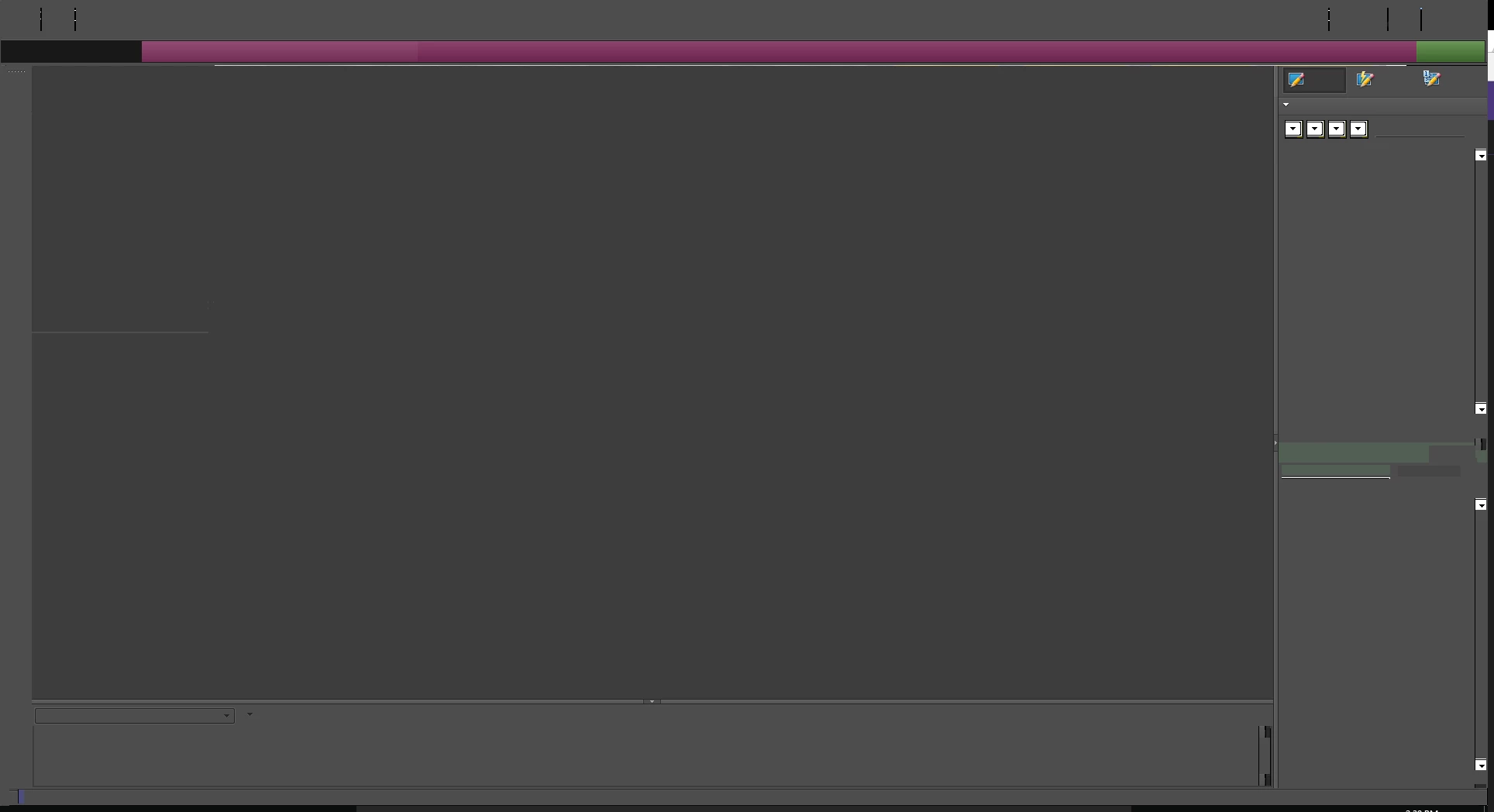
For any of the Photoshop Elements windows (Organizer, Editor, etc), aside from the welcome window, they all appear as blank and gray.
Either that or attempting to open it would result in an instant program crash to desktop without any error message.
I've tried all the steps in Photoshop Elements: Basic troubleshooting to fix most issues
haven't had any success for resolving the problem here. Just short of performing a full format on the drive at this point.
PSE7 has been working fine ever since Windows 10 launch, the problem only started two weeks back ago.
Just to elaborate on two of the steps a bit more;
"Install Video Card Driver Updates".
Thinking back, I saw I've updated the drivers a few weeks ago, so I thought that might have been a bad driver update. Rolled back to an old driver two months ago, didn't fix it, fresh clean install of new drivers didn't fix it either.
"Reset Editor Preferences" I went and deleted the appdata file, and the files in document folders. Then clean boot into safe mode, still nothing.
 AdChoices