
Participant
July 7, 2018
Question

Windows 10 - PSE 14 - Expert mode not showing

  • July 7, 2018
  • 1 reply
  • 394 views

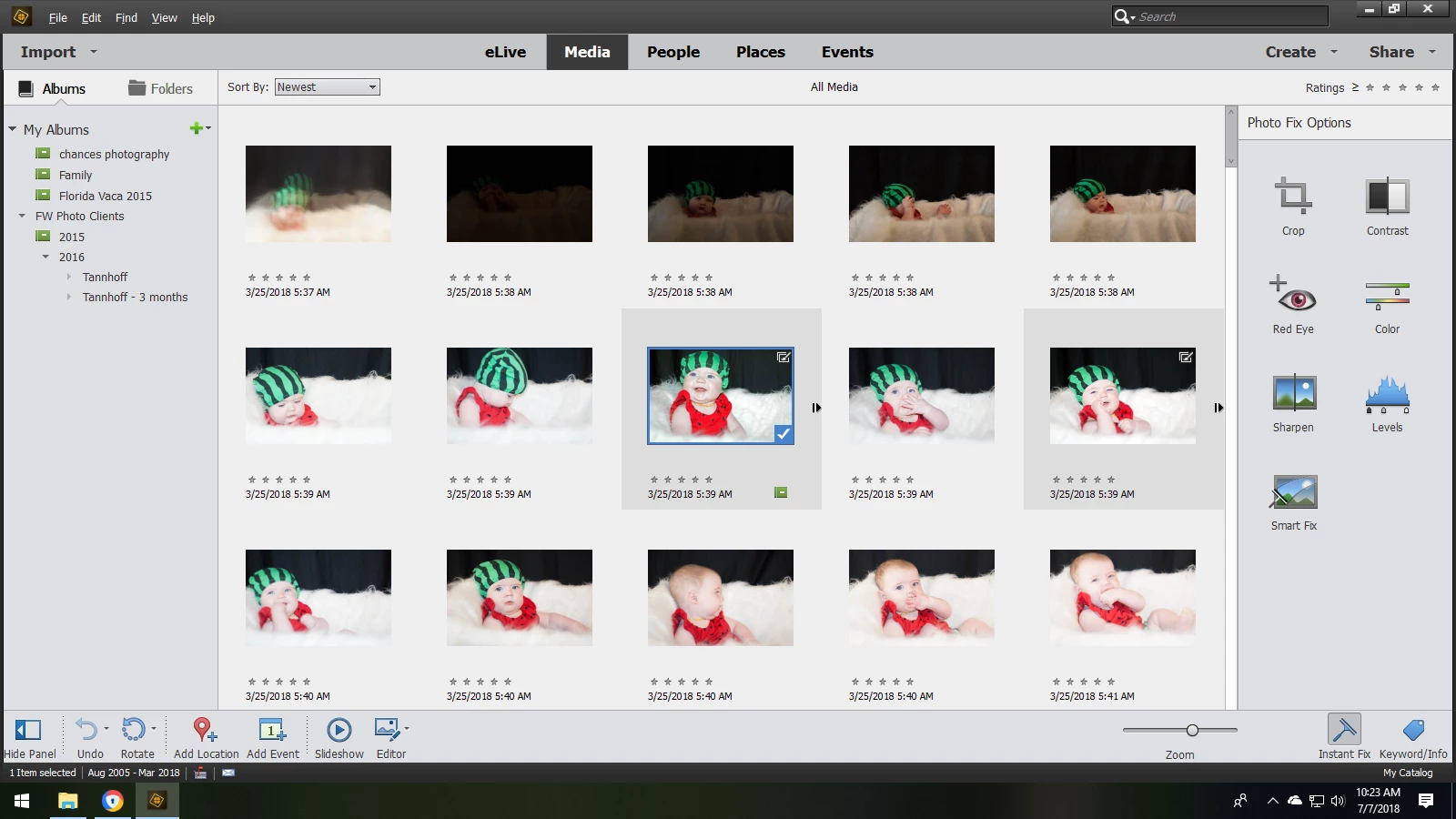
I cannot locate the Expert Editing Mode tab anywhere.  If I click on a picture and select "Edit with PSE ", it goes to a guided editor and not the Expert editor!

PLEASE HELP!

I am trying to design a banner and signage for a local non profit for school and this issue has put me way behind schedule!
This topic has been closed for replies.

1 reply

MichelBParis
Legend
July 7, 2018

faithw1268893  wrote

I cannot locate the Expert Editing Mode tab anywhere.  If I click on a picture and select "Edit with PSE ", it goes to a guided editor and not the Expert editor!

PLEASE HELP!

You are showing the organizer display. When you open the editor, the top menu of the editor page shows Expert, Quick or Guided.