


How to stop clips from moving/rippling?
Hello,
Could anybody help me and point me to a resource, video, etc?
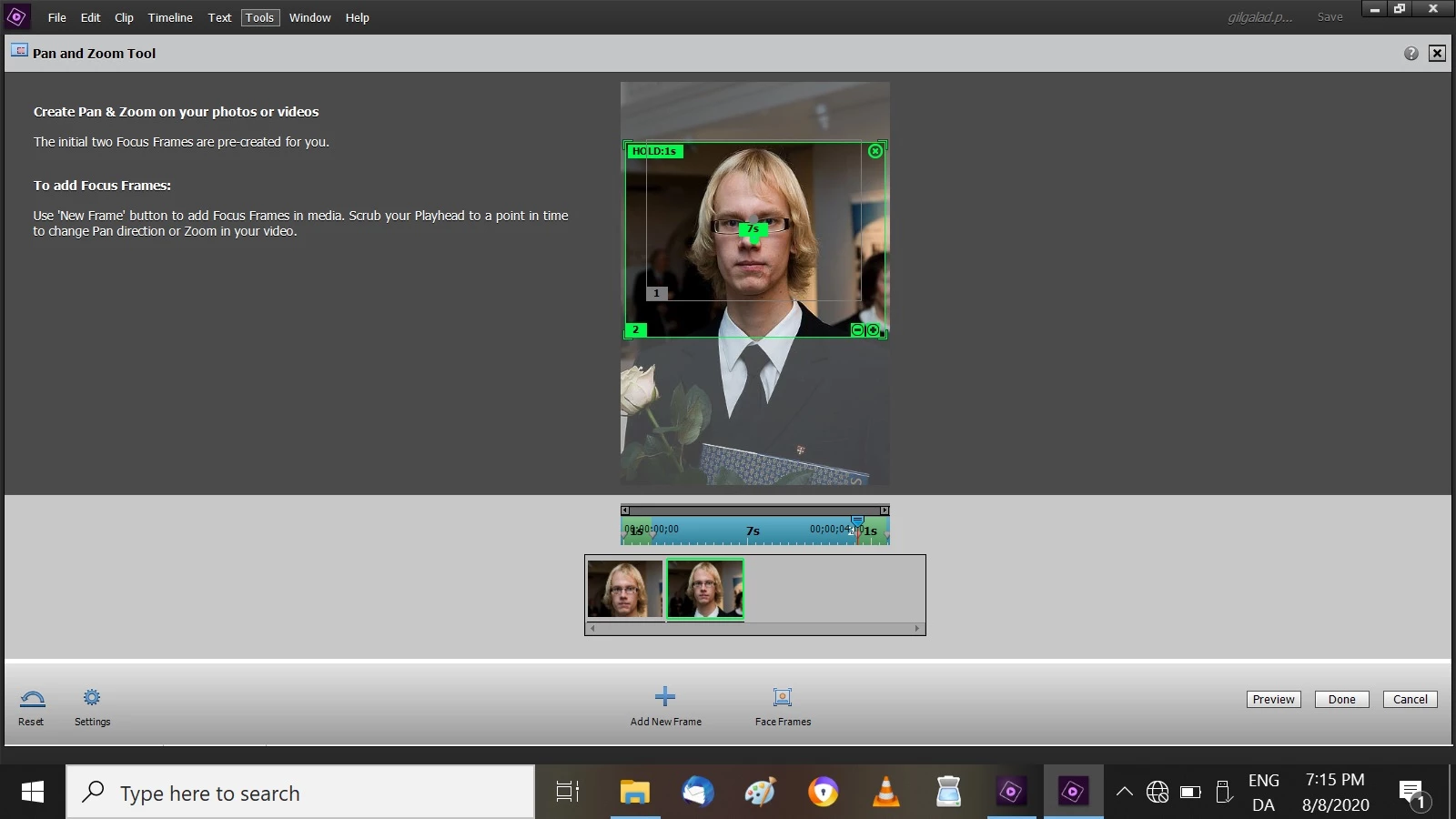
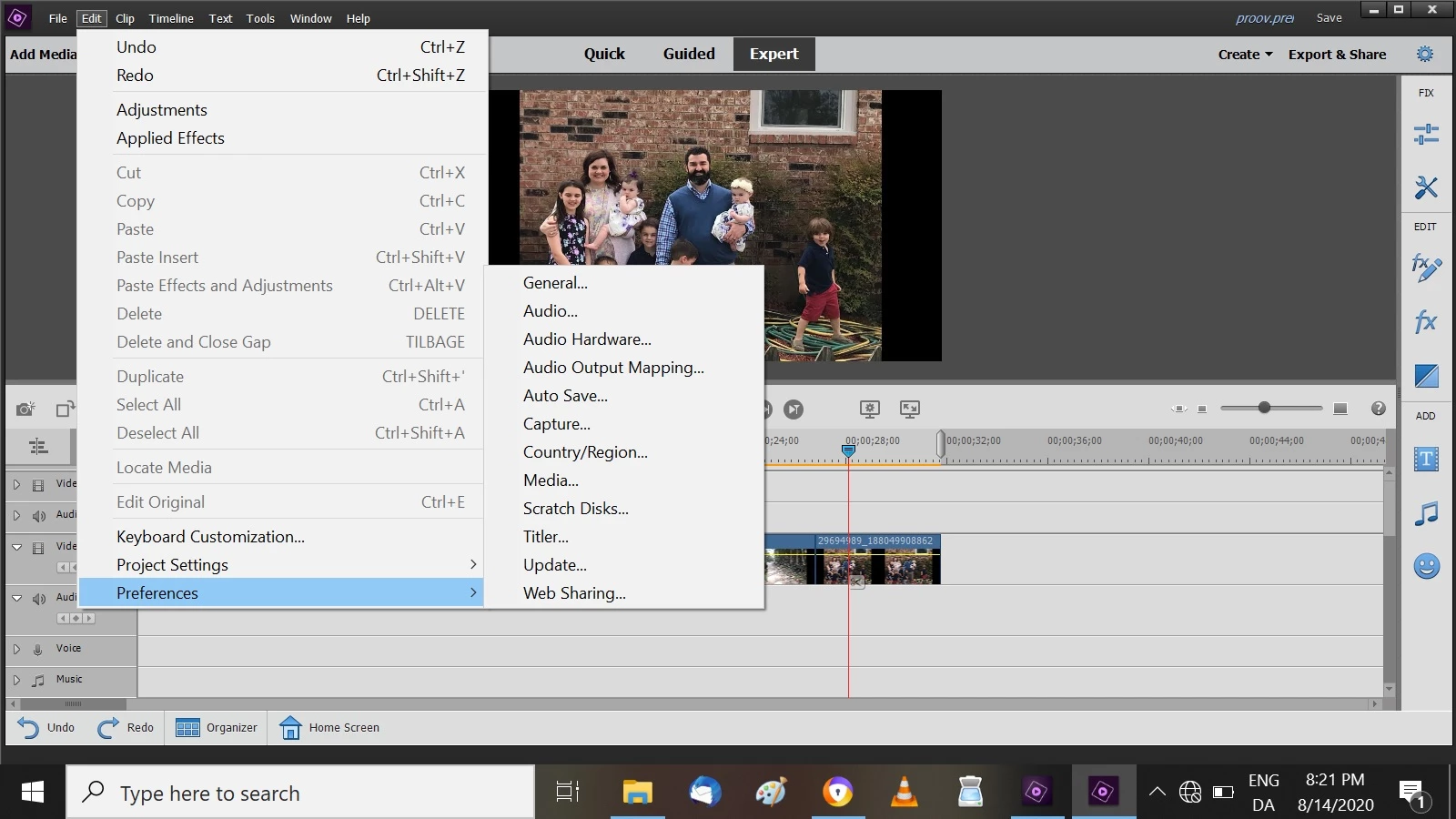
I got Premiere Elements recently and am rather frustrated that I can't find the option for locking tracks, like other video editors offered, to stop tracks from accidentally moving. I would just like to stretch the clips back and forth, but when I do that, the whole timeline moves. The panning & zooming tool is also a problem, I do not manage to find how to limit the time the clip is displayed. Whenever I open a clip, it immediately offers many options and adds new frames which I don't want and lengthens the clip, which I don't want at all, and then it when I close it it throws the whole timeline onward more than I wanted. So I do not know how to use it at all. It was easier with other video editors. Also, when I add a portrait picture, I would like to zoom out to the entire picture, but it does not offer the option, or I can't find it. That is, on the picture added, I would like frame number 2 to be the entire picture, but can't do it. And what is very frustrating is that when I close this panning/zooming tool now, it lengthens the clip more than it was originally and throws the whole timeline into confusion.
The main thing is this: I am accustomed to making a video of clips, lets say, each 5-10 seconds long. Then I want to zoom slowly inside all of these clips, usualy from the whole clip to a part and then move on to the next clip and do the same: VideoPad offered f. example start frame and end frame. But in PE, when I try to pan and zoom, it immediately changes the length of the clip that was on the timeline, either shortens or lenghtens it and throws the timeline always out of order. This is really a nuisance. Can't it be turned off or sth, so that the length of the clips would not automatically change when panning & zooming?
I would be very grateful if someone could point out where to find solutions. I used VideoPad before, but found it too slow and lagging, so I got Premiere Elements, because I was told it was the best. But right now I can't do with it what I want, panning/zooming is too complicated to be used. So I admit I'm rather disappointed, if I can't find solutions.
munk Miikael
 AdChoices