Walter_H
Legend
July 22, 2022
Question

PRE 2022 - My Recommended Video Card Is Detected, But Not Supported By PRE

  • July 22, 2022
  • 2 replies
  • 224 views

Hello,


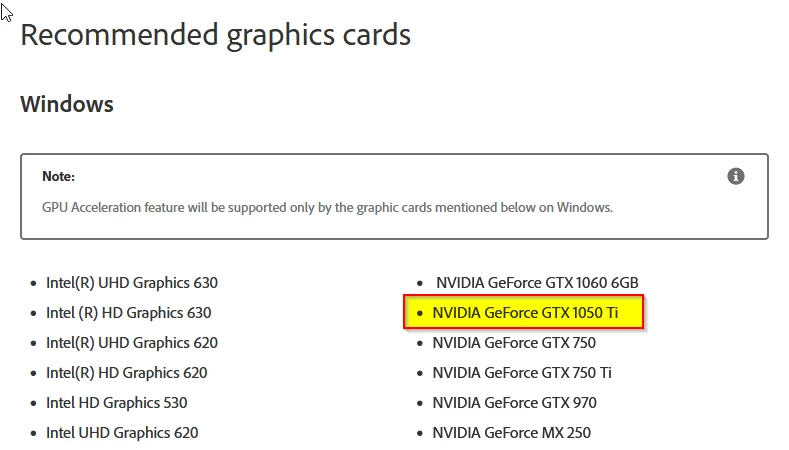
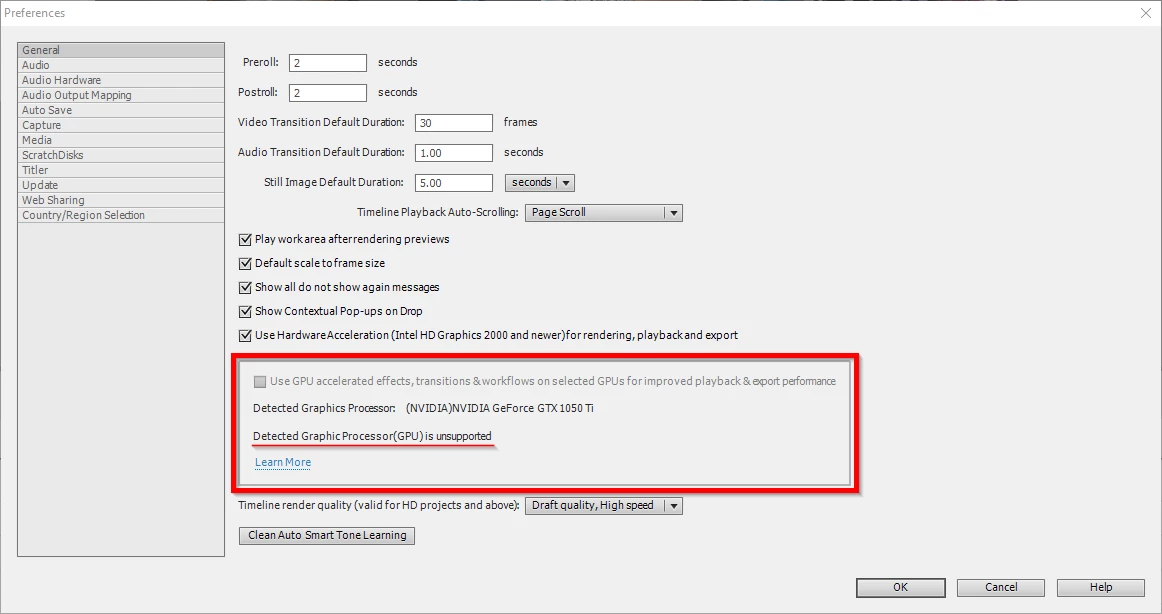
I just purchased and installed PRE 2022 v20.0 (20220702.Git.main.e4f8578). My video card (NVIDIA GeForce GTX 1050 Ti) is listed as a recommended card. It is detected by PRE 2022 but it is not supported. My PC runs Windows 10 Pro v21H2 and the CPU is Intel i9-9900K w/ 32GB memory, C drive is Samsung SSD 970 PRO 512GB, D drive is WD Black 2TB HDD.


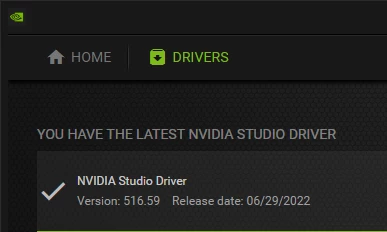
I have the latest NVIDIA Studio driver installed for the video card. Also, the video card IS detected and supported by PSE 2022, and PS 2022 v23.4.2.


Is there a solution to fix this?

Thanks for your help.


A few screenshots are below.
This topic has been closed for replies.

2 replies

Ann Bens
Community Expert
Community Expert
July 22, 2022

Elements support card list has been a mess from the time Nvidia changed the way they write their drivers.


Make sure hidden files is checked in Windows explorer.

Go into the root of Elements.

C:\ProgramData\Adobe\Premiere Elements\20.0\Online\Hw Acc Render\All_Lang\HW\Files\allowlisted_cards.txt


and add, exactly as written below, to the text file:


NVIDIA#NVIDIA GeForce GTX 1050 Ti#

Walter_H
Walter_HAuthor
Legend
July 22, 2022

Thank you, Ann! Your suggestion worked perfectly. Strange, but there was an entry in the file for my card, but it was "NVIDIA#GeForce GTX 1050 Ti#". I added the text that you showed and it worked!


And, by experimentation, I found another solution (I think). I moved the "allowlisted_cards.txt" file onto my desktop so that PRE wouldn't see it. When PRE started, it shows my card as supported. I am new to PRE and I haven't actually tested this method yet. I guess I'll find out when I start creating or editing a video.


Thanks again for your help!

--Walter in Davie, FL
John T Smith
Community Expert
Community Expert
July 22, 2022

https://community.adobe.com/t5/premiere-elements-discussions/gtx-1650-super-in-pre-2021/td-p/12390105
-adding a line to a text file - the version number must be your version, so you may need to change the 20.0
--you of course also need to use the name of YOUR card, not the one discussed in the message below
--you also must explicity allow showing hidden files in your file manager program
--https://community.adobe.com/t5/premiere-elements-discussions/rtx-3080ti-gpu-and-premiere-elements-2022/td-p/12574713
--https://community.adobe.com/t5/premiere-elements-discussions/gtx-1080-not-allowed-to-be-used-for-premiere-elements-2022/td-p/12986865
---above link has example of a BAD ENTRY in the card list and the CORRECT way to enter the card