Participant
July 20, 2017
Answered

4:2:2 footage plays back at 100% zoom no matter what the zoom level is set at

  • July 20, 2017
  • 1 reply
  • 571 views

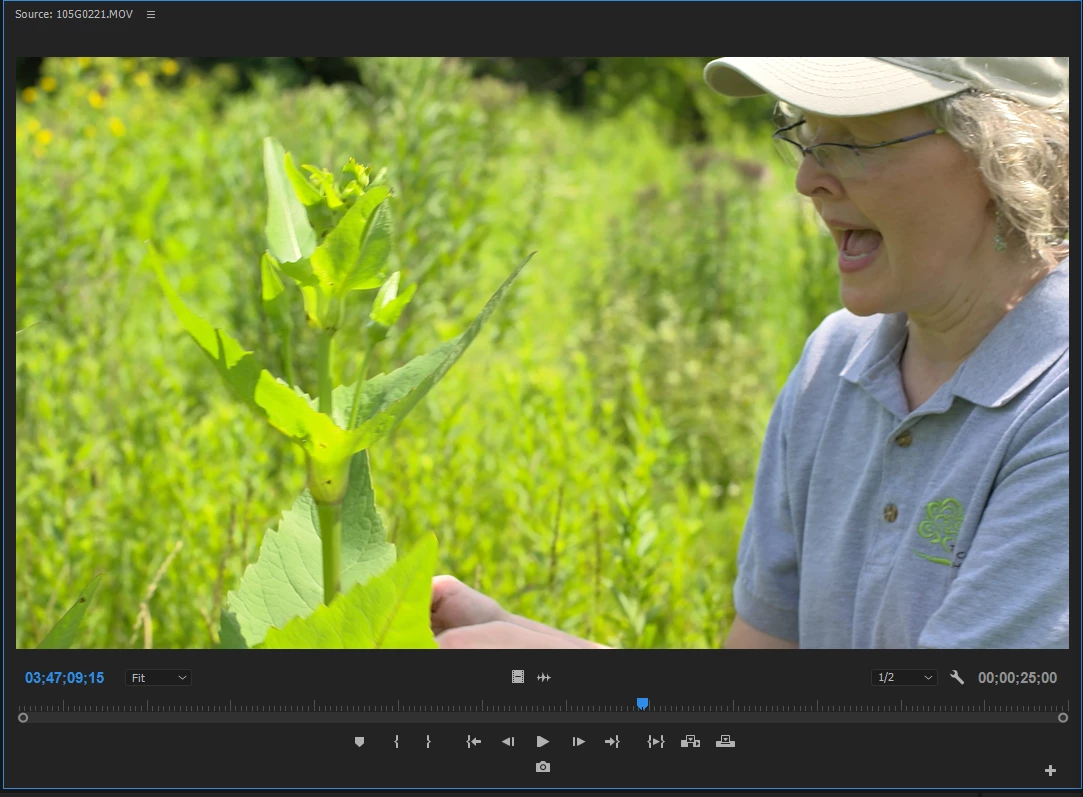
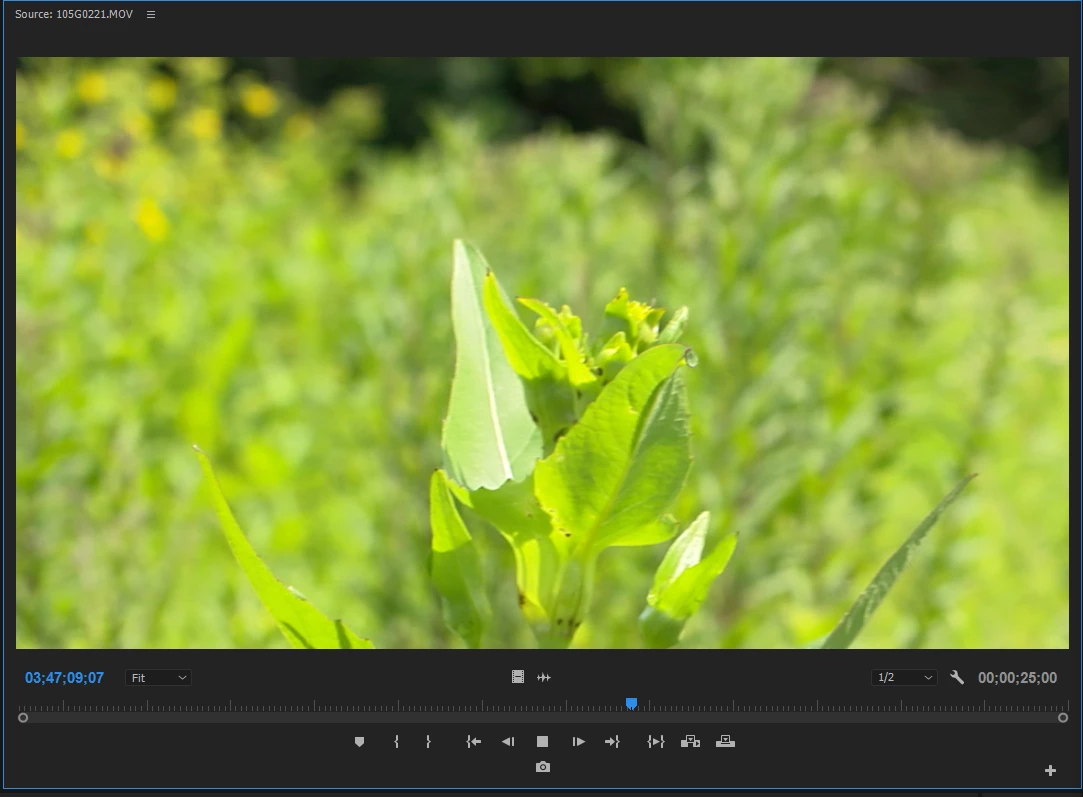
I have a unique problem which only happens with footage encoded at 4:2:2 on my JVC GY-LS300. During playback in Premiere, the footage zooms in to 100% despite the zoom level being set to "Fit" (or any other %).

Reference images

Footage paused (full frame shown):
Footage playing (cropped frame shown):
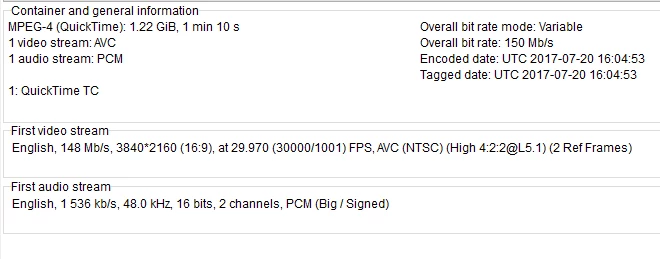
Media info for footage:
Other notes:

- happens in both Source and Program window

- happens with both 1080p and 2160p footage encoded at 4:2:2

What can I do so that playback is at the proper zoom level (i.e. I want to see the full frame during playback)?

This topic has been closed for replies.
Correct answer R Neil Haugen

Try setting the playback quality (in the properties menu for Program monitor, found by right-clicking in the monitor) to "High" ... there's been a similar issue with GH5 4k 10-bit clips, that is ameliorated by setting the playback quality to High. Might be the same thing ...

Neil

1 reply

Participant
July 20, 2017

Edit: the zoom happens in the Source window for both 1080p and 2160p. It only happens in the Program window for 2160p.

Edit #2: Rendering the timeline fixes the problem. But why should I have to do that?

R Neil Haugen
R Neil HaugenCorrect answer
Legend
July 20, 2017

Try setting the playback quality (in the properties menu for Program monitor, found by right-clicking in the monitor) to "High" ... there's been a similar issue with GH5 4k 10-bit clips, that is ameliorated by setting the playback quality to High. Might be the same thing ...

Neil

Everyone's mileage always varies ...
Participant
July 20, 2017

That did it! Thank you!