
Eleonora89
Participant
January 24, 2017
Question

4k Full Screen - Image Cropped/Zoomed?

  • January 24, 2017
  • 7 replies
  • 3168 views

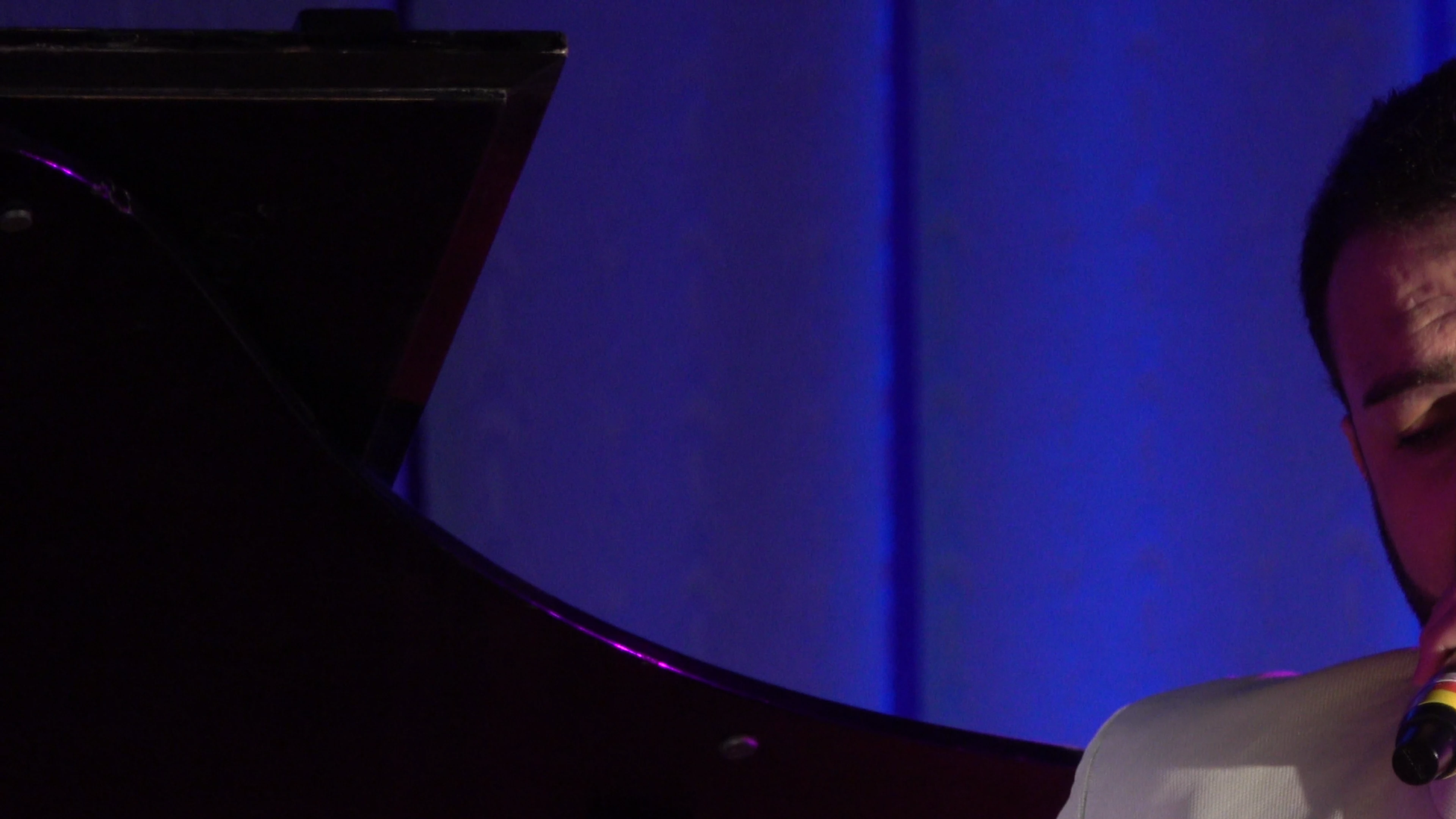
I just got this brand new 4k Monitor Link for Reference and I'm editing 3840 x 2160 footage. When I press Control ~ to go into full screen playback mode, the image I'm seeing is only about 25% or so of the actual frame.

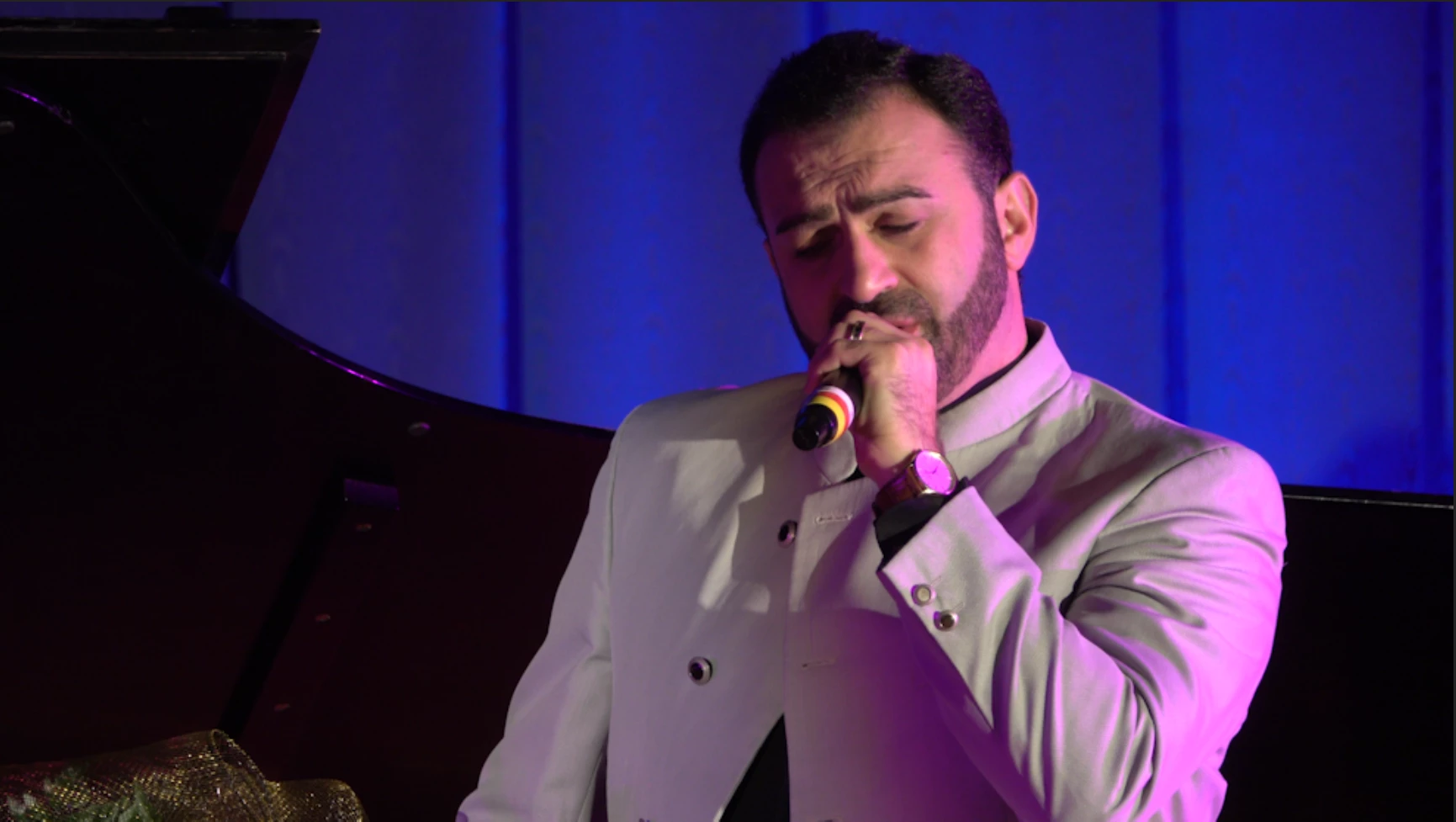
Here is the full frame:
Here is what happens when I press full screen:
Any ideas?

This topic has been closed for replies.

7 replies

Participant
October 25, 2024
If you're experiencing this issue and have multiple monitors with different resolutions, try setting your 4K display as the primary monitor in Windows settings. Then, restart Premiere Pro to see if it resolves the problem.
Adobe Employee
November 6, 2018

Hi Eleonora89,

Please let us know if the steps provided by Cristian helped in resolving your issue or not?

Regards,

Sumeet

Participating Frequently
September 11, 2018

I have the same problem.  Any solutions? 

Participant
August 23, 2017

Hi! I've had about the same problem =P Turns out sometimes Premiere doesn't play nice with the Windows scaling. I work with a QHD+ and when I have it at 175% scaling, it only shows the top left corner at around 125% zoom (in fullscreen). Putting the scaling back to 150% fixed the issue.
Hope it helps someone reading this. Cheers! =P

Participant
March 9, 2021

I have the same problem and I'm new to Adobe, so I don't know what that solution really means. Can anyone simplify that?

Richard van den Boogaard
Community Expert
Community Expert
March 9, 2021

If you right-click on your desktop and choose screen settings, you can adjust the scale and layout properties. Apparently, playing with these variables solves the issue.

Rameez_Khan
Legend
February 28, 2017

Hi Eleonora89,

Did you figure it out?

Let us know if you need further assistance?

Best,

Rameez

Jeff Bellune
Legend
January 28, 2017

Are you editing in a sequence that matches your source footage?

Legend
January 24, 2017

Unfortunately, no.  My own 4K media fills the monitor properly.  (Though mine is only a 1440p monitor.)