I'm also having this problem - my RED anamorphic files are 5184x4320 (1.2 ratio) with a pixel ratio of 2.0 (effectively 2.40 ratio) but the Proxy presets only seem to allow for 1.0, resulting in the same pillarboxes when the proxy toggle is selected. The proxies were QT ProRess 422 Proxy, at 1536x790
When I follow the Adobe instructions to create a new Ingest preset there is no option to specify the resolution or pixel ratio
Original footage:
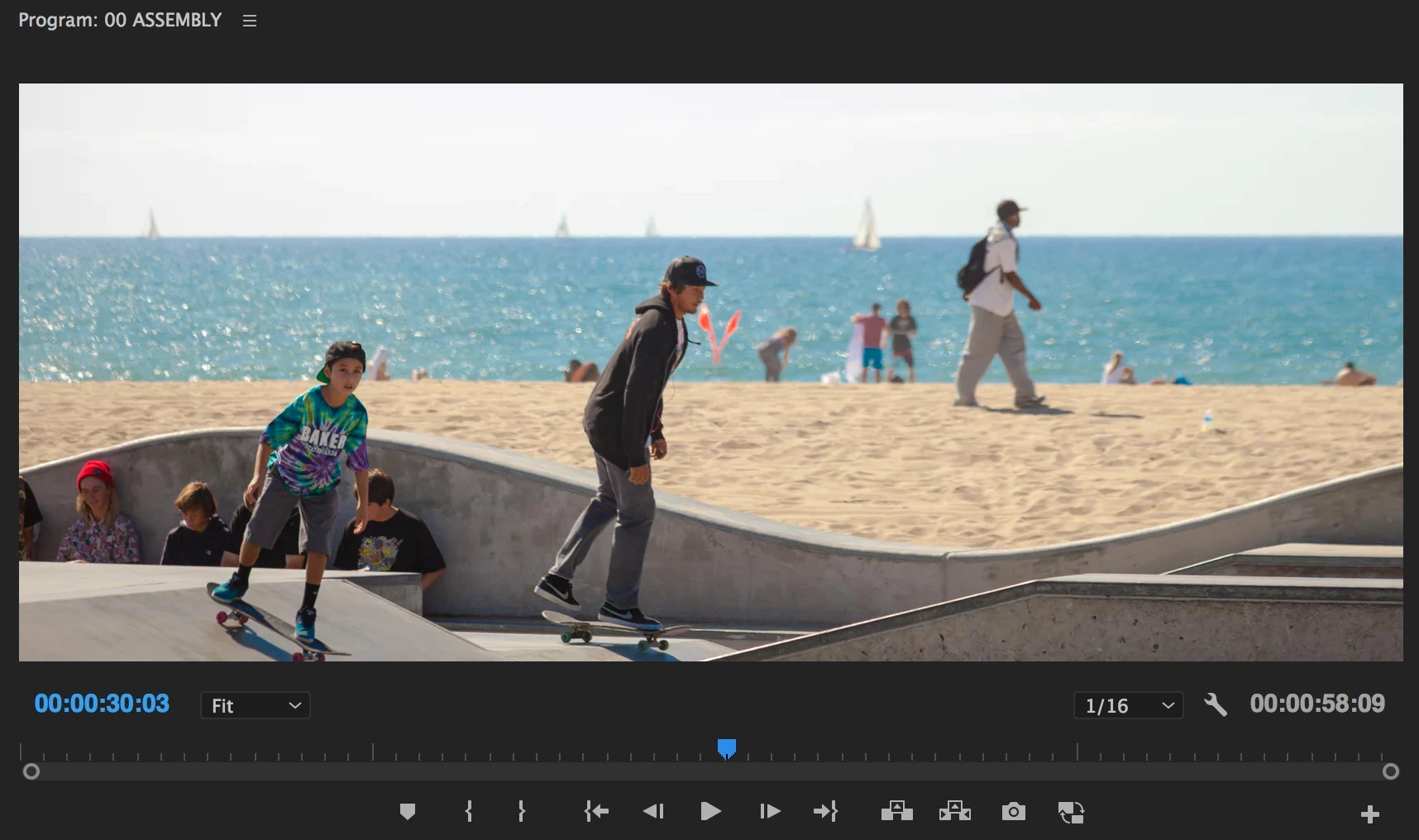
Proxy view:
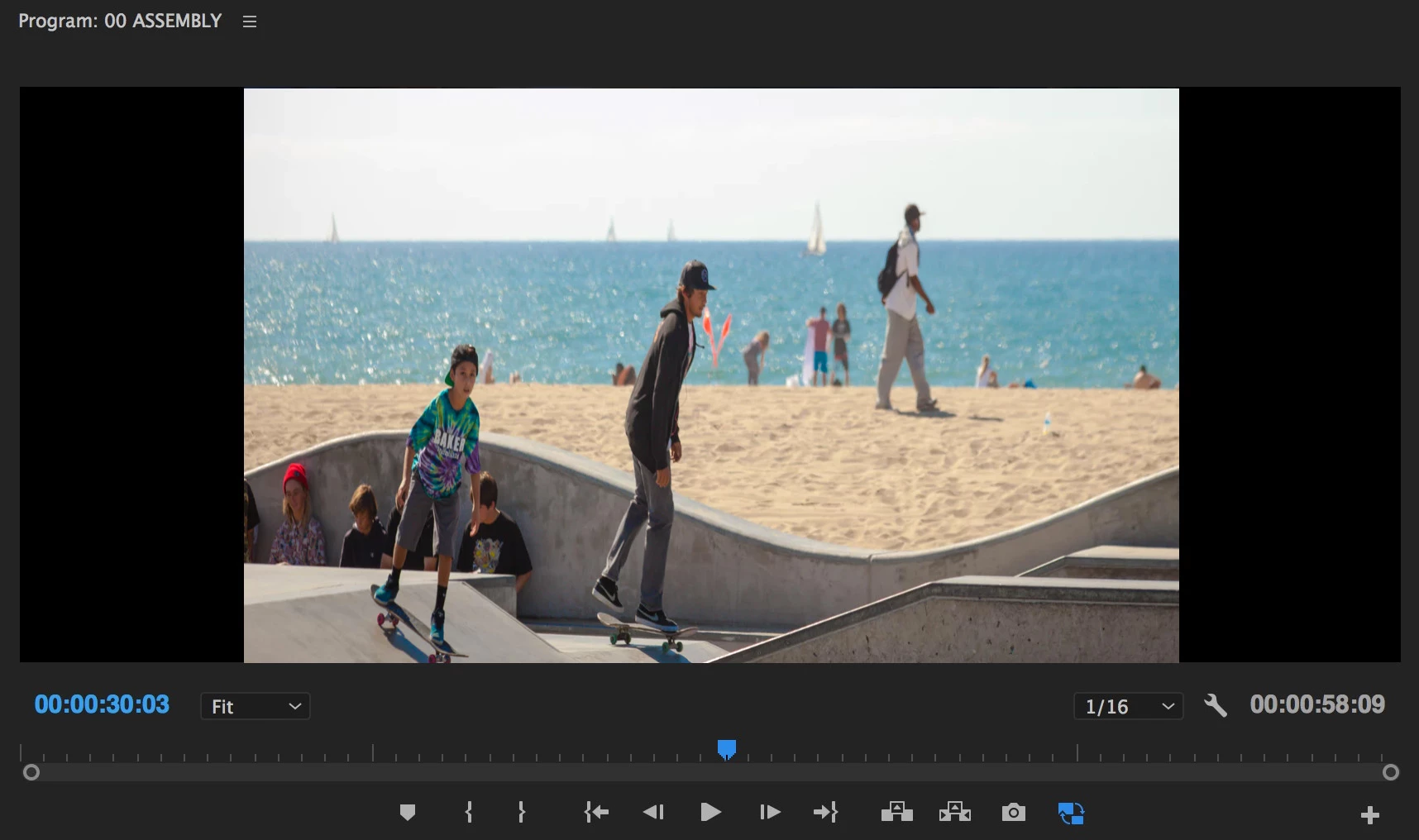
You can create a custom preset in AME. First you will want to Create Encoding Preset, setting your desired Format and select the Video tab to set the video parameters such as Width & Height, Frame Rate, Field Order, Aspect, etc. Just make sure that your frame size/PAR combination is evenly divisible with your R3D clip and that the Frame Rate, Field Order and Aspect all match the R3D clip.
Now you want to Create Ingest Preset, click the checkbox for Transcode files to Destination and select the Encode Preset that you just created. Also set a Destination. Save the Ingest Preset and import it into Premiere.
Some additional information: Adobe Premiere Pro Help | Ingest and Proxy Workflow in Premiere Pro CC 2015.3

 AdChoices