Participant
September 1, 2018
Answered

4k Video Not Filling Screen

  • September 1, 2018
  • 1 reply
  • 2267 views

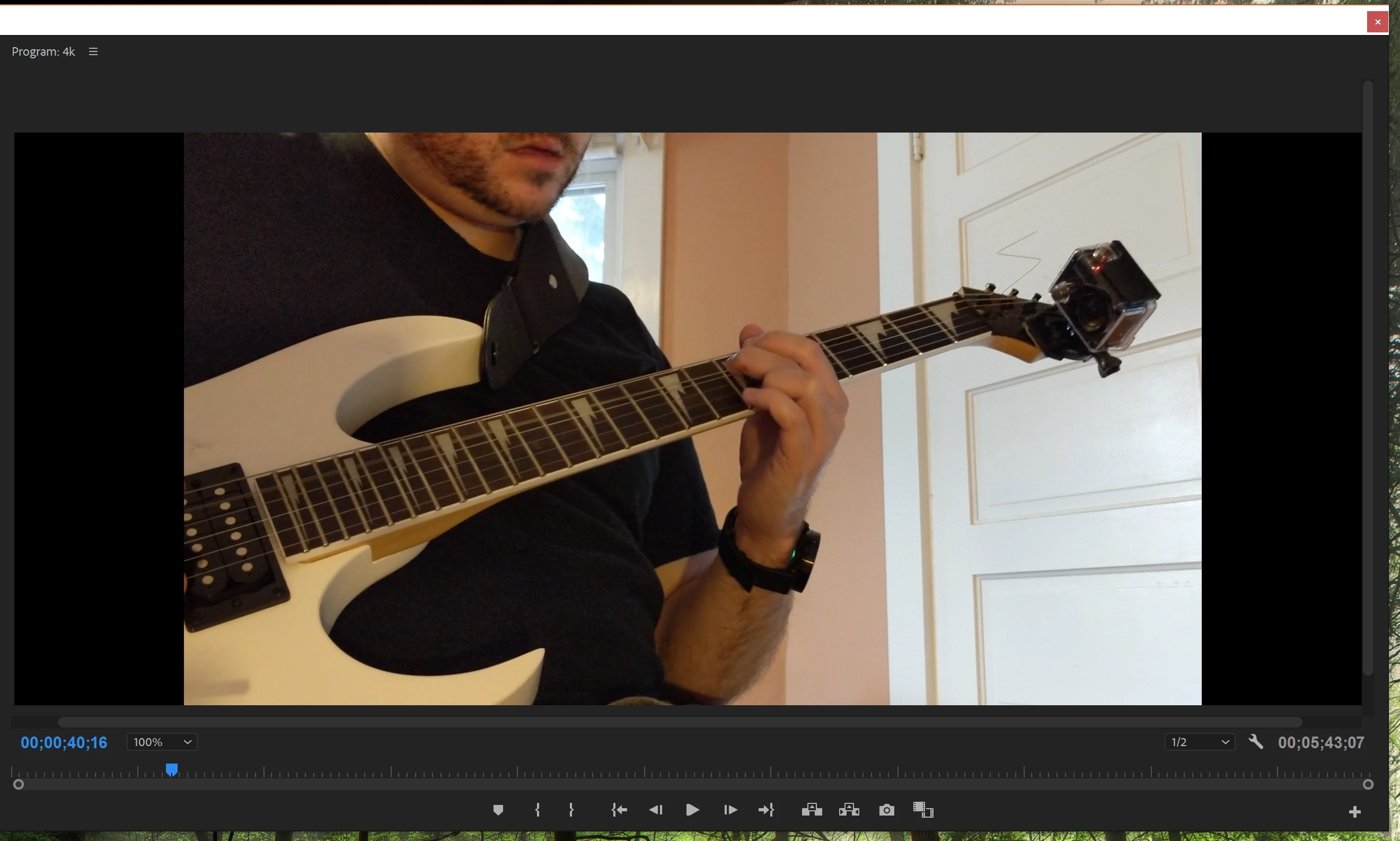
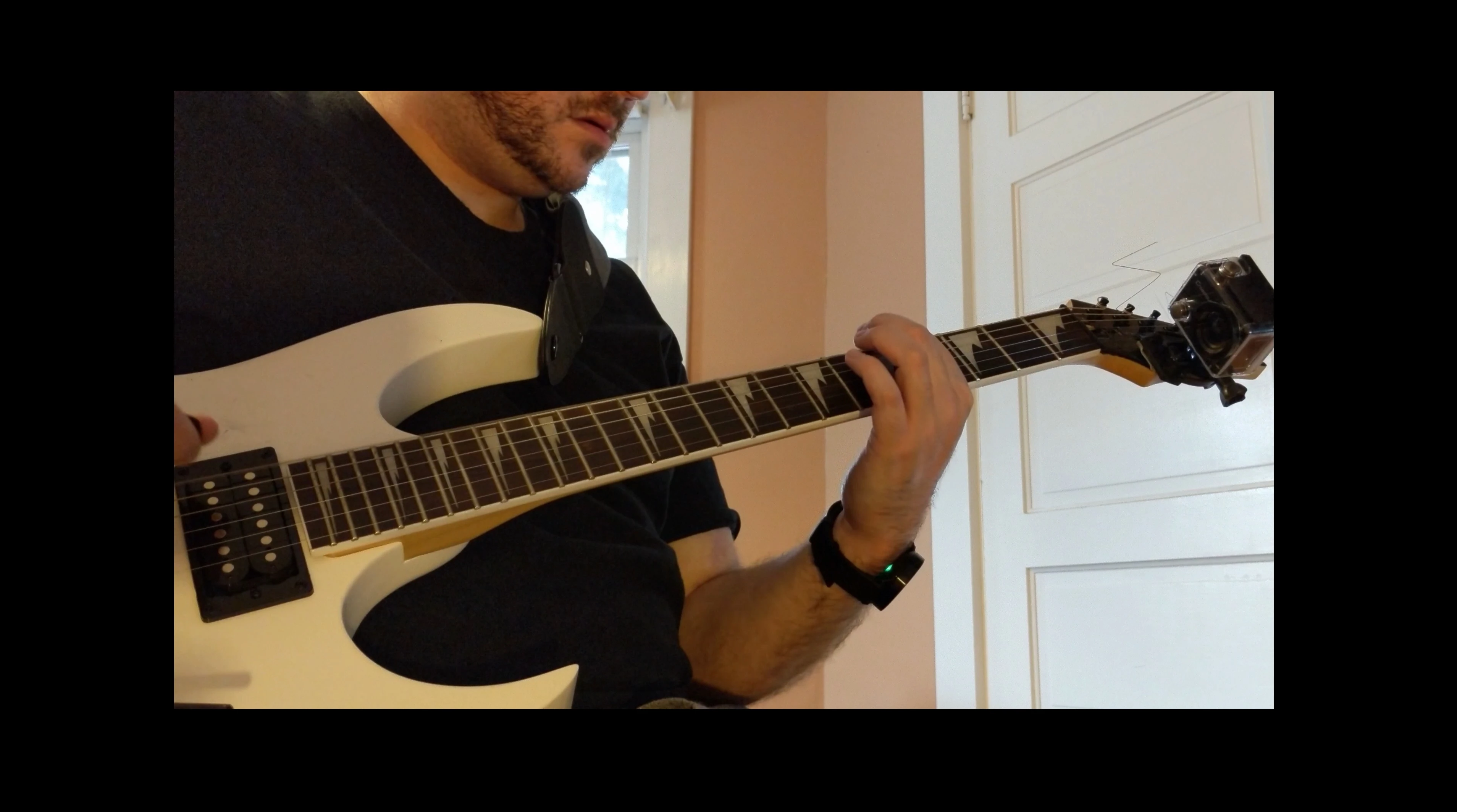
I've noticed a lot of people having trouble with this, but I can't seem to find a solution.  I've uploaded 4k video (which, btw, worked fine in an older version of Premiere) but it doesn't fit the screen.  In the Program window there are black bars on both sides of the video, and when I render it at 3840x2160, there is a black box all the way around the video.  Here are some screen shots:     (I would greatly appreciate any help anyone can provide!) 

    This topic has been closed for replies.
    Correct answer ajburr

    Ah, it turned out that I had to change the Pixel Aspect Ratio to Square Pixels   It looks great now, thanks for your help

    1 reply

    Ann Bens
    Community Expert
    Community Expert
    September 1, 2018

    Set Magnification to FIT instead of 100%.

    Ann Bens
    Community Expert
    Community Expert
    September 1, 2018

    Also make sure your sequence settings are the same as your footage.

    Right click on the sequence in the Project window and go to Sequence Settings and check the frame size and adjust if necessary.

    ajburrAuthorCorrect answer
    Participant
    September 1, 2018

    Ah, it turned out that I had to change the Pixel Aspect Ratio to Square Pixels   It looks great now, thanks for your help