


8 channel audio exporting as single mono channel
Long time listener. First time caller. Thanks for taking my question.
Long story short, I can’t figure out why Premiere is exporting 8 channel audio as a single channel. This is not a new workflow for me. It’s something I’ve done literally hundreds of times. But I can’t figure out why this is happening or what I’m doing wrong.
Images for verification of my procedure.
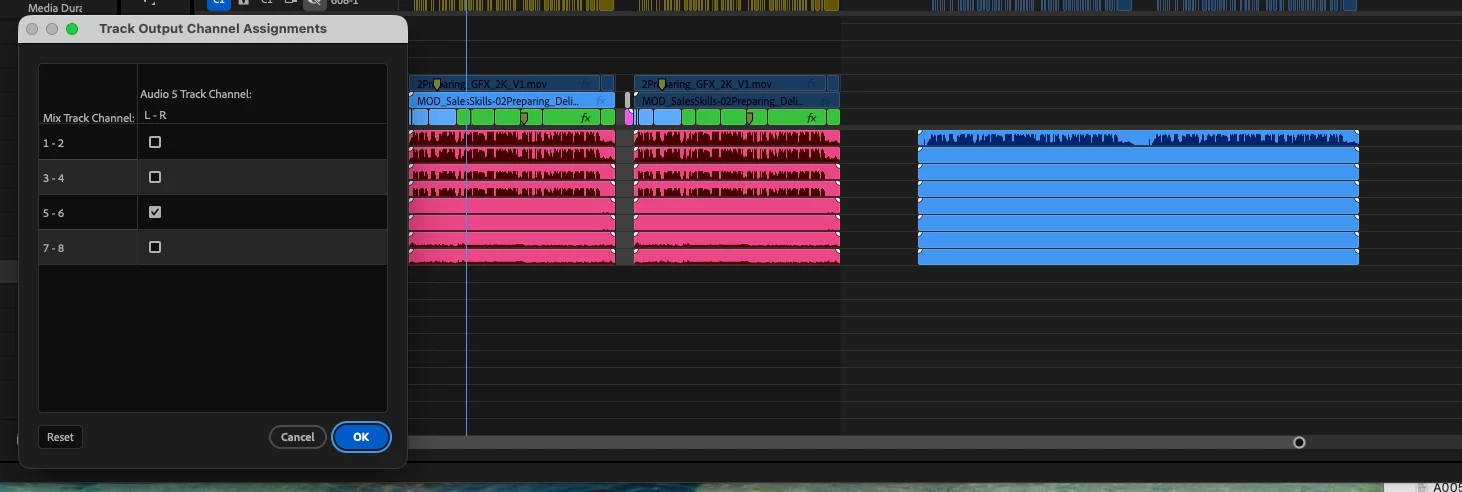
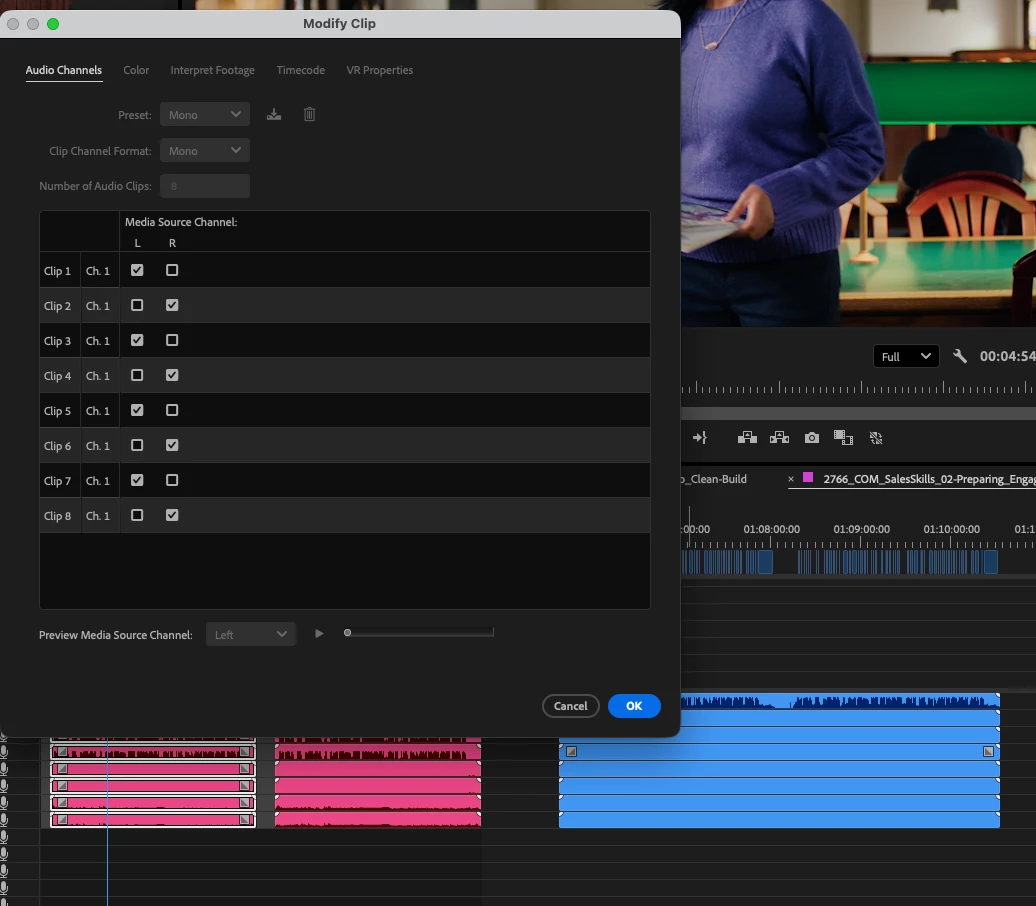
Project set up to import stereo tracks as dual mono so L and R is on channel 1 and 2. Track mixer is set to L on all odd channels and R on all even channels. After I bring in four stereo tracks, making 8 channels total, I set the output channel assignments within the timeline (image 2 shows track 5 as the 5-6 assigned track).
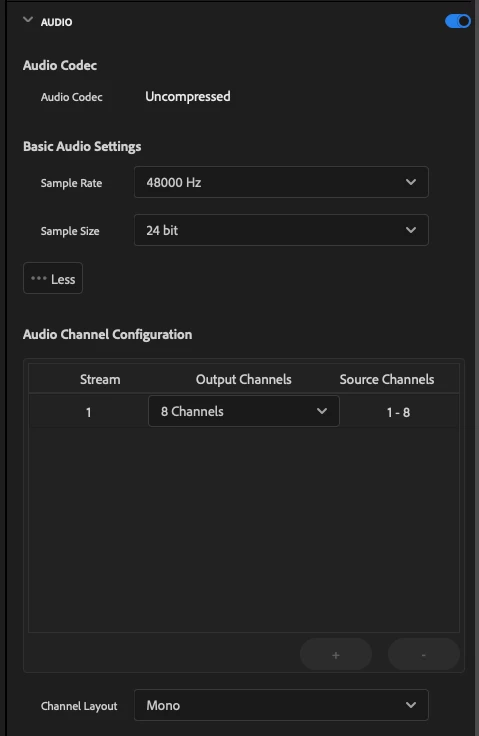
I then export and specify 8 channels in the export settings (image 4).
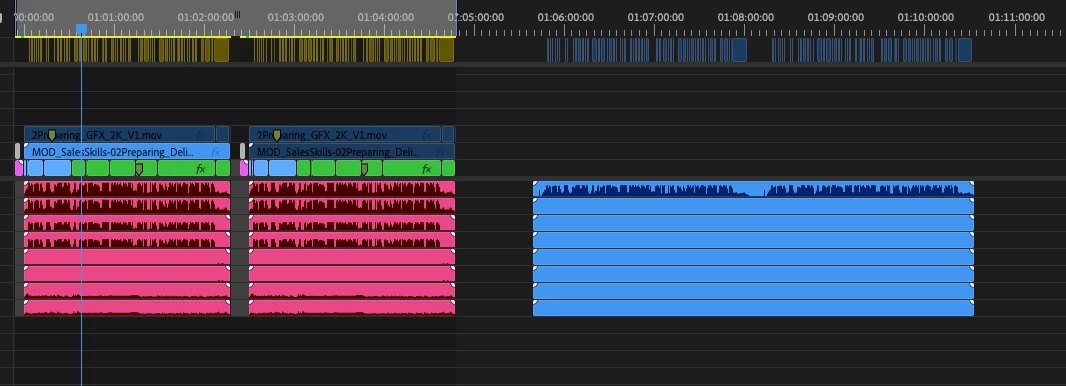
I import the exported file back into the timeline, and the only audio information is on track 1 (see image 1). 2-8 are blank as far as I can tell. I’m also only getting left channel audio during playback. It’s the same as what would have been designated channel 1 when I assigned the channels.
 AdChoices