


Participant
January 29, 2020
Answered

A Bug in the Clock Wipe transition?

  • January 29, 2020
  • 3 replies
  • 4668 views

Hi ,


I am trying to recreate a tutorial for an animated countdown timer using clock wipe transition. However my clock wipe transition is functioning very differently from the tutorial, and I'm not sure where to begin with the fixing! 


The clock wipe transition was setup to span over 31 seconds of the countdown, however it only starts after 20s at the 10sec mark.
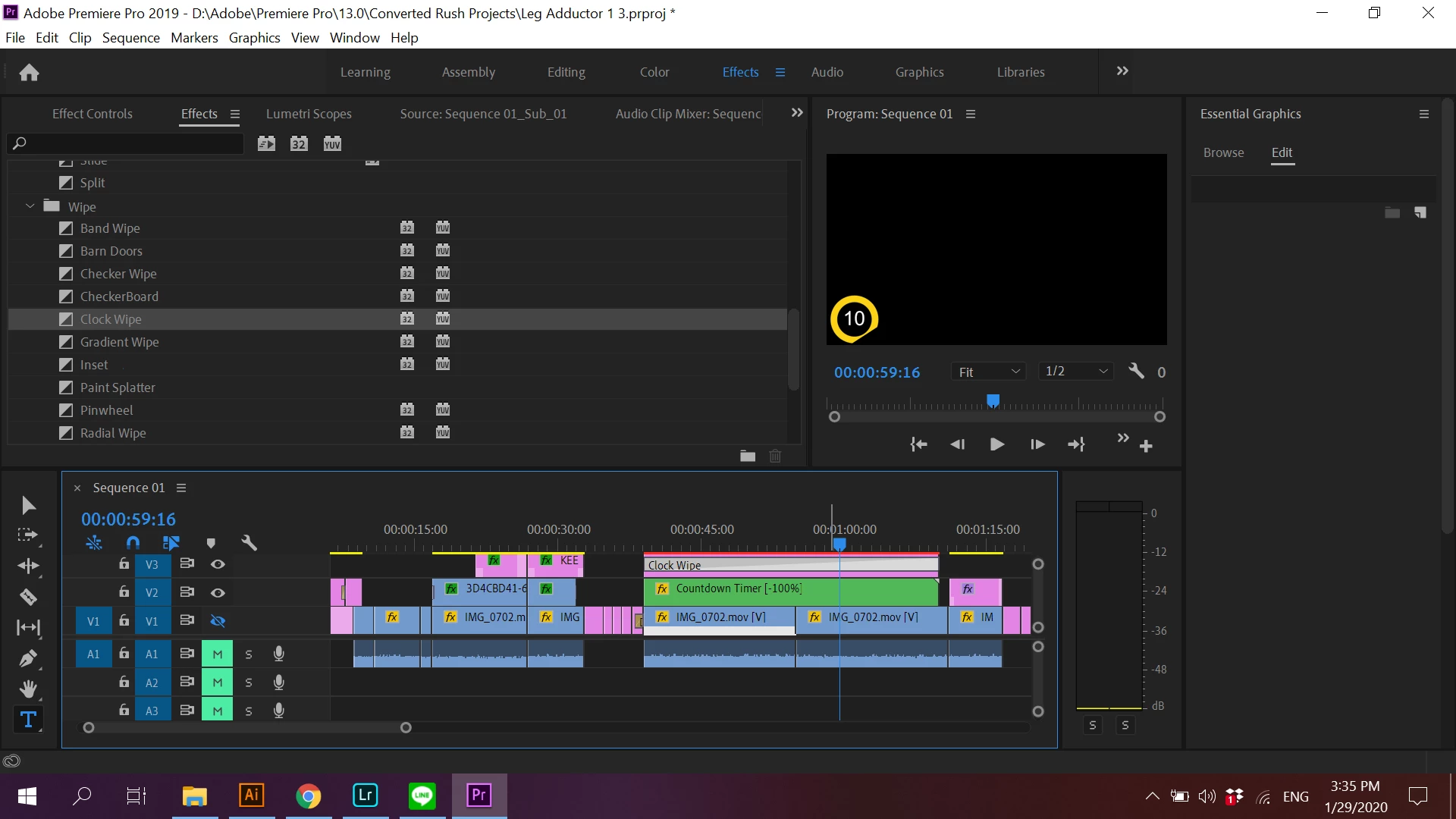
 

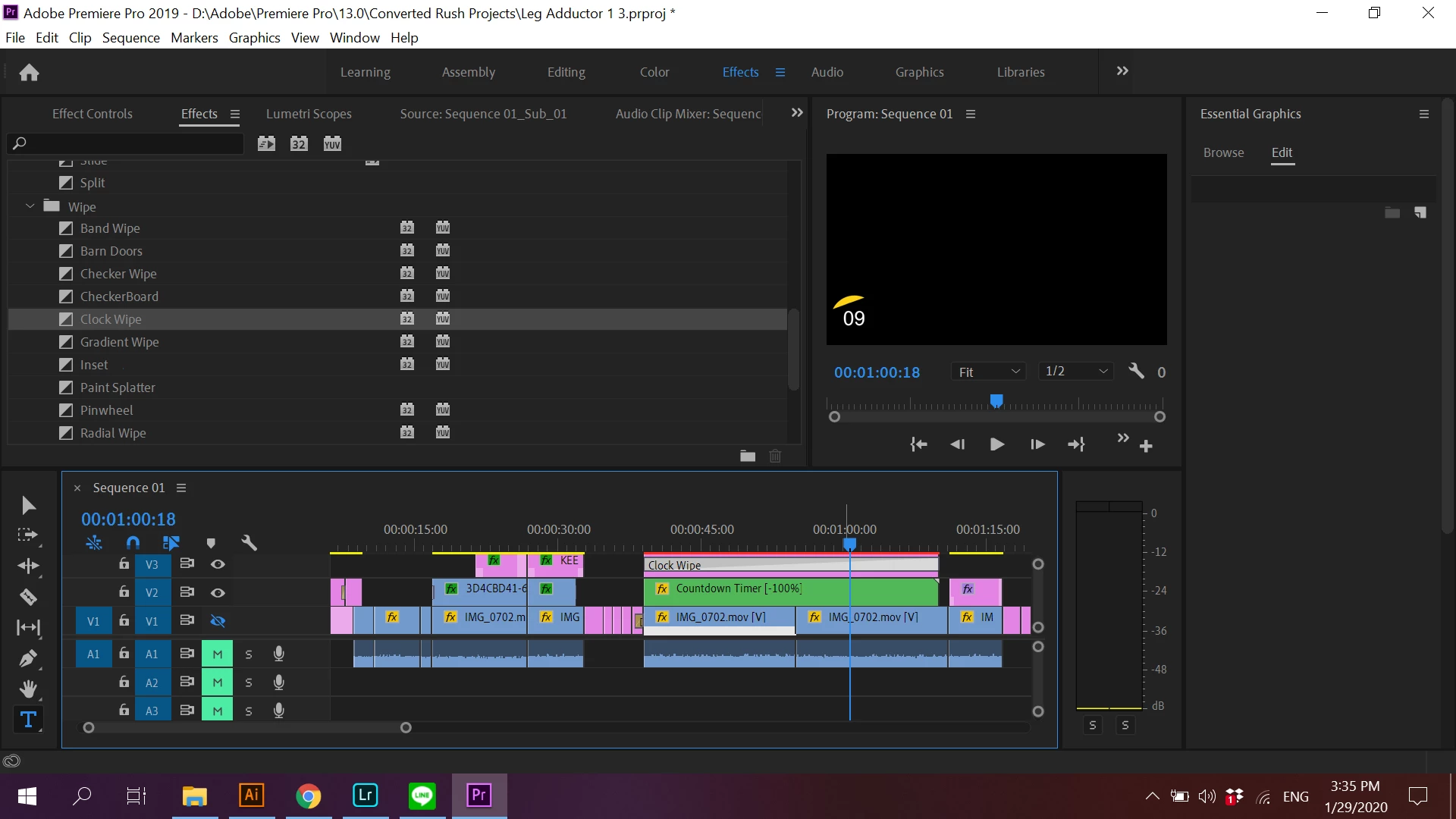
The transition also looks more like a diagonal linear wipe instead of the clock wipe.
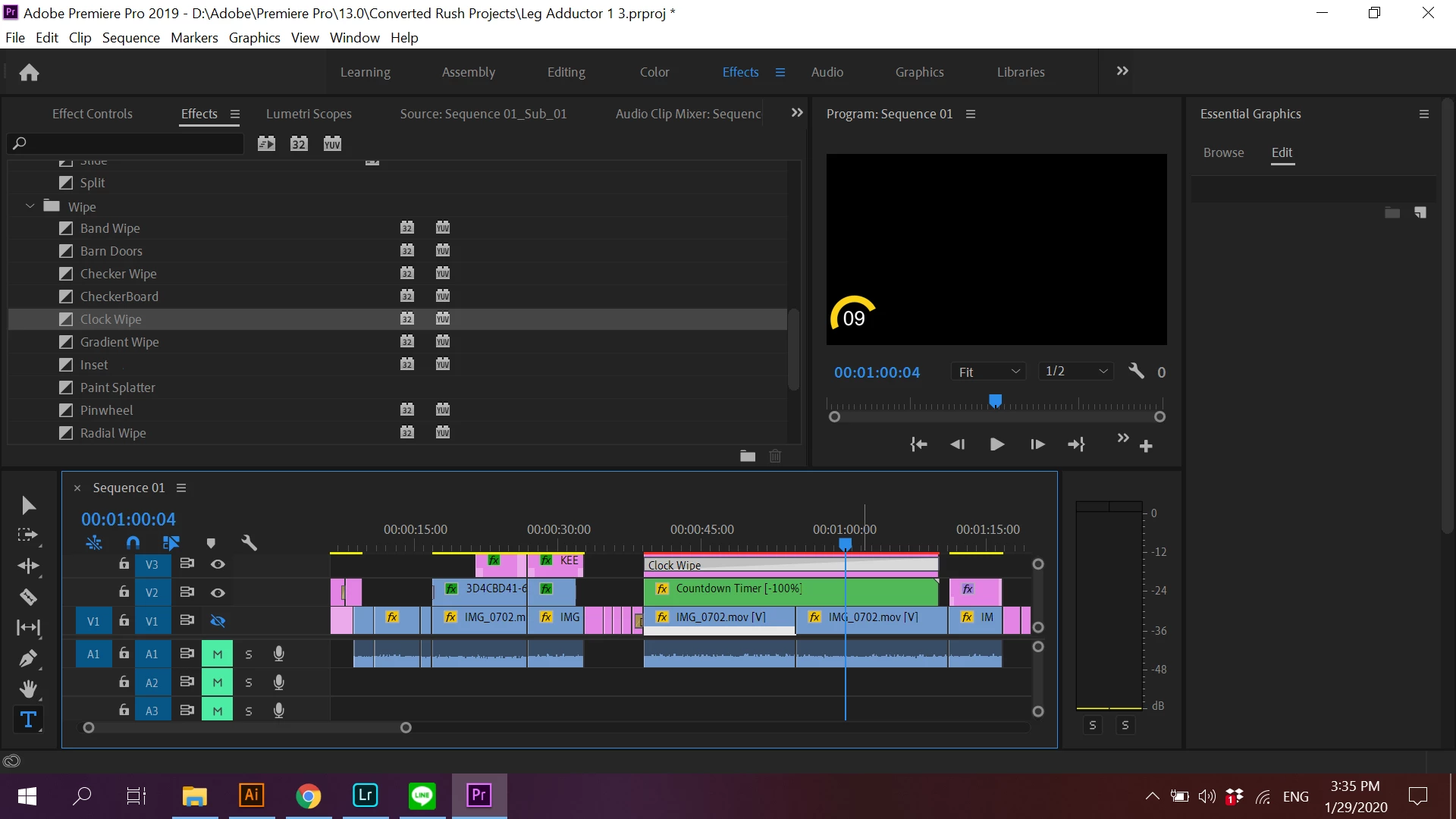
 

The transition ends swiftly after 1 second.
 

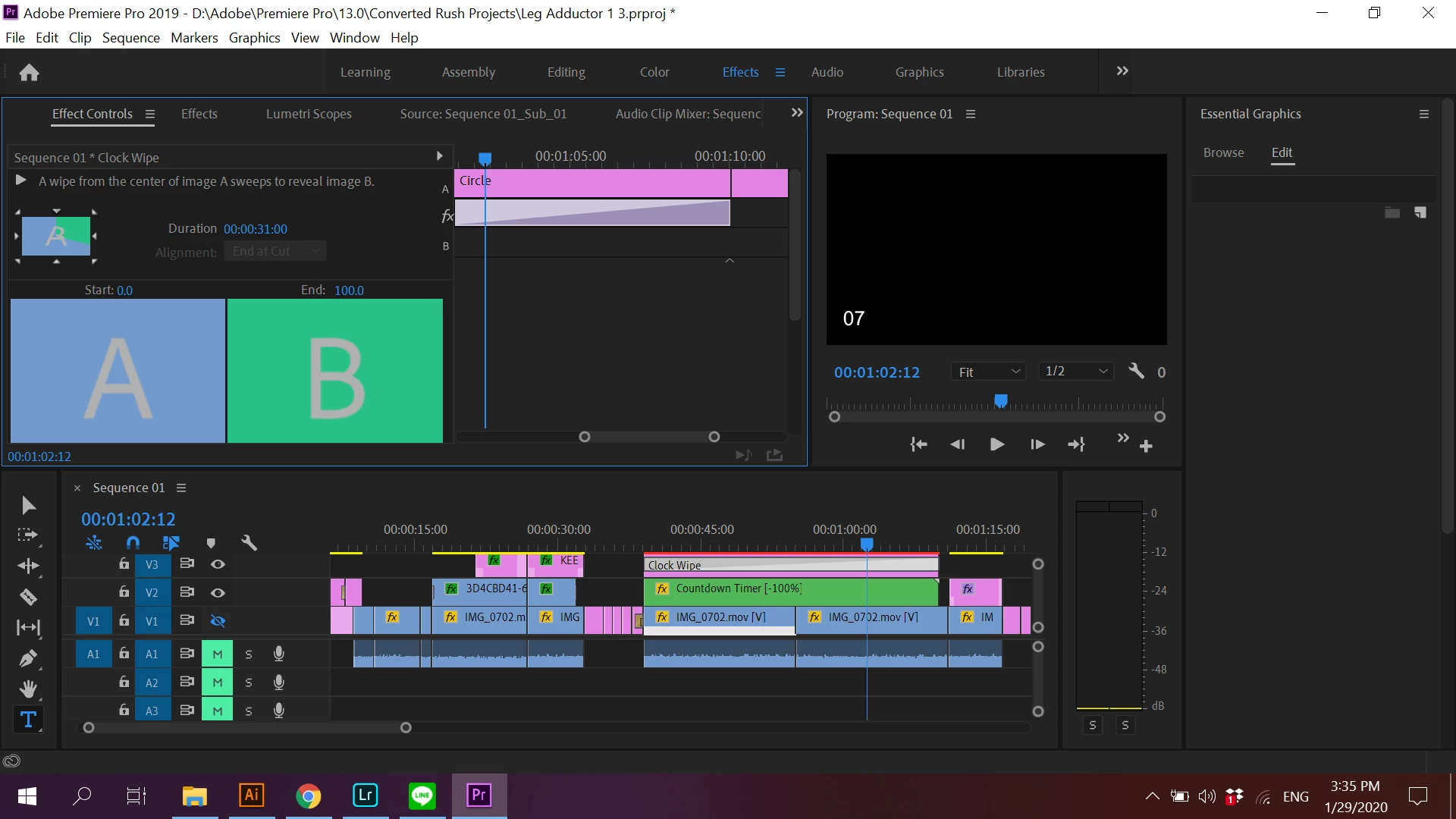
Everything appears correct in the effect controls however, and the preview of the wipe looks correct too.
 

I was followed this tutorial from youtube:

https://youtu.be/q5DhgtNMShU 


I cannot find anybody with a similar problem online. Help!!

Correct answer Richard M Knight

I've never used the clock wipe but your problem might be caused by the centre of the wipe not being in the centre of your circle. If you move your clock to the centre of the screen does it work correctly then? If that works do the effect in the centre of the frame, nest the clip and then move the nest to the bottom left. 

3 replies

Richard M KnightCommunity ExpertCorrect answer
Community Expert
January 29, 2020

I've never used the clock wipe but your problem might be caused by the centre of the wipe not being in the centre of your circle. If you move your clock to the centre of the screen does it work correctly then? If that works do the effect in the centre of the frame, nest the clip and then move the nest to the bottom left. 

Participating Frequently
April 15, 2020

Richard, thank you. This solved the problem for me. I did exactly as you said, moving the circle to the center and then clock-wipe worked correctly. Nest clip, adjust position and bingo.