

A low-level exception has occurred in: AE.ADBE AEMASK (GPU & software encoding) cannot work, export
I've been spot color-correcting a video using Lumetri Color with a tracked mask. Already hours in to this work, these errors started showing up as I was 75% through the video. I disabled GPU acceleration on the project and continued, finishing my mask tracking, but the errors continue to pop up throughout the video.
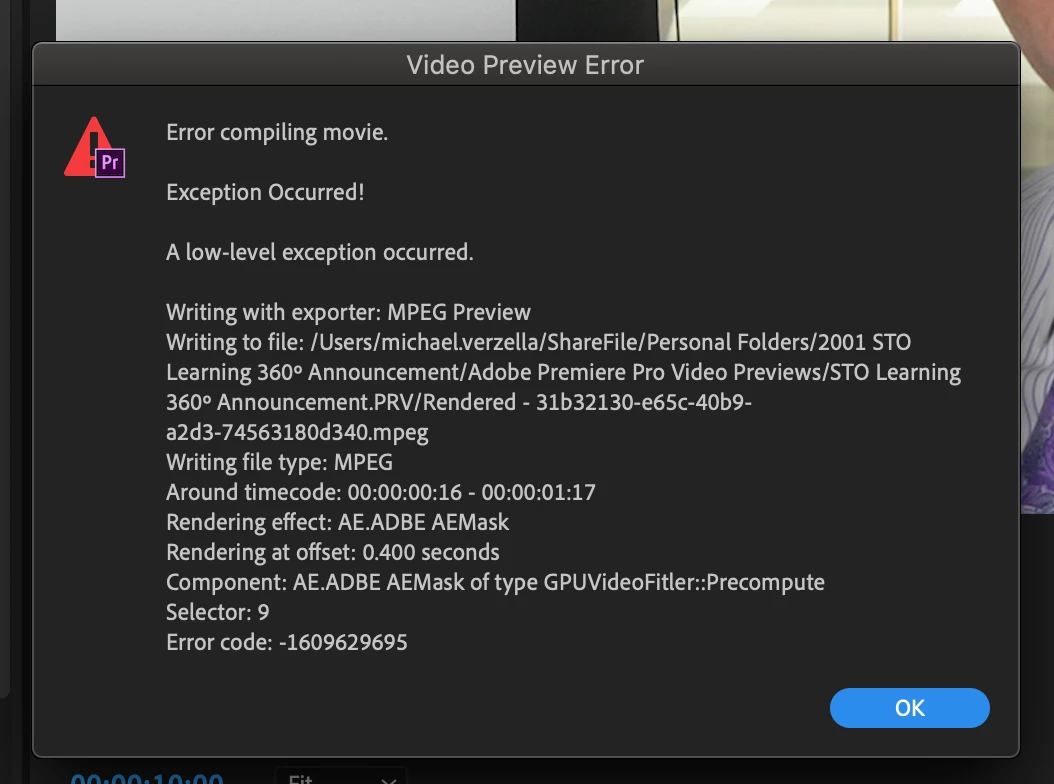
I am prevented from rendering the timeline or exporting the video.
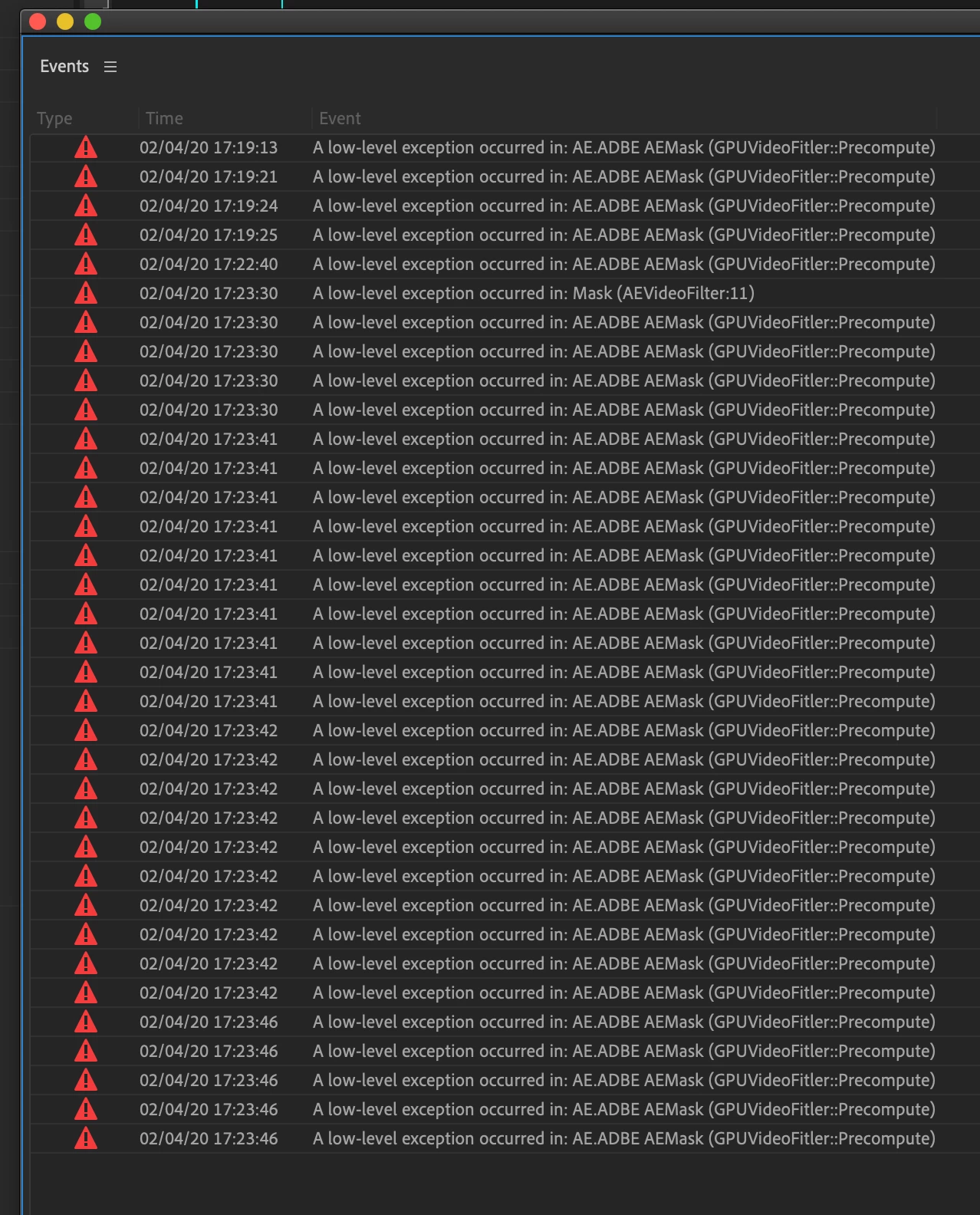
With GPU acceleration enabled, the error reads
A Low-level exception occured in: AE.ADBE AE MASK (GPUVideoFitler::Precomputer)
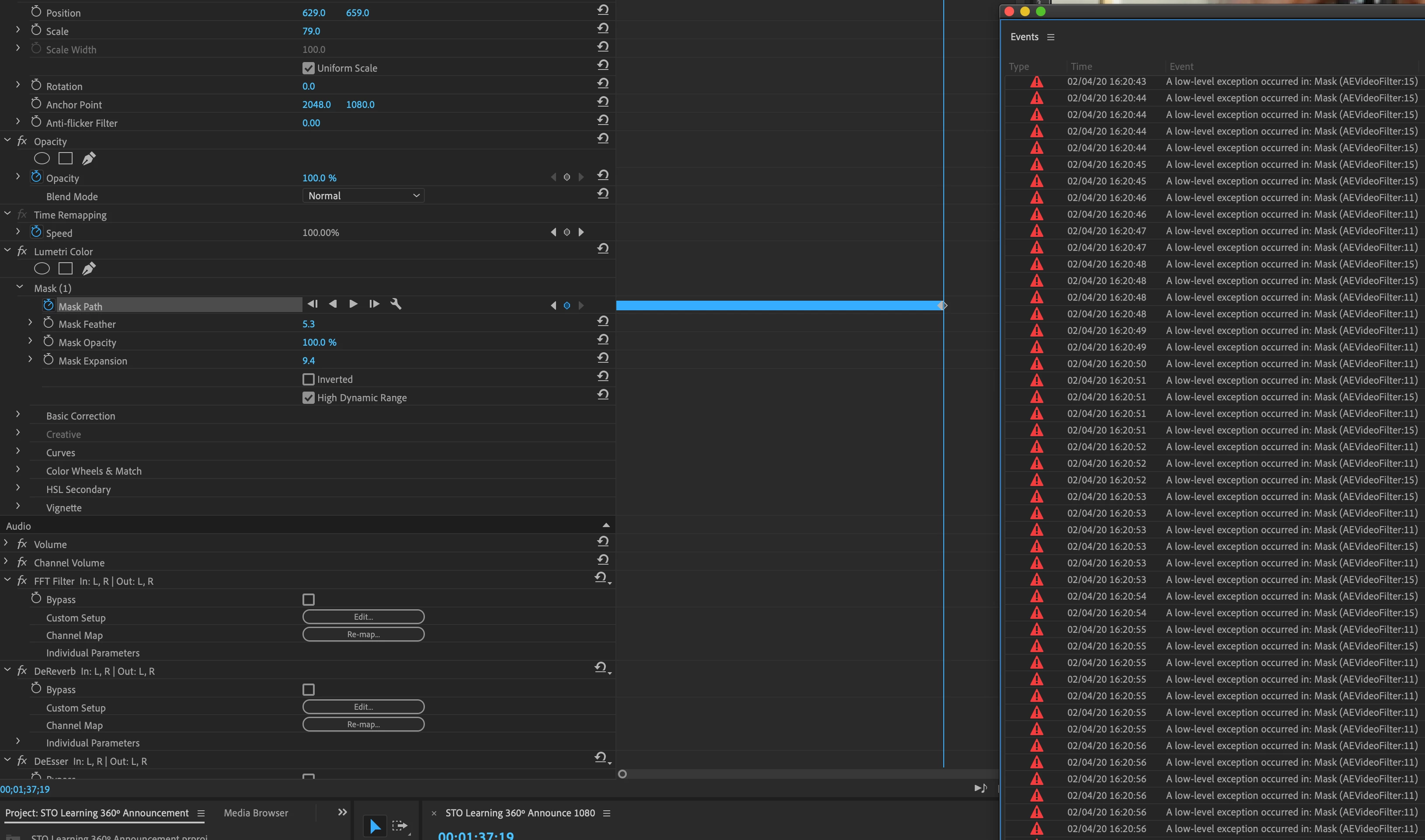
With software rendering enabled, the error reads
A Low-level exception occured in: Mask (AEVideoFitler:15)
and
A Low-level exception occured in: Mask (AEVideoFitler:11)
I cannot find a way forward with Premiere. I started this work on vr 14.0.1 and am exploring how I might hack this project to open in an earlier version to try to get around this and salvage my work.
Have tried resetting preferences, disabling GPU acceleration on the project, and moving the masks to fresh file imports.
Expected behavior: masks should track without errors. Should be able to render and export video.
This was working fine on another project last week.
iMac Pro.
Mac OS Catalina 10.15.2
3.2 Ghz 8-core Xeon W
32GB ram
Radeon Pro vega 64 16gb
 AdChoices