
A low-level exception occurred in: Adobe Player (Player:76)
I run a PC with an i7-4xx processor @ 3.60 GHz and 16GB RAM. My graphics card is a Radeon R9 200 with 4GB of GDRR5 memory.
Everything worked fine until I downloaded Premiere Pro 14.1.
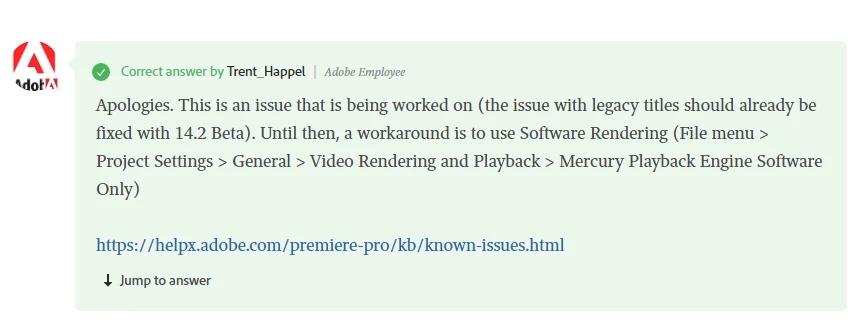
Premiere Pro began to throw obscure playback errors during editing and I suspected the Mercury Playback Engine. For example, if I select GPU Acceleration for video rendering and playback (my normal setting), I immediately get "A low-level exception occurred in: Adobe Player (Player:76).
MP4s on my timelines disappear and gold Media Pending blocks appear in the Program Panel instead. When I trim something on the timeline, the error says: "A low-level exception occurred in: Mercury Playback Engine GPU Acceleration (OpenCL)(Accelerated Renderer:2).
If I select the other option for video rendering and playback—Mercury Playback Engine Software Only—the MP4s on the timeline reappear and I can trim them, but it takes forever to export a one-hour MP4.
Any help will be much appreciated.
Any


 AdChoices