


Question
Accelerated Renderer Error
I have suddenly recieved this message whilst trying to export a video. I've been using premiere pro for months and have exported loads of videos of similar content with no problems.
I've tried removing the video at the timestamp it mentions but that hasn't helped.
Any ideas what I can do to fix this?
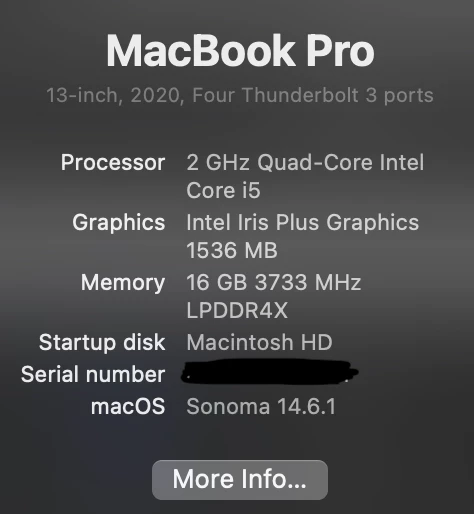
I've attached the info on my laptop so you know what I'm working with. Although premiere pro sometimes crashes whilst editing, I've never had any issues with exporting before. 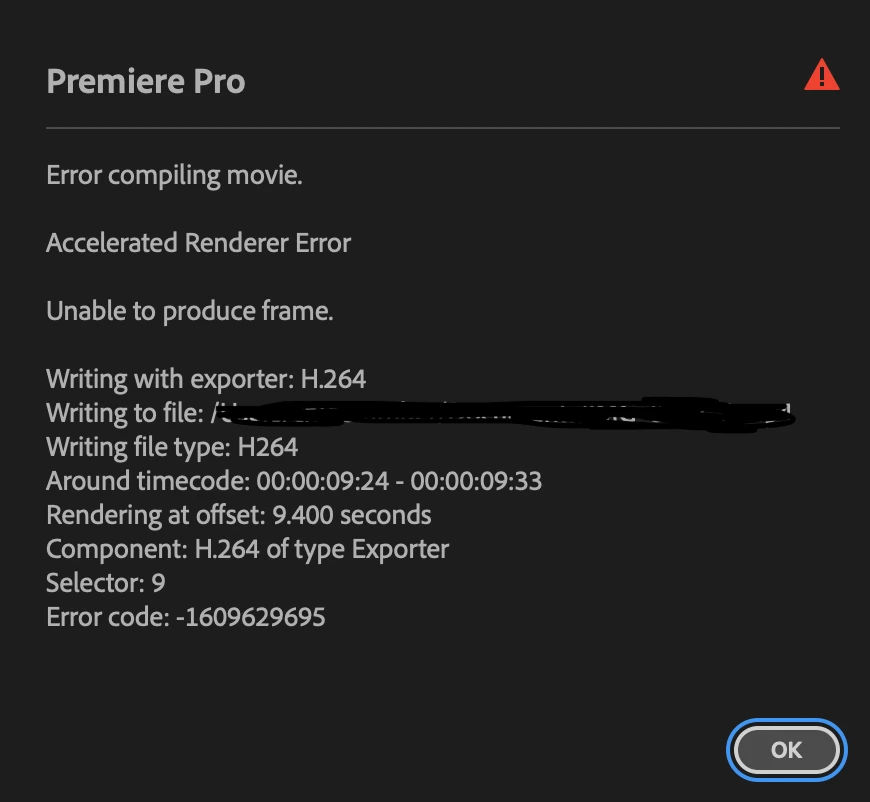
 AdChoices