

Answered
Accidentally press read mode only is there a way to recover my video
Been working on a video for the past 3 days and accidentally pressed the read-mode only on the bottom left and lost everything. Is there anything I can do to recover it?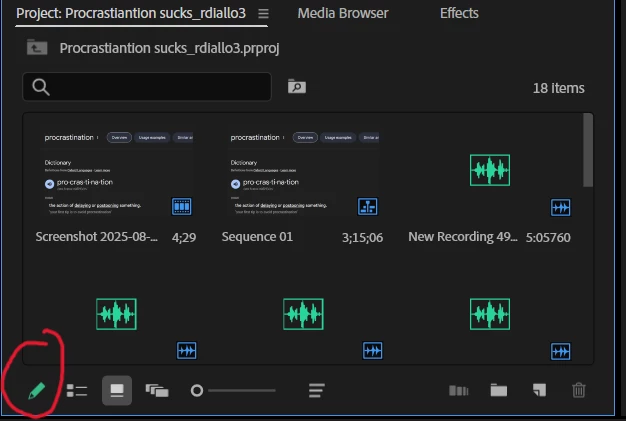

Been working on a video for the past 3 days and accidentally pressed the read-mode only on the bottom left and lost everything. Is there anything I can do to recover it?
Already have an account? Login
Enter your E-mail address. We'll send you an e-mail with instructions to reset your password.
 AdChoices