Participant
February 22, 2022
Answered

Add adjustment layer to captions in Premiere Pro 22.2

  • February 22, 2022
  • 2 replies
  • 1904 views

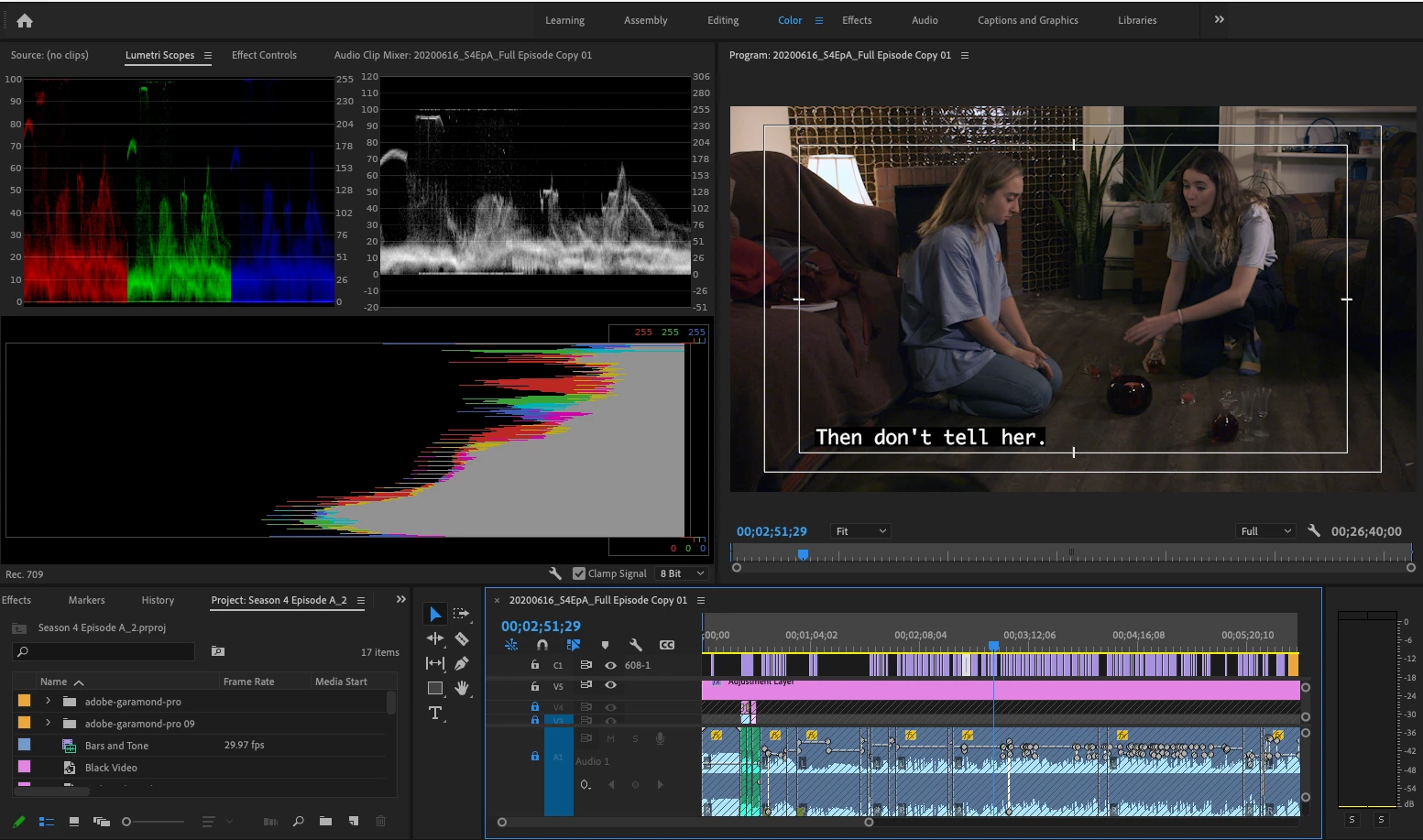
Hello, so I just updated Premiere to version 22.2 and I'm editing some content that needs to go to PBS and be Broadcast Safe (white and black levels no higher than 100 or below 0). So when I updated the captions now have their own track above everything which is super helpful mostly but the issue is it lost being under the protection of the adjustment layer with the video limiter on it. So now the captions (black background, white text) keeps peaking out of the Broadcast Safe zone. I want to add a new adjustment layer with the video limiter to the captions but you can't seem to add anything except captions to the caption tracks. Any assistance? Thank you.
This topic has been closed for replies.
Correct answer Vishu_Aggarwal

You can nest the sequence into another sequence and then use the video limiter or while exporting from premiere pro you can apply the video limiter effect from the export window > Effects tab.


2 replies

R Neil Haugen
Legend
March 5, 2022

Vishu nailed it ... either and/or both should fix your ills.


Neil

Everyone's mileage always varies ...
Vishu_Aggarwal
Vishu_AggarwalCorrect answer
Participating Frequently
March 5, 2022

You can nest the sequence into another sequence and then use the video limiter or while exporting from premiere pro you can apply the video limiter effect from the export window > Effects tab.


Vishu AggarwalAdobe Certified Instructor, Professional and Expert