
Adjust transition and levels of multiple audio tracks at once?
Hello,
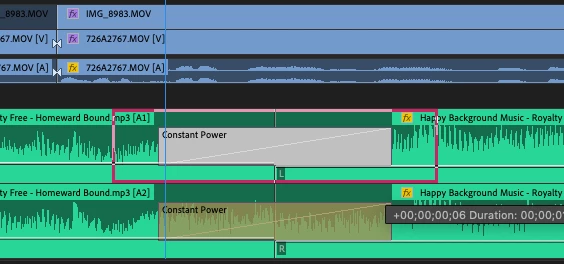
If my memory serves me right, this feature was existent in earlier versions of PPro I guess? I'm currently using Prmeiere Pro 14.3 and I want to know if there's a way in which I can adjust the transition length of two audio/video tracks together at the same time? Currently I'm only able to change duration one at a time and then I copy and paste the transitions to other tracks as a workaround.
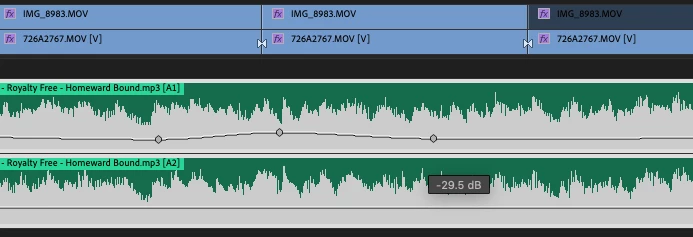
Same ggoes for levelling audio. I use keyframes to increase/decrease levels of the audio and whenever I try to do so to two mono audio clips (left and right channel), I am only able to change the levels of the left channel. I then copy and paste the attributes to the right channel. Ideallly the levels of both the channels should change at the same time while using keyframes right?
Both these features are available on Media composer and was on Fcp 7 so i'm not sure what went wrong with premiere. I would love to know if I'm doing anything wrong and there's an actual solution to this! Please help!
 AdChoices