
Participating Frequently
May 26, 2024
Answered

Adjustment layer scrolling doesn't work.

  • May 26, 2024
  • 3 replies
  • 389 views

Hello, 

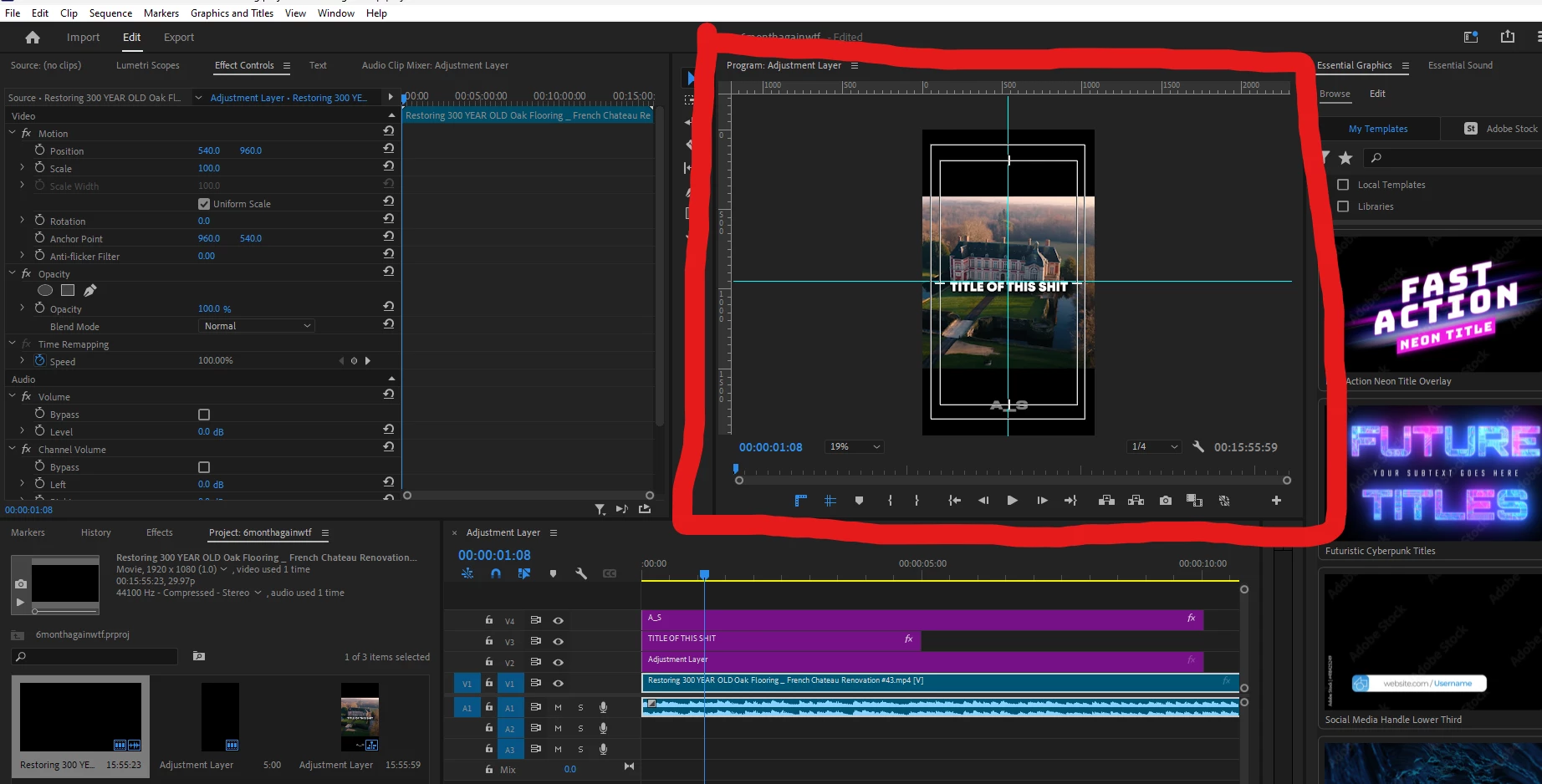
I just logged in today and starting editting and I can usually scroll with my mouse wheel and go through the timeline but I can't now and all it does is zoom-in and zoom-out. I can't find anything in the perferences and I'm unable to find something related to this feature. Does anyone have insight into this and how I can change this back. (picture attached below)
Thank you.
This topic has been closed for replies.
Correct answer Ann Bens

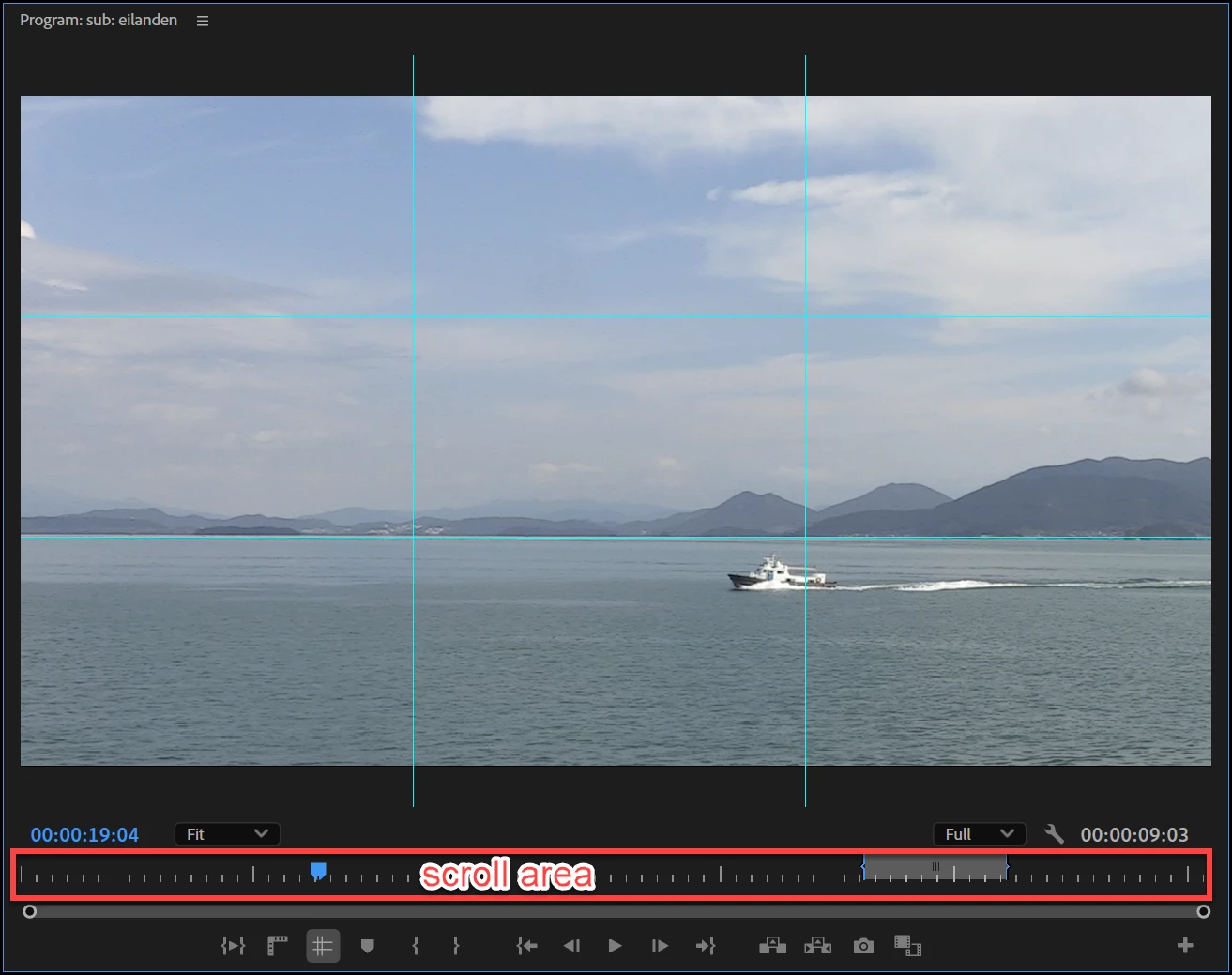
New scrolling area:

Latest release of Premiere Pro, new features summary

3 replies

Ann Bens
Community Expert
Ann BensCommunity ExpertCorrect answer
Community Expert
May 26, 2024
Participating Frequently
May 26, 2024

omg, that's so weird. Thank you.

kglad
Community Expert
Community Expert
May 26, 2024

in the future, to find the best place to post your message, use the list here, https://community.adobe.com/

p.s. i don't think the adobe website, and forums in particular, are easy to navigate, so don't spend a lot of time searching that forum list. do your best and we'll move the post (like this one has already been moved) if it helps you get responses.


<"moved from cc desktop">
Participating Frequently
May 26, 2024

Roger, Thank you.

kglad
Community Expert
Community Expert
May 26, 2024

you're welcome, and yes, that's a pretty quick response from @Ann Bens 

kglad
Community Expert
Community Expert
May 26, 2024

what app?

Participating Frequently
May 26, 2024

Premiere Pro.