



martigasin
Participant
May 9, 2026
Question

adobe premiere no me esta funcionando

  • May 9, 2026
  • 1 reply
  • 5 views

Desde que instale nueva ram y un nuevo windows 11 , adobe premiere no esta arrancando se queda cargando en la pantalla de apertura y si es que logra arrancar se cuelga toda la computadora 

adobe illustrator y adobe photoshop funcionan pero adobe premier y after effects no funcionan 


estas son mis especificaciones: 

Procesador    Intel(R) Core(TM) i7-7500U CPU @ 2.70GHz (2.90 GHz)
RAM instalada    24,0 GB (23,9 GB usable)
NVIDIAGE FORCE 940MX

Edición    Windows 11 IoT Enterprise LTSC
Versión    24H2
Instalado el    ‎13/‎3/‎2026
Versión del sistema operativo    26100.8328
Experiencia    Paquete de experiencia de características de Windows 1000.26100.304.0

adjunto por si sirve el log del error que me aparece. 
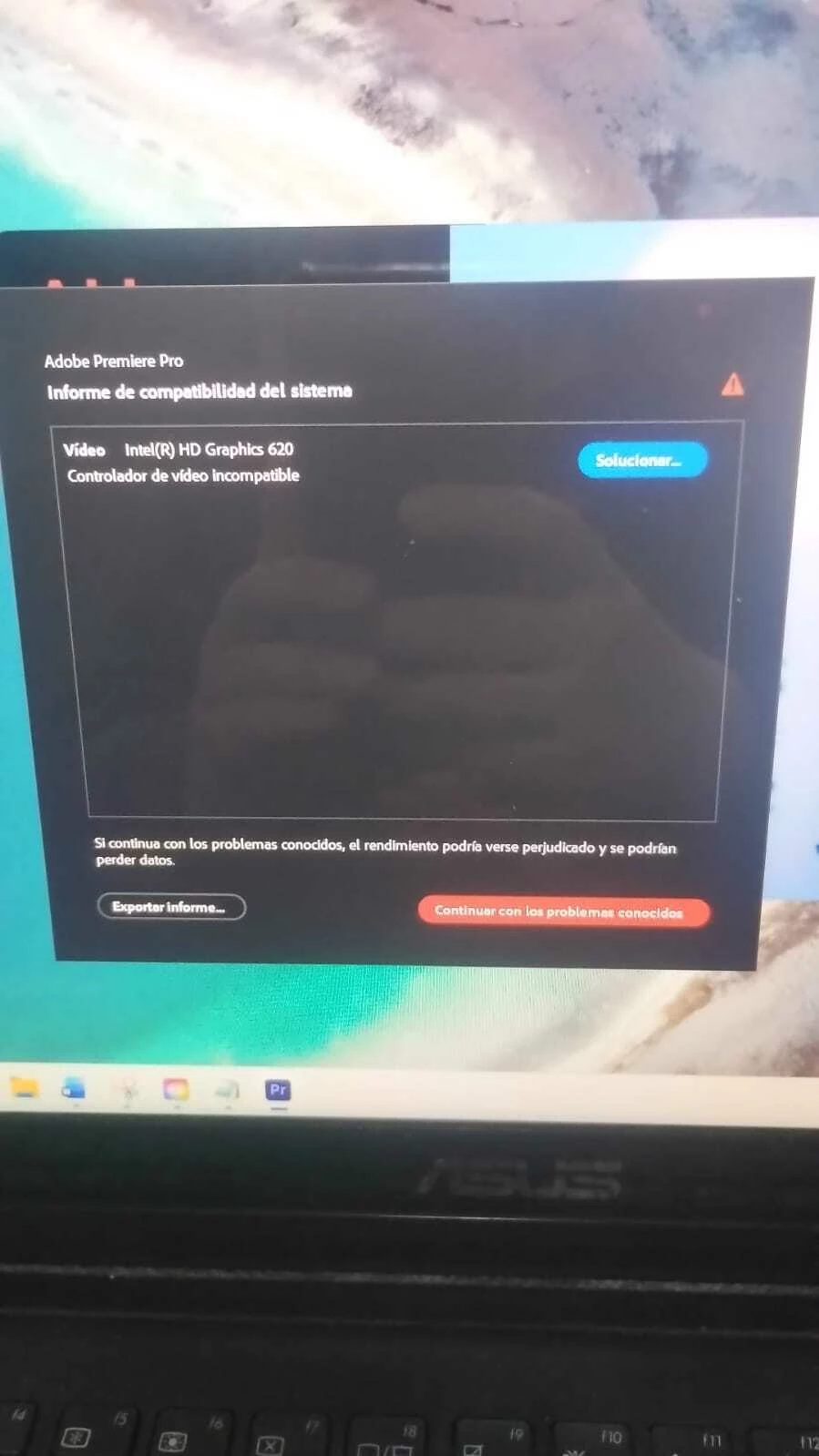


si me pueden ayudar a descubrir cual es el problema 


    1 reply

    John T Smith
    Community Expert
    Community Expert
    May 9, 2026

    Do not count on Windows to be fully up to date when it comes to device drivers
    Go to the vendor site to be sure you have an updated driver for your graphic adapter
    There have also been reports in the past that the latest driver is not the best driver
    .
    https://helpx.adobe.com/premiere-pro/kb/gpu-and-gpu-driver-requirements-for-premiere-pro.html
    .
    nVidia Driver Downloads https://www.nvidia.com/Download/index.aspx?lang=en-us-for
    all Adobe programs use the STUDIO driver, not the GAMING driver-To
    achieve the highest level of reliability, Studio Drivers undergo extensive-testing
    against multi-app creator workflows and multiple revisions of the top-creative
    applications from Adobe to Autodesk and beyond
    .
    If you have a laptop you MAY also need to check for a laptop specific nVidia driver-SOME
    laptops require an approved driver from the laptop company, not nVidia
    .
    Intel https://downloadcenter.intel.com/product/211969/Intel-HD-Graphics-Family
    https://www.askwoody.com/newsletter/free-edition-working-with-the-intel-driver-support-assistant/