mreed2468
Participant
February 11, 2020
Answered

Adobe Premiere Pro 2020 (14.0.1) error while importing gameplay footage

  • February 11, 2020
  • 2 replies
  • 1105 views

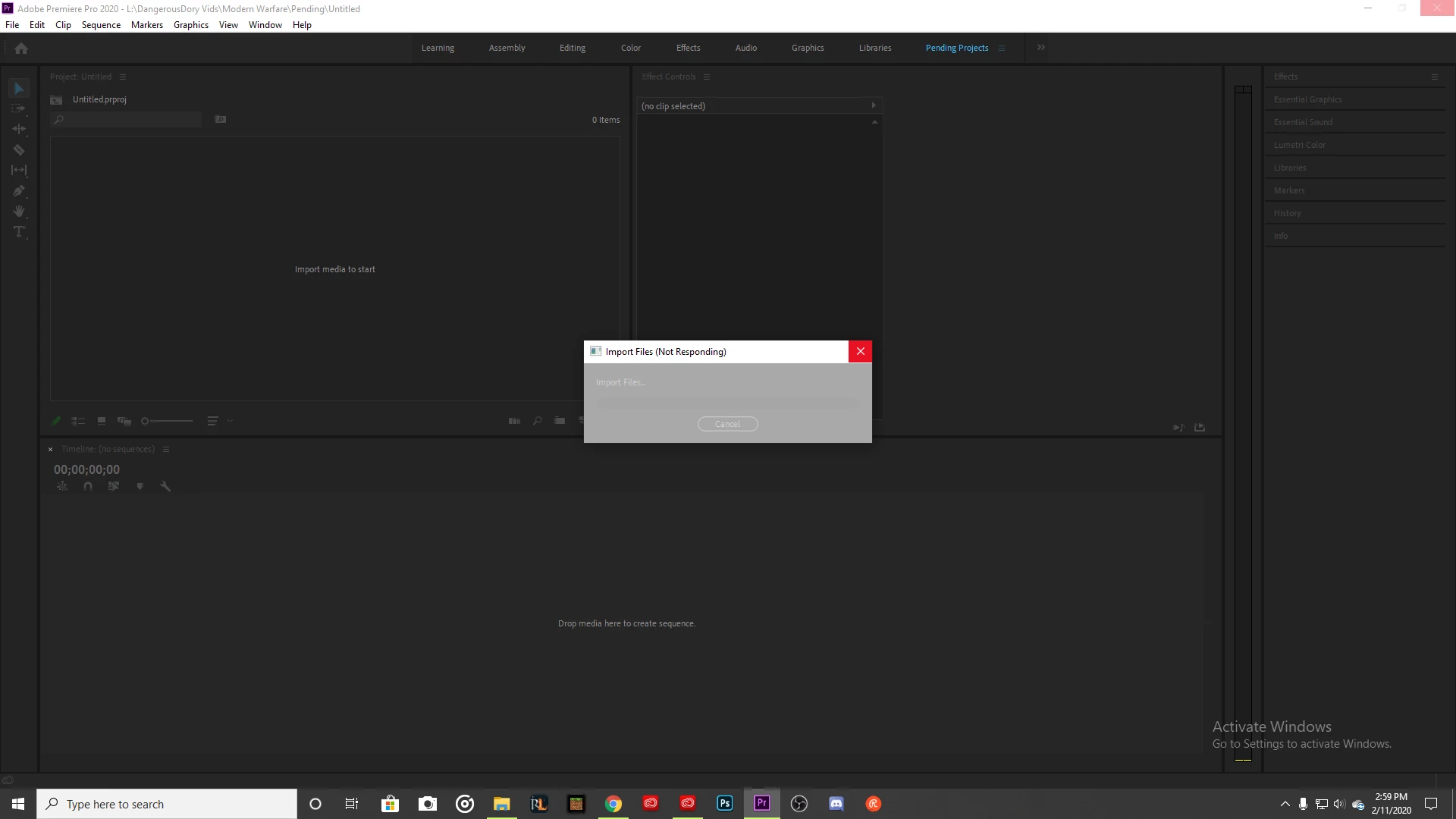
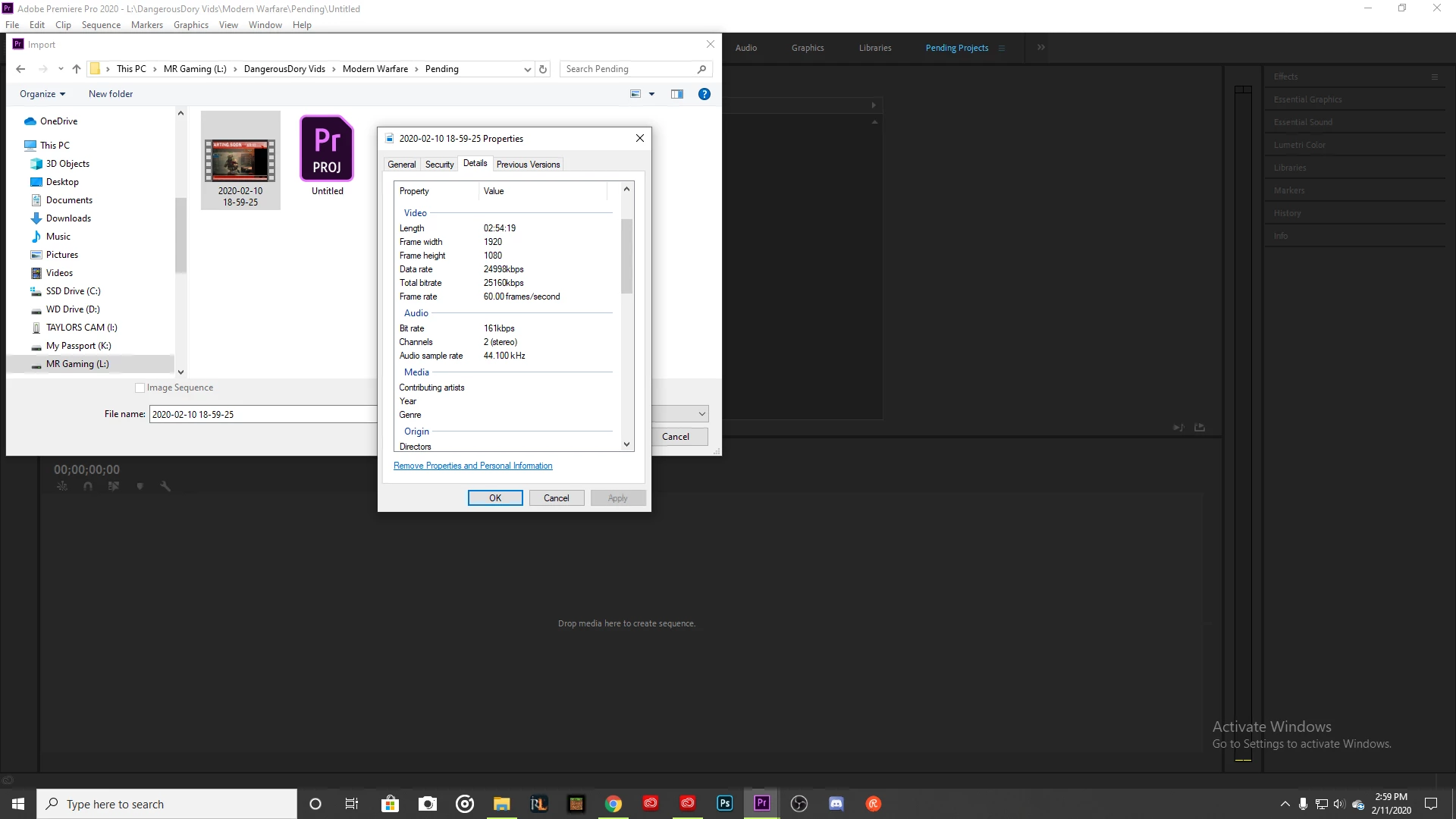
Hello, I'm a streamer that videos hours of gameplay down to short clips. Ever since I updated to PP 14.0.1 I haven't been able to import my gameplay footage. 

Computer Specs:

Intel i5-6500 3.2ghz

Geforce gtx 1050ti 4gb GDDR5

4 sticks of 8gb hyperX RAM (32GB total)


Title edited by mod
This topic has been closed for replies.
Correct answer jasonvp

This is a known issue with the latest versions of Premiere Pro, assuming you're importing h.264 long-GOP file formats.  Premiere locks up while it's trying to import the files, sends one of your CPU cores to 100%, and sits there as if it's doing nothing.


It IS processing the files.  It just takes a while.  And given how old/slow your CPU is, it's going to seem like forever.  Try importing a single clip at a time and see how long it takes.  The longer the file and the slower the CPU, the worse it's going to seem.  But based on my experience with this bug, it will complete the import.

2 replies

jasonvp
jasonvpCorrect answer
Inspiring
February 12, 2020

This is a known issue with the latest versions of Premiere Pro, assuming you're importing h.264 long-GOP file formats.  Premiere locks up while it's trying to import the files, sends one of your CPU cores to 100%, and sits there as if it's doing nothing.


It IS processing the files.  It just takes a while.  And given how old/slow your CPU is, it's going to seem like forever.  Try importing a single clip at a time and see how long it takes.  The longer the file and the slower the CPU, the worse it's going to seem.  But based on my experience with this bug, it will complete the import.

Kartika Rawat
Community Manager
Community Manager
February 12, 2020

Hi there,

Thank you for reaching out. Ideally, gameplay footage have a variable frame rate that could be the reason for this issue.

  • Which software did you use to capture the clips?
  • Could you share the codec or format of the media files?
  • Did you experience the same behavior while working with other files? 

Regards,

Kartika

mreed2468
mreed2468Author
Participant
February 13, 2020

OBS (streamelements)

mp4 format

Smaller clips from the same recording system do work after abour 5mins. After the clips pass an hour or so in length, that's when it freezes up on me.