
Participant
September 4, 2017
Question

Adobe Premiere Pro CC 2017 Cant open windows project files in mac

  • September 4, 2017
  • 4 replies
  • 4447 views

Hello,

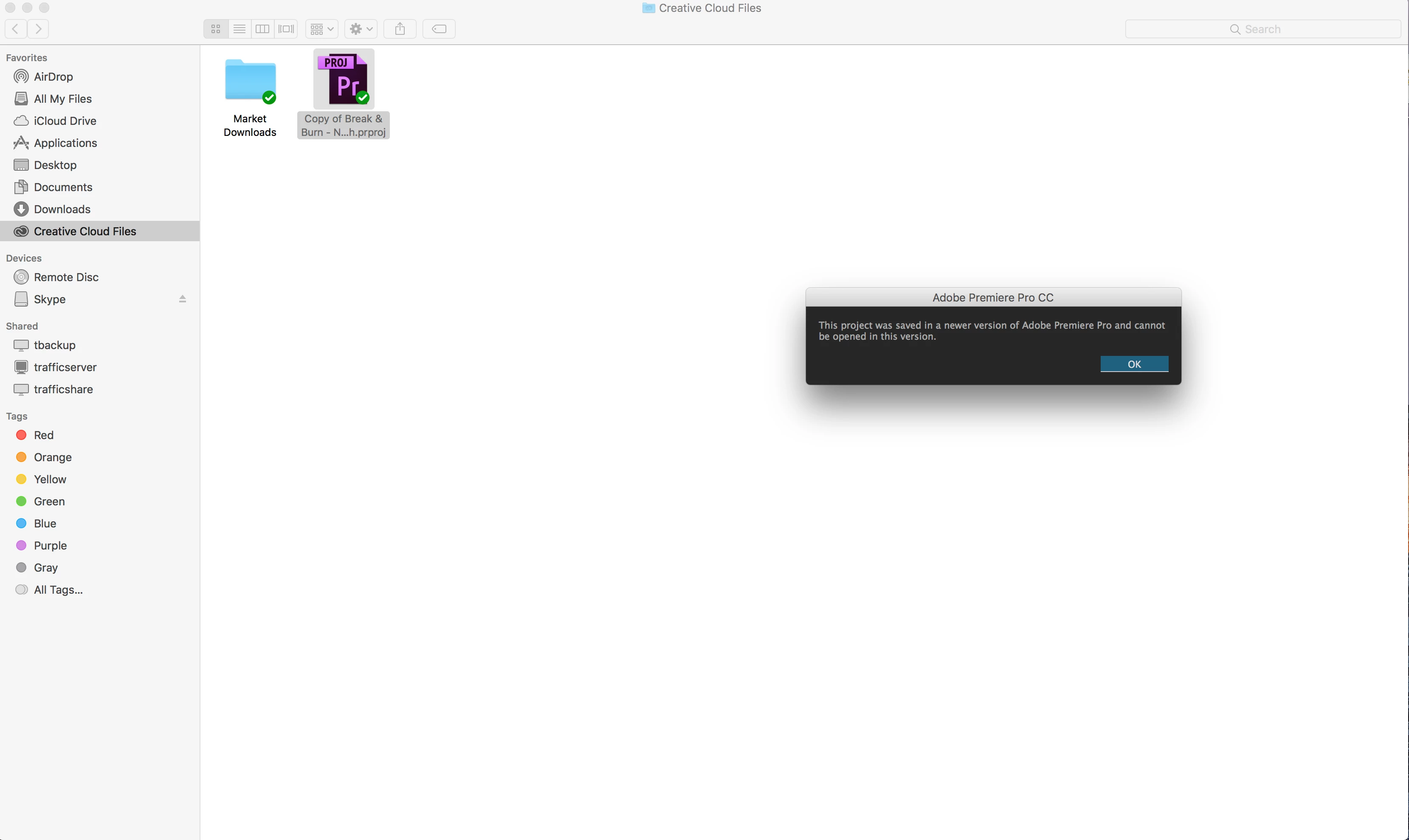
I have difficulties in importing the project file in Adobe Premiere Pro CC 2017. The file was made from a Windows PC - Premiere Pro 2017, but when I open on a Mac OS X -  Adobe Premiere Pro CC 2017 with up to date version. It says,

"The project was saved in a newer version of premiere pro and cannot be opened in this version."

I have updated the mac os x system and the Adobe CC both on an updated version. How can I solve this matter?
    This topic has been closed for replies.

    4 replies

    kulpreet singh
    Inspiring
    September 8, 2017

    Hi Elizabeth,

    You can open your project across both the platforms (PC & Mac) without any issues.

    You just need to keep the same version installed at both the ends (Premiere Pro projects are not backward compatible).

    Please check the exact version of Premiere Pro. FAQ: How to find the exact version of Premiere Pro you're using?

    Thanks,

    Kulpreet Singh

    iamstilljohnsname
    Participant
    September 21, 2017

    I am in the same position as this. However, my Creative Cloud app on Windows is telling me that Premiere is up to date. But it is not. So I can't edit my work which I started on a Mac.

    Is there a way to correct this?

    Inspiring
    September 22, 2017

    Try signing out of Creative Cloud and then sign back in and see any updates appear.

    MtD

    Legend
    September 4, 2017

    The error message seems pretty clear.  Check the exact version numbers here.

    Peru Bob
    Community Expert
    Community Expert
    September 4, 2017

    Exactly what number version of Premiere Pro is installed on each computer?

    Jogen
    Inspiring
    September 4, 2017

    Hi Elizabeth,

    have you tried to import via media-browser the entire project into a new one?

    Jo