
Participant
March 10, 2018
Answered

Adobe Premiere Pro CC Gray screen when opening project.

  • March 10, 2018
  • 1 reply
  • 11175 views

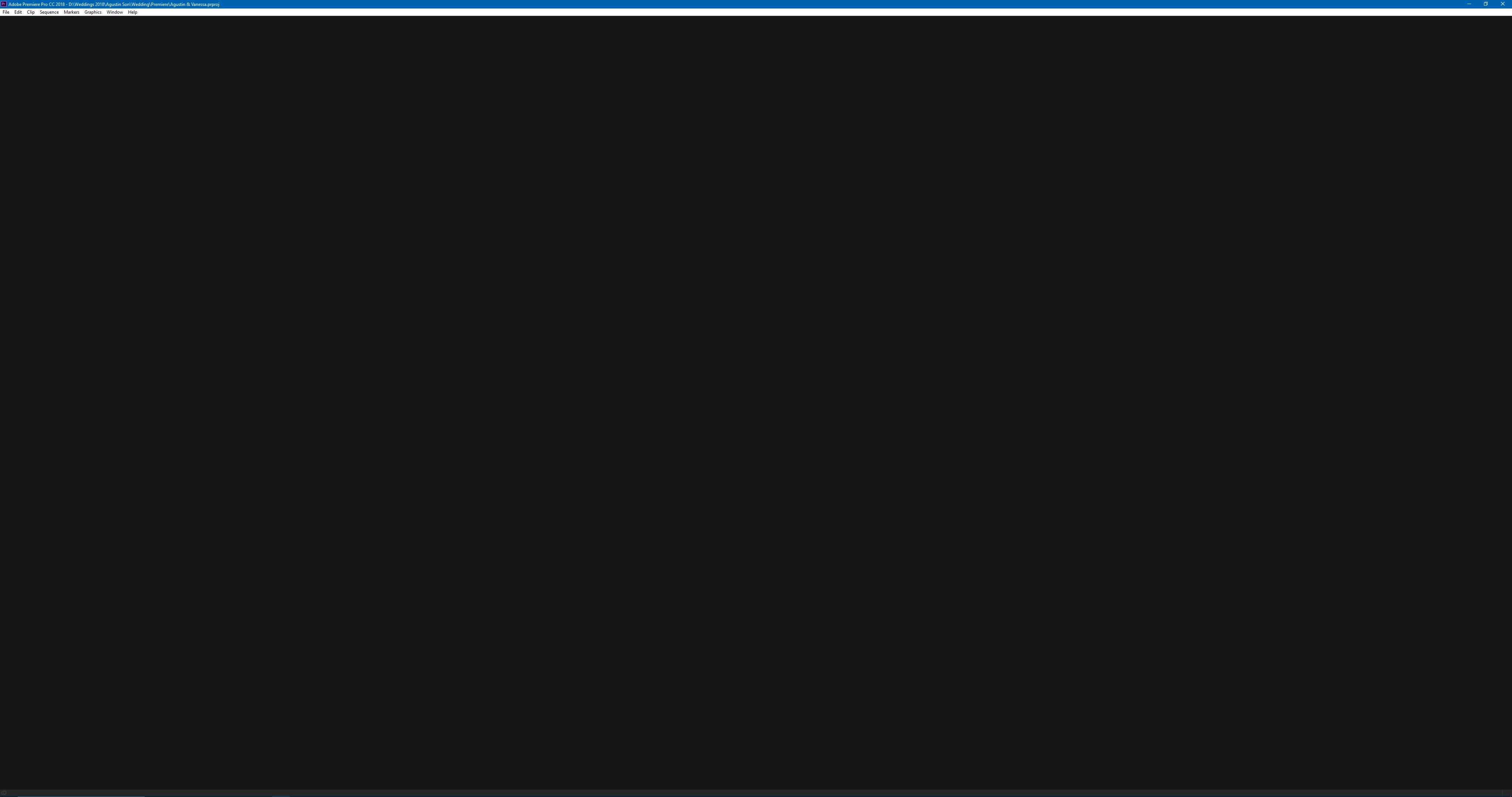
Ever since I updated to premiere pro CC 2017 I have been having issues when opening projects. When I select a project to open it shows the load screen for a few seconds and then nothing happens. It just freezes on the gray screen. I'm unable to select from any of the options.

No update has solved this issue in my system and it really is frustrating me.

Does any why know why this may be happening. I've tried cleaning the Cache and it doesn't work. Any suggestion is welcome.

Thank you!
    This topic has been closed for replies.
    Correct answer stefan_gru

    This also did not solve my problem. I rolled back GPU drivers and Reseted layout, still not working.

    When I create a new project I can close it and open it a few times, but then it might randomly not open again the next time.

    Any other suggestions would be appreciated.

    Thank you!


    cazares1990​: Try the solution here: Workspace turns gray. Also, check Window > Workspaces and see if Import Workspace from Projects is checked. If it is, uncheck it. Hope this helps!

    1 reply

    John T Smith
    Community Expert
    Community Expert
    March 10, 2018

    Mac or Windows, and exactly which operating system version?

    If Windows, Do not count on Windows to be fully up to date when it comes to device drivers

    Go to the vendor site to be sure you have an updated driver for your graphic adapter

    •nVidia Driver Downloads http://www.nvidia.com/Download/index.aspx?lang=en-us

    •ATI Driver Autodetect http://support.amd.com/en-us/download/auto-detect-tool

    There are also intermittent reports that the newest driver is not always the best driver due to driver bugs or compatibility issues, so you MAY need to try an earlier driver version

    Participant
    March 10, 2018

    I'm running windows 10.

    This is my computer hardware:

    NVIDIA GTX 1080ti

    Ryzen Threadripper 1950x

    32 GB of Ram

    I've updated drivers, but still getting the same screen.

    Peru Bob
    Community Expert
    Community Expert
    March 10, 2018

    cazares1990  wrote

    I've updated drivers, but still getting the same screen.

    Try rolling back to an older driver(s).

    If that doesn't work, try resetting the preferences:

    FAQ: How to reset preferences in Premiere Pro?

    If that doesn't work, try resetting the Workspaces:

    Reset a workspace

    Reset the current workspace to return to its original, saved layout of panels.

    1. Do one of the following:
      • Click the Workspace menu icon and select Reset to Saved Layout.
      • Choose Window > Workspace > Reset to Saved Layout.

    from here:

    https://helpx.adobe.com/premiere-pro/using/workspaces.html