


Adobe Premiere Pro - Exporting time taking too long on my new pc.
So, my previous, very old system unit was an Intel Core i7-4790, 16GB DDR3 RAM, 1TB Samsung 870 SSD, and GTX 1060 6GB. The usual exporting time for a 6–7 minute video was around 7 minutes.
Recently, I upgraded to a new system. My current PC specs are Ryzen 7 5700X, 32GB DDR4 RAM, GTX 1060 6GB, and a 1TB Samsung 870 SSD.
However, when editing the same type of 6–7 minute videos, the exporting is much slower. On my new system, the export takes around 15–17 minutes, compared to only around 7 minutes on my old i7-4790 system. I don't know what's causing this or what I should do.
The videos I'm editing don't have any heavy effects, and my GPU drivers are also up to date.
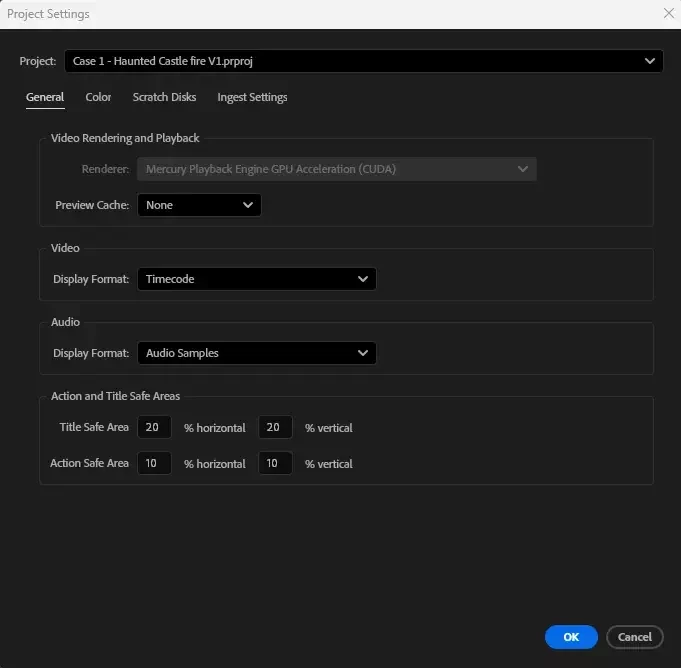
The CUDA settings i believe is enabled and hardware encoding as well.
What should I do? Is there a setting I might be missing? Or what hardware should i upgrade?
Thank you!

 AdChoices