Kaptainbradukk
Participant
April 4, 2017
Answered

Adobe Premiere pro no sound in timeline

  • April 4, 2017
  • 5 replies
  • 10875 views

Hello everyone

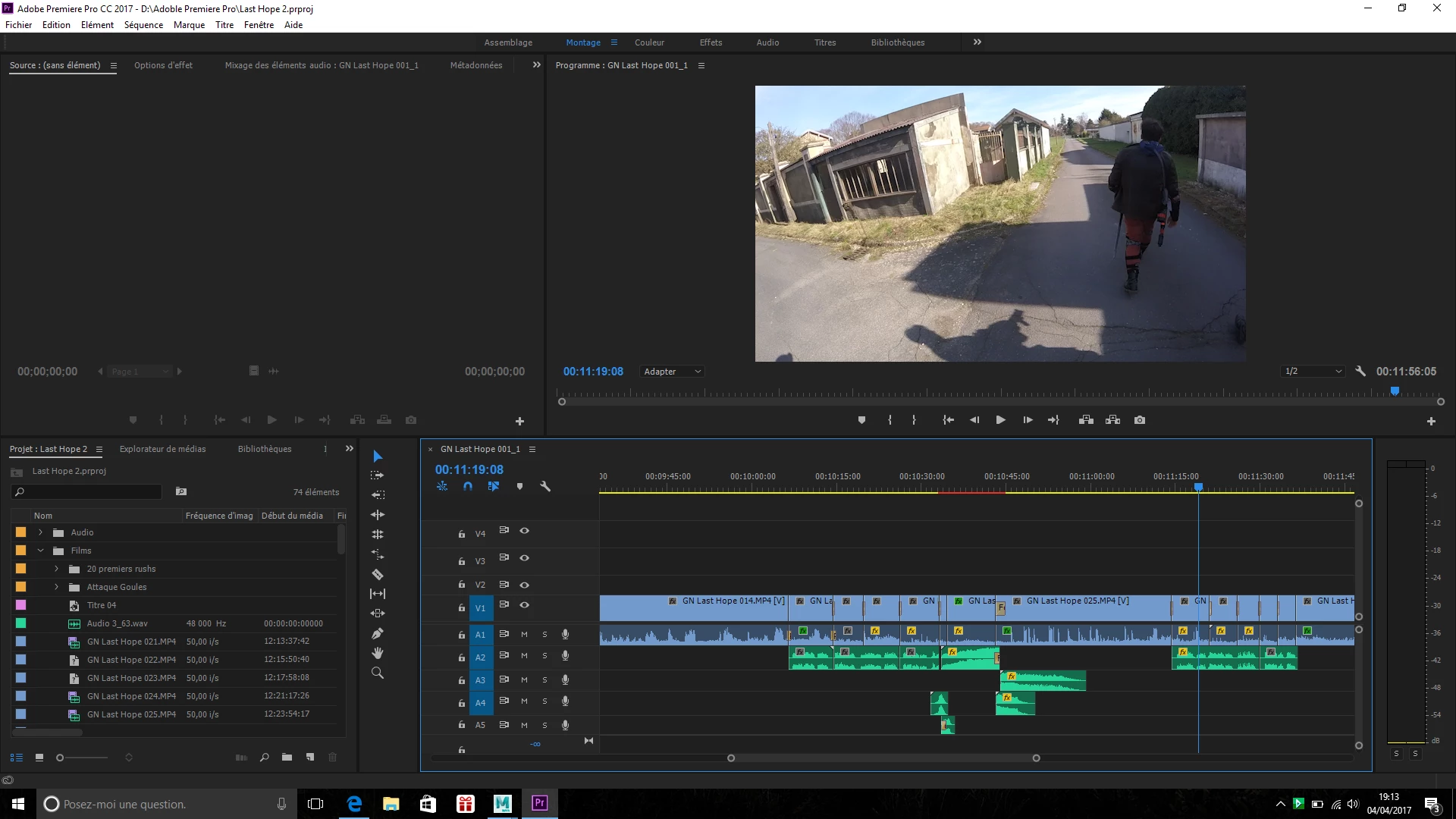
I'm having some trouble with Adobe Premiere CC 2017, as I cannot hear the replay in the timeline while the sound is present in each individual sequence. It had worked for a bit of time, but it stopped after I used an external microphone plugged through an USB-card-thing.

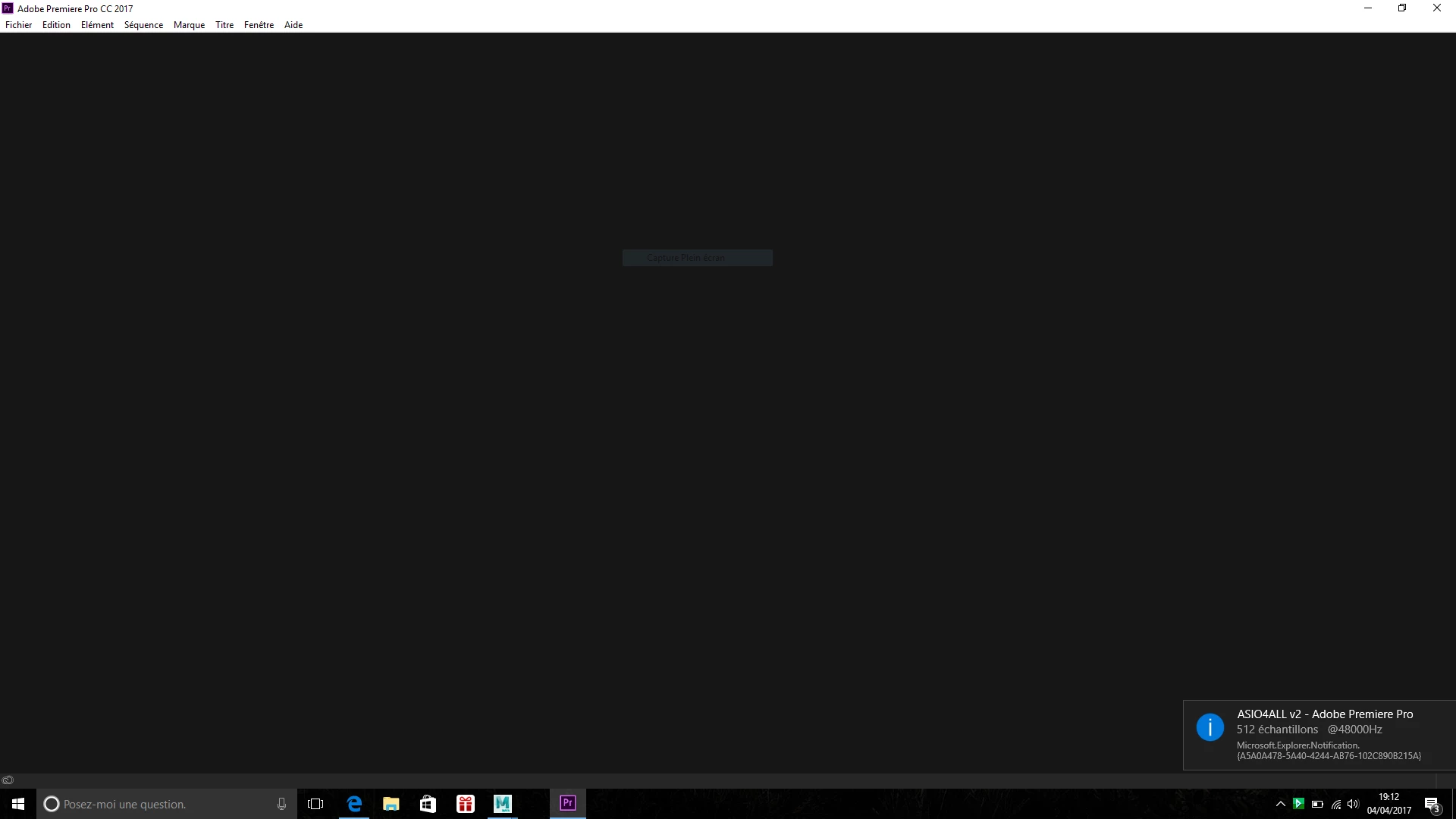
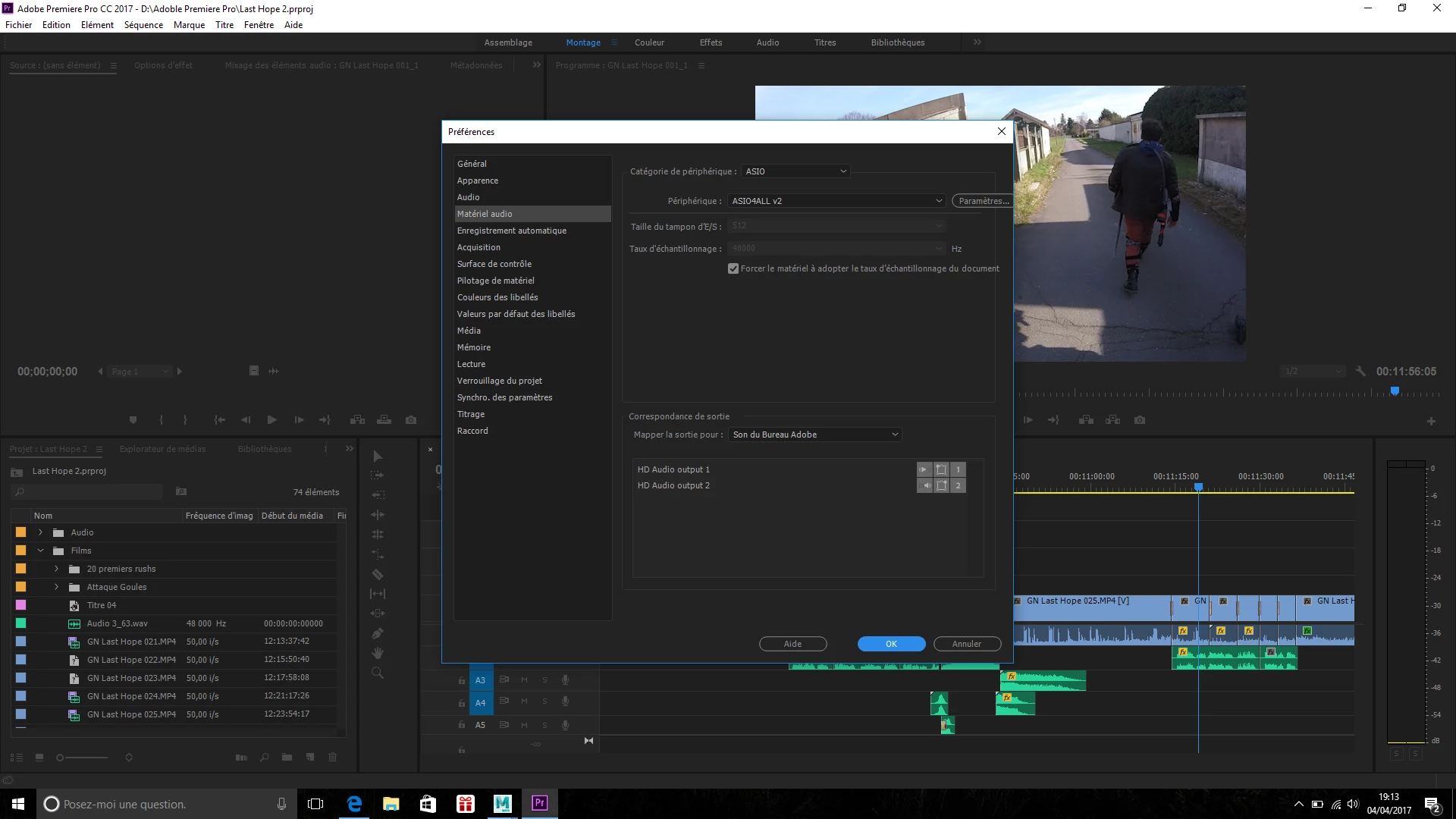
I've downloaded ASIO4ALL, but the download was incomplete for multiple time and even though it announces "512 samples", it does not resolve the problem even though it is installed.

Here are a few images of the app launching, in use and the audio parameters (it is in french, sorry about that).

I have a few projects that are currently on lockdown because of that malunction, so I hope it can be resolved.

Thanks in advance

PS : sorry for bad English, not my native language
This topic has been closed for replies.
Correct answer kulpreet singh

Hi Kaptainbradukk,

Create a new sequence (of same sequence settings) & copy all the media to that new sequence.

Let me know if that makes any difference.

Thanks,

Kulpreet Singh

5 replies

Participant
December 15, 2019

Under your lowest audiotrack you can see infinity sign (your second screenshot).  Set it to "zero" and you'll be fine.

dianas87440792
Inspiring
December 15, 2019

Thank you grom1300, this is the solution to fix the situation. I recommned it to anyone that has this problem.  It doen't have any negative impact on the sequence. Type in 0 over the infinity sign. 


I just wonder why the audio is "lost" in the first place. The first appearance of the problem was in 2017.  It took this long for a reasonable solution to show up.  And whatever causes it is not addressed or explained so the situation can be avoided.  Not a small problem.  I was lucky it was only a two minute sequence that lost its video formating when I copied it into another sequence.  I can only image the mayhem it causes for someone with a long, complicated sequence.  It reminds me to have many copies of the sequence as it progresses. 

dianas87440792
Inspiring
December 4, 2019

This worked to restore my audio but all my special video effects had to be redone.  Not a good solution.  Better to find out what causes the audio to disappear and be able to fix in in the same sequence.  Or better yet, Adobe fixes the problem and we never have to deal with missing audio.

Known Participant
June 12, 2018

Had the same issue. This worked. Thanks

May 31, 2018

When I had the same problem I'd just clicked SOLO any Audiotrack and then back to normal.

After that the sound worked in all tracks.

I have no idea why.

dianas87440792
Inspiring
December 4, 2019

Can you be more specific about how you did this?  I'm not sure what your are talking about. Where is SOLO that you clicked on? 

Ann Bens
Community Expert
Community Expert
April 4, 2017

What if you changed the asio to MME?

Kaptainbradukk
Participant
April 4, 2017

I can, but it did not worked even if the frequency is correctly adjusted (48000 Hz)

kulpreet singh
kulpreet singhCorrect answer
Inspiring
April 4, 2017

Hi Kaptainbradukk,

Create a new sequence (of same sequence settings) & copy all the media to that new sequence.

Let me know if that makes any difference.

Thanks,

Kulpreet Singh