


Inspiring
May 19, 2025
Answered

Adobe Premiere Pro won't open

  • May 19, 2025
  • 8 replies
  • 1453 views


I am pulling my hair out here... please help me. I have a client job I need to do and I literally can't even open the app I'm paying for to start working on it.


Specs:

Adobe Premiere Pro 2025 (25.2.3)

Mac Mini
Mac OS Sequoia 15.4.1


What is happening:

  1.  I open Premiere Pro and the splash screen shows up. It does not show any loading text of different parts of the app, etc. It just shows what you see here:
     2. Then, after a while, I get a screen that says an error occured.
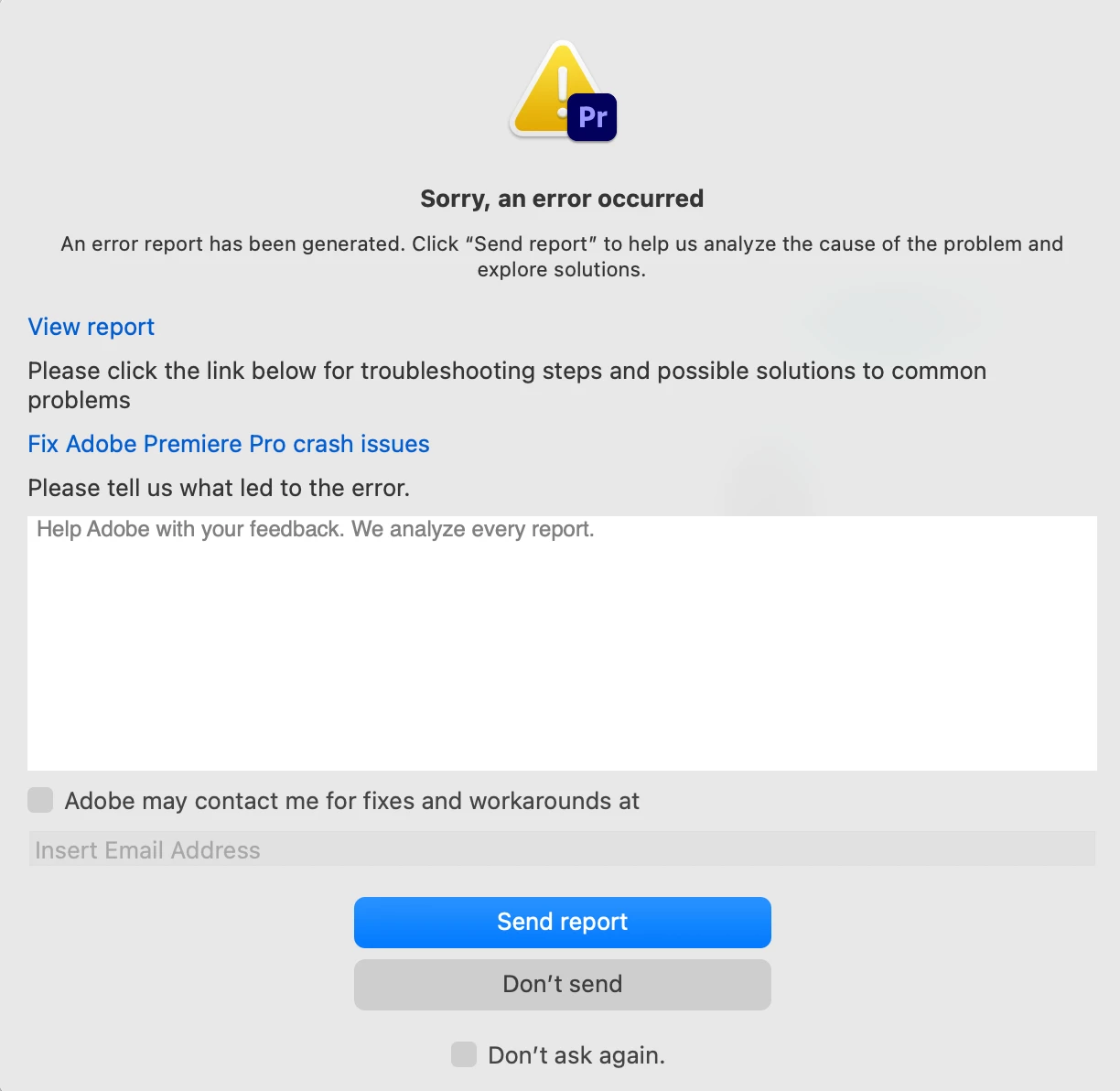
     

    If I click on the view report, it gives me a dmp file with jibberish (can't attach here because its not supported - go figure.)


Steps I've Taken so far (that have NOT worked):

  1. Held Option+Shift when opening app and cleared all caches, preferences, and disabled plugins
  2. Manually deleted all associated Premiere files in Application Support and restarted computer
  3. Uninstalled all 3rd party plugins and restarted computer
  4. Used Adobe Creative Cloud Cleaner to clean all Premiere files and restarted computer
  5. Reinstalled Premiere
  6. Installed an older version of Premiere
  7. Checked font files using Fontbook to ensure no duplicates or errors


Please tell me what the freaking heck to do before I cancel my entire Adobe subscription. This is making me mad.

Correct answer zenith_penguin1010

Thanks! It happened again and removing my Aggregate audio hardware devices in Mac "Audio MIDI Setup" is what fixed it. Now Premiere is opening again.

8 replies

jamieclarke
Community Manager
Community Manager
May 20, 2025

Hi @zenith_penguin1010 - Thank you for the dump file.  Can you check your audio hardware settings and make sure Default Input is set to "No Input"

If that doesn't help can you unplug any external Transmit and Audio hardware devices then reset your preferences and try again.

zenith_penguin1010AuthorCorrect answer
Inspiring
July 6, 2025

Thanks! It happened again and removing my Aggregate audio hardware devices in Mac "Audio MIDI Setup" is what fixed it. Now Premiere is opening again.

Inspiring
May 20, 2025

Hey Jamie,

Just emailed you.


I sent you the dmp file I downloaded 2 days ago. I believe this might have been before I had removed some of the plugins and perhaps erased some of the caches / preferences (not 100% sure).

The reason I don’t have a new one is Premiere just opened again. Go figure.
So something is really weird because it keeps coming and going randomly it seems.

jamieclarke
Community Manager
Community Manager
May 20, 2025

Hi @zenith_penguin1010 - Can you email me the dump file you have to jamiec@adobe.com 

Inspiring
May 20, 2025

Hey @jamieclarke ,


Seems the problem is back.

It was literally working last night before I went to bed. I did not add any plugins since then or restart the computer or anything. I just closed the program after I was done with it.


I've just added my email in the report. Please let me know what needs to happen to make this work. Thanks

MyerPj
Community Expert
Community Expert
May 19, 2025

Glad it's working, keep us updated. 🙂

Inspiring
May 19, 2025

Thanks Jamie,


I just tried opening Premiere Pro now – and it worked?

I guess something I did last night worked? Who knows what.


I'll be sure to add my email next time.

jamieclarke
Community Manager
Community Manager
May 19, 2025

Hi @zenith_penguin1010 -  Thanks for submitting your bug report. We need a few more details to try to help with the issue.
When you see the crash dialog app open can you click the box that says "Adobe may contact me for fixes and workarounds at" and then enter the email address you have in your profile so that we can look it up in our system.


Sorry for the frustration.

Inspiring
May 19, 2025

8. Checked file permissions to ensure my Mac user account can read+write