
Participant
October 15, 2021
Question

Adobe Stock's built-in music library won't work.
  • October 15, 2021
  • 2 replies
  • 1242 views

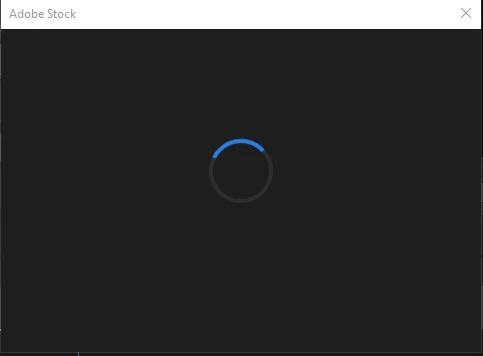
Since I formatted my PC and reinstalled all my Creative Cloud apps from scratch due to a major hardware change, the built-in Adobe Stock music library simply won't work in Premiere Pro. Actually, I can search for songs and listen to them, but when I click to buy a license for any song, it pops in a screen that keeps endlessly loading (just like the image attached to this post). 


I've already done everything from this fix suggested from Adobe (https://helpx.adobe.com/creative-cloud/kb/creative-cloud-libraries-panel-doesn-t-load-in-desktop-products.html), but it didn't solve my problem. Does anyone have a solution?


Thank you for your attention! 🙂

This topic has been closed for replies.

2 replies

R Neil Haugen
Legend
October 15, 2021

I'm having the same problem. I can add a stock music track to my timeline. But when I click the 'license' cart both in the ESP Browse panel or in a bin, aboslutely nothing happens.


And yes, I'm fully logged on to my Adobe CC desktop app.


I've done this a fair number of times, so ... something is up somewheres at the moment.


Neil

Everyone's mileage always varies ...
Jeff Bellune
Legend
October 15, 2021

Are you signed in to your Adobe account?

Are you using a VPN?

Can you add an unpurchased asset to the project and add it to a timeline?

Participant
October 15, 2021

Hey, Jeff. Thanks for answering!


Yes, I'm signed in. No, I'm not using a VPN. And yes, I can add an unpurchased asset to the project and add it to the timeline. Everything seems to be normal but the purchasing part of Adobe Stock's Essential Sound library. 😞