
After Effects editable text wont change
Hi All,
i need help to edit after effects editable text in premier pro 2023.
I downloaded this project: https://mixkit.co/free-premiere-pro-templates/cartoon-ink-opener-406/ unzipped everything properly, linked files and converted everything to the latest premier pro and after effects versions.
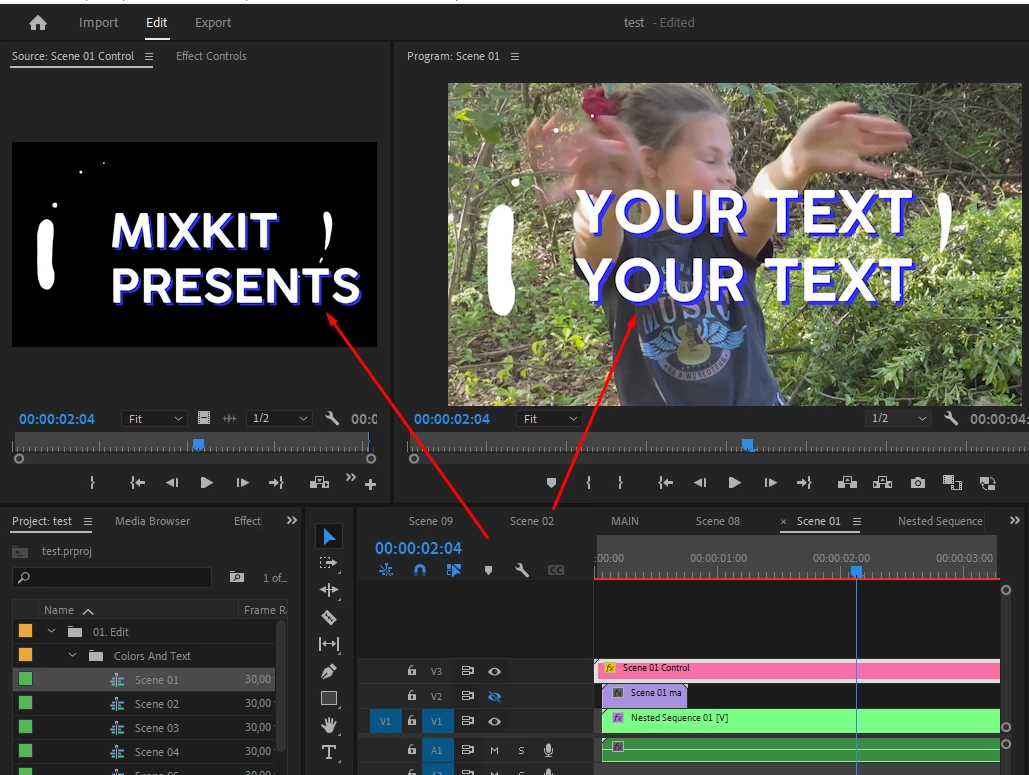
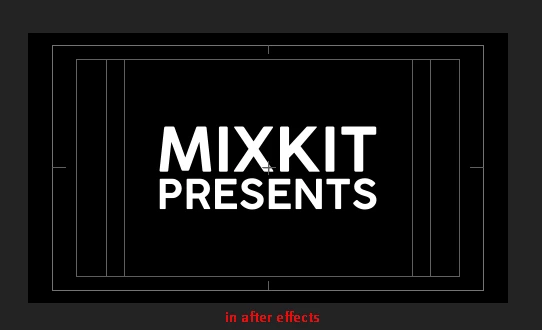
Now I want to change the text in Premier Pro. It already starts with a strange problem that in the actual video is the text "YOUR TEXT". The After Effect text says "MIXKIT PRESENTS" and I can't find where your text comes from.
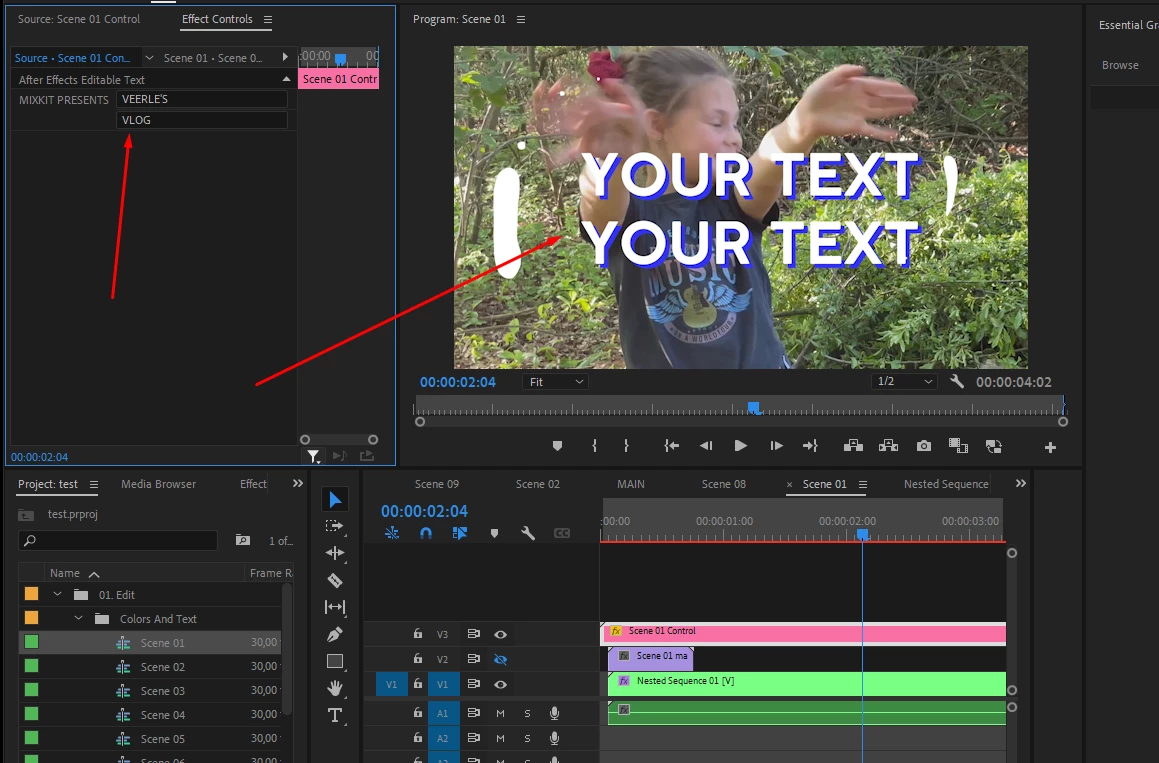
To adjust the text I went to scene control and adjust the text "after effects editable text" to my text. However, nothing changes. In a strange way it says "YOUR TEXT" and I can't change it.
Am I doing something wrong? What should I do to be able to edit the text?
See the screenshots.
In Premier Pro, the effects control
In premier pro the scene control:
The text in the scene in after effects:
 AdChoices