Participant
August 25, 2021
Question

After importing videos, there is always at least one that shows no audio/ has mixed audio

  • August 25, 2021
  • 1 reply
  • 186 views

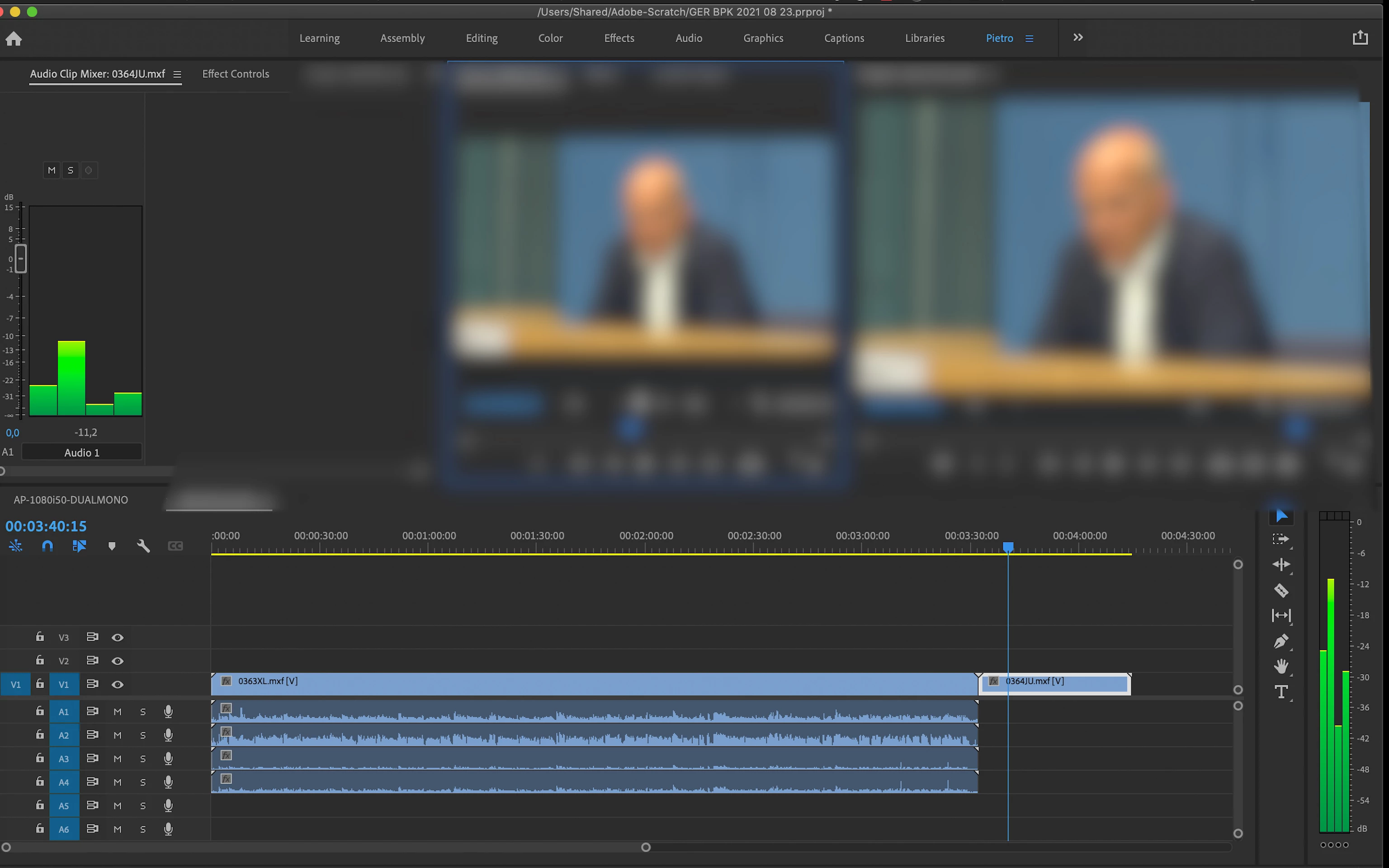
It's been a couple of months that after importing video files from sd card I get always one or two whose audio doesn't show on the timeline, even though I can hear it if I play it on the timeline.

Furthermore the 4 audio channels are all mixed in one single audio and I cannot de-select the ones I don't need.


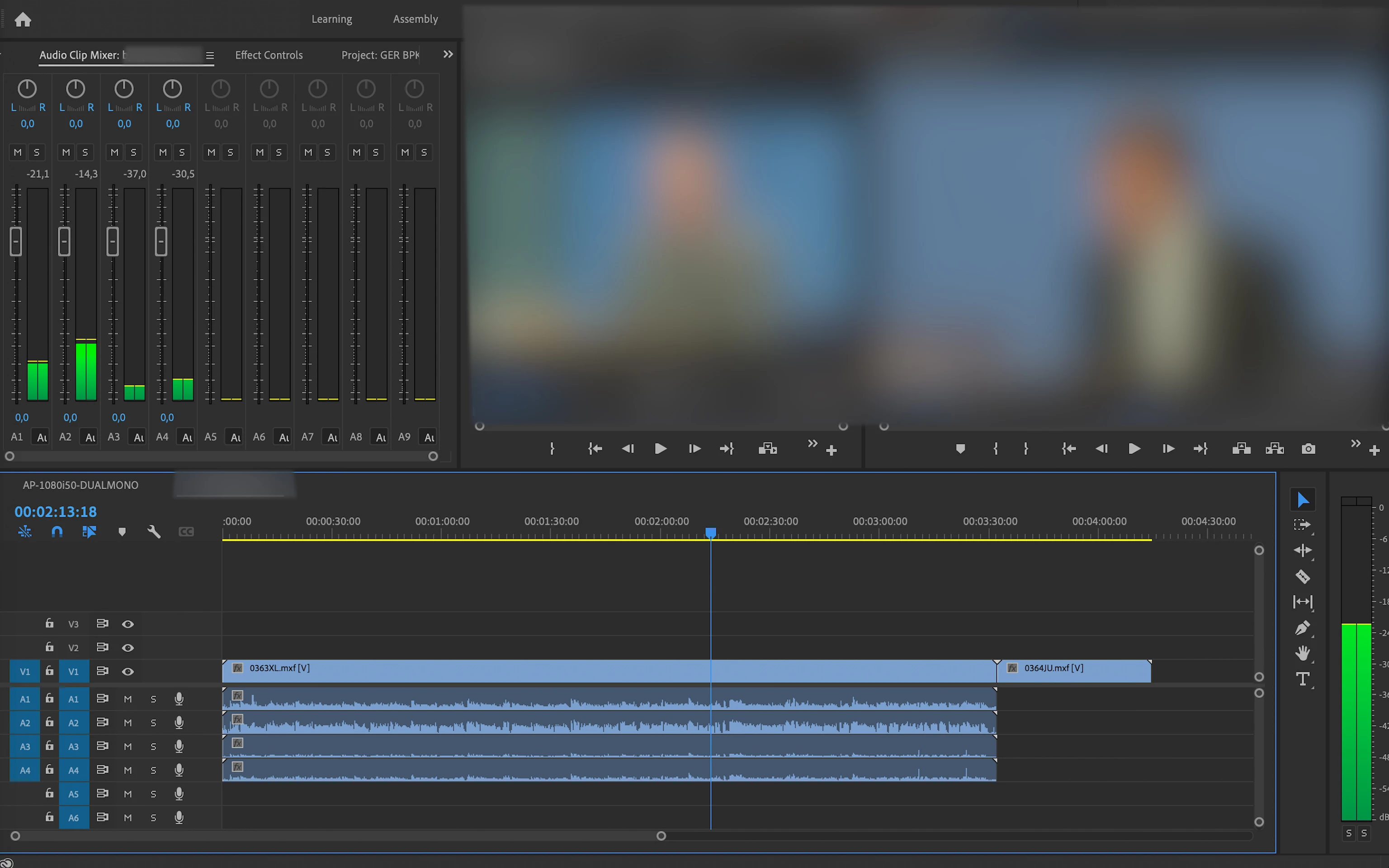
Here you can see how it should be.
 

This topic has been closed for replies.

1 reply

Peru Bob
Community Expert
Community Expert
August 25, 2021

Are you copying the entire contents of the card to your computer and then importing the videos?

Participant
August 25, 2021

No I usually import all the files from the card, using Media Browser

R Neil Haugen
Legend
August 25, 2021

Premiere Pro does not upload the files from the card to the computer, the "import/ingest" process only links to where the files are when you import/ingest.


To upload the files to your computer, you would need to do that in a file manager app first. Then import into PrPro.


Neil

Everyone's mileage always varies ...