
Alignment shifting problem between premiere pro and after effects
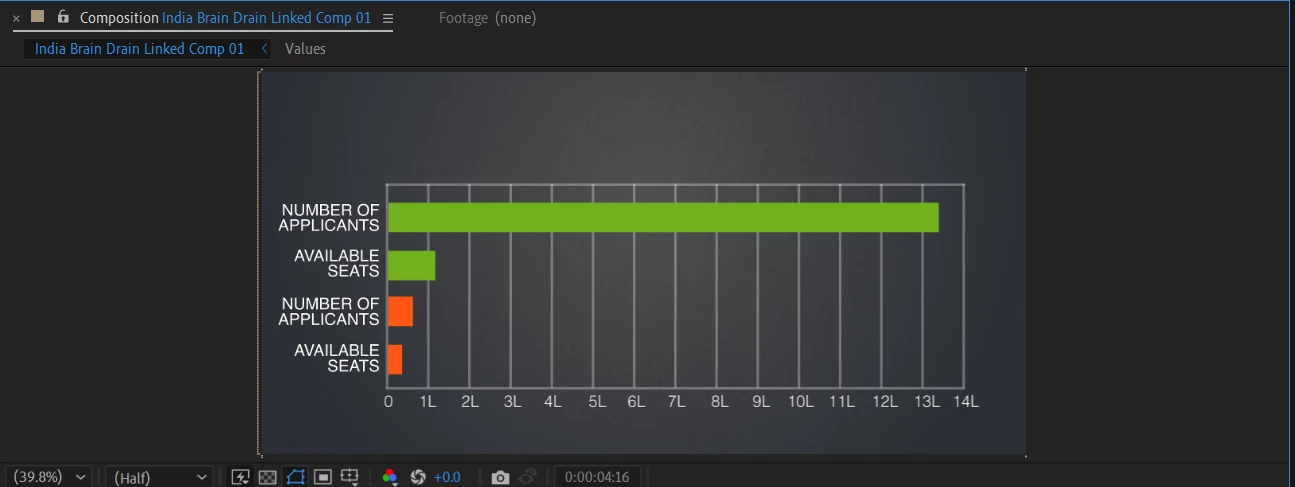
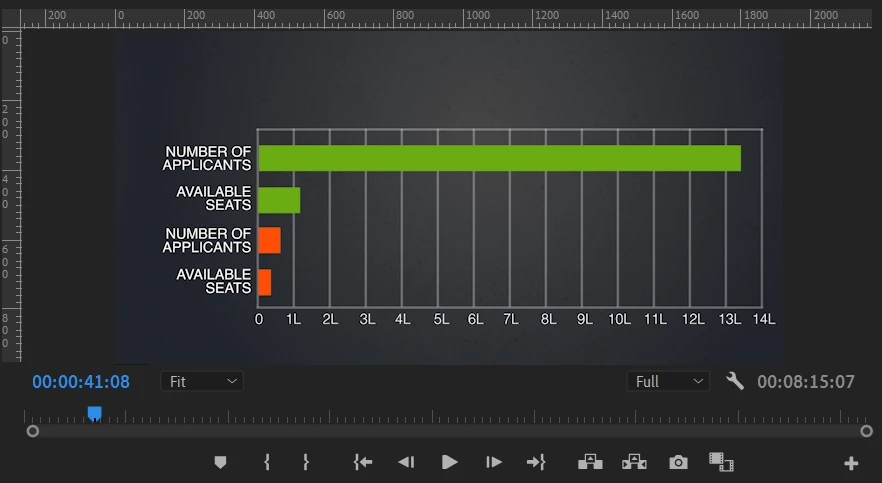
Hello everyone, i am facing problem while working between premiere and after effects through dynamic linking. I have replaced a compostion in premiere pro from a after effects compostion. I have made some graphs animation in after effects with proper alignment but when i see it back in premire pro, whole graph alignment is shifted towards right , ruining my alignment. while the alignments are perfect in after effects , it somehow shows slightly right shifted in premiere pro.
1. The first screen shot is of after effects , can see there is no gap at left side of graph alignment.
2. The Second Screen shot is of premiere pro ,where when i am seeing the graph, it just shifts rightward and leaves a gap at left side of graph alignment ,which i dont want.
Please help why the alignment is not matching when switching back to premiere pro.
 AdChoices