Question
All clips appear desaturated in Premiere Pro 2020
Hello all,
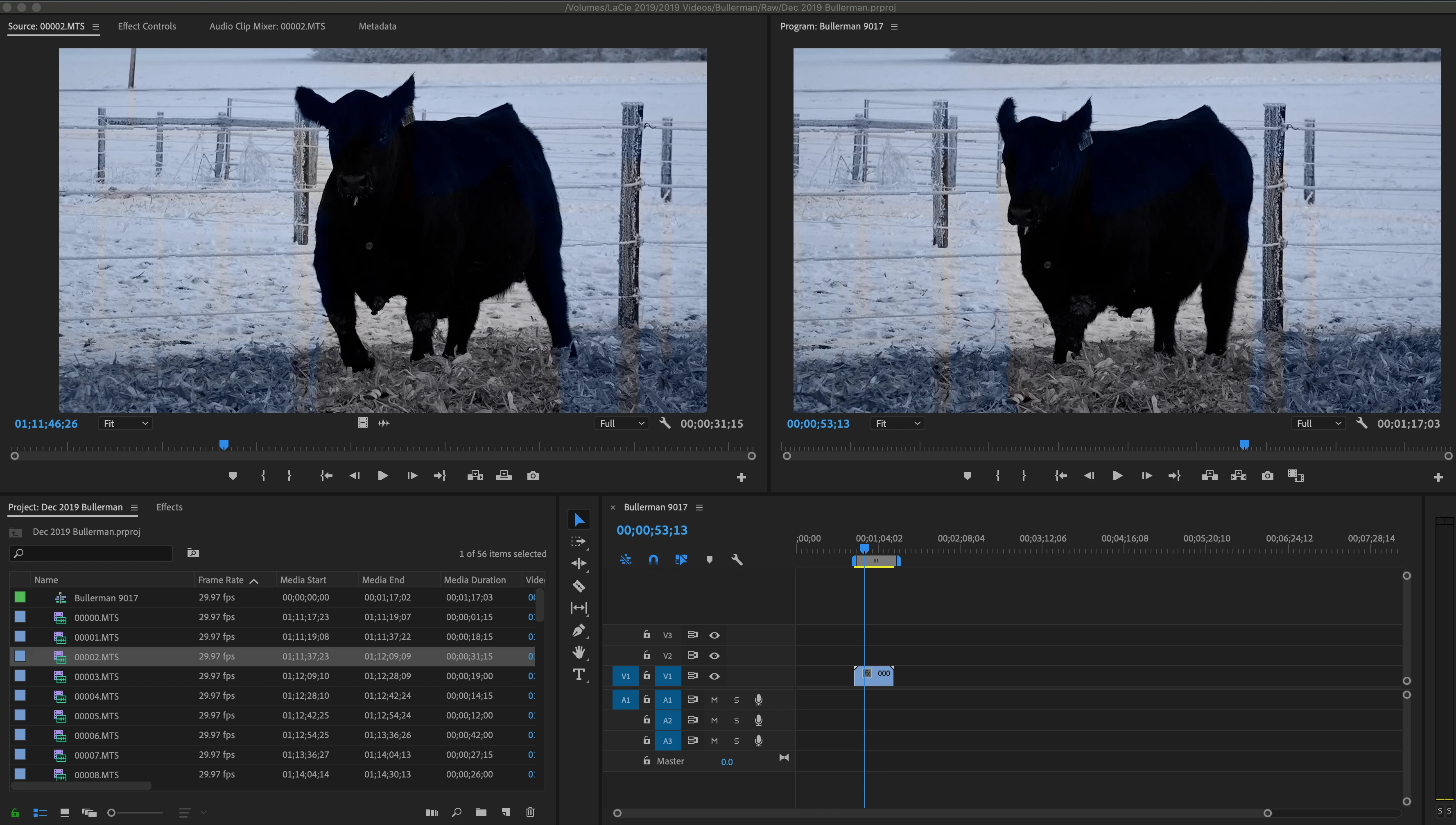
I've been using Premiere Pro for years to edit simple videos shot on a Sony camcorder. When setting up a project I choose HDV, and import the clips .MTS clips. And then I begin with individual sequences for the videos I will render. The color appears extremely desaturated with lines and blotches of colors throughout, and looks the same upon exporting.
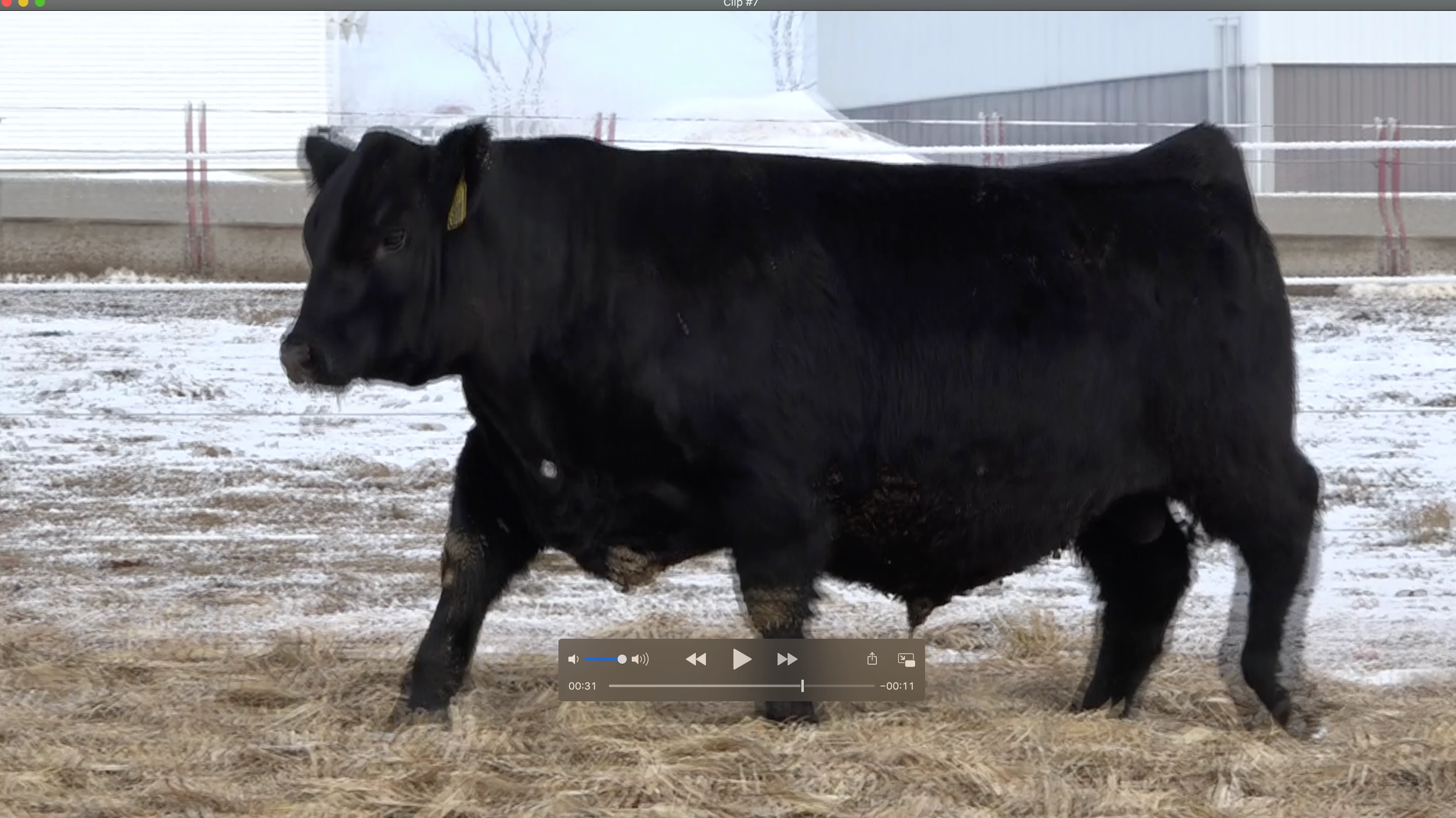
However, if I look at the clips individually through Quicktime the color looks like what I shot in camera.
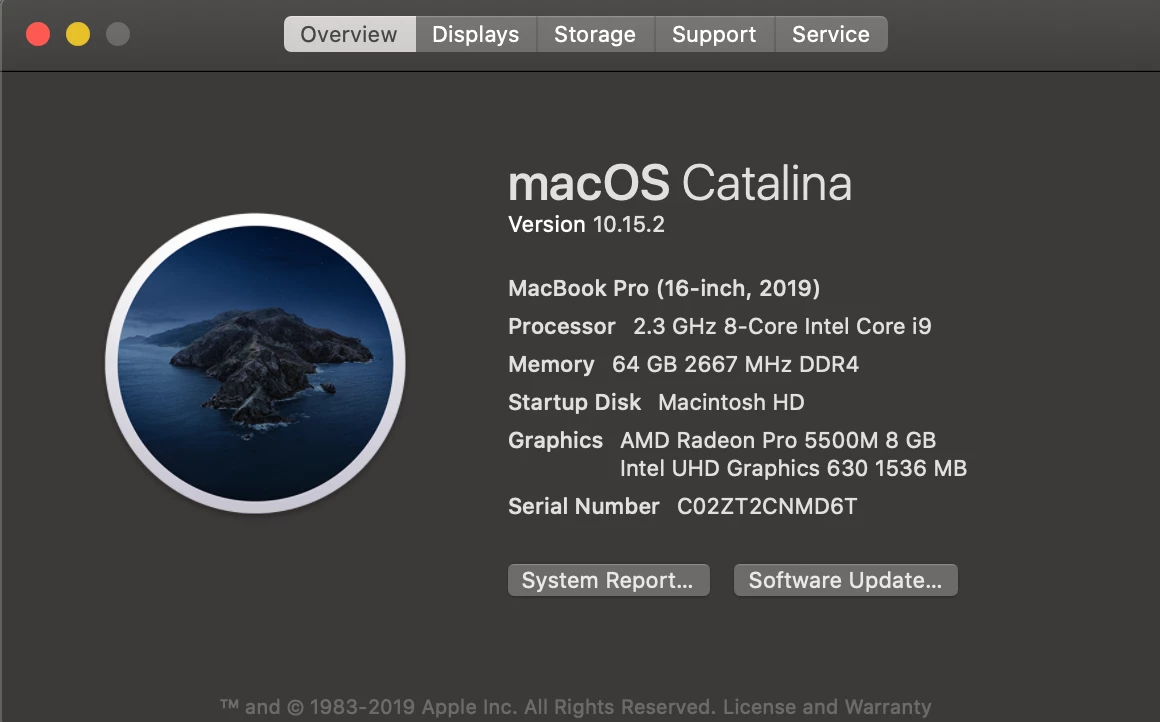
I just began using a 2019 Mac Book Pro and I wonder if the color spaces do not line up? Screenshots of all 3 included below. Any thoughts or tips to rectify the issue. I have enabled color display managment in preferences.
 AdChoices