connoryb68732993
Participant
May 25, 2018
Answered

All still images imported into timeline appear distorted/glitchy.

  • May 25, 2018
  • 1 reply
  • 300 views

I recently updated to the latest Premiere Pro CC version 12.1.1. Initially I thought it was just PNG files that- when imported into the timeline- ended up like this. But since testing it [with different file types AND on different versions of Premiere Pro CC], ALL still image file types end up glitched out with all these artifacts. WHY? This is hugely affecting a client timeline.
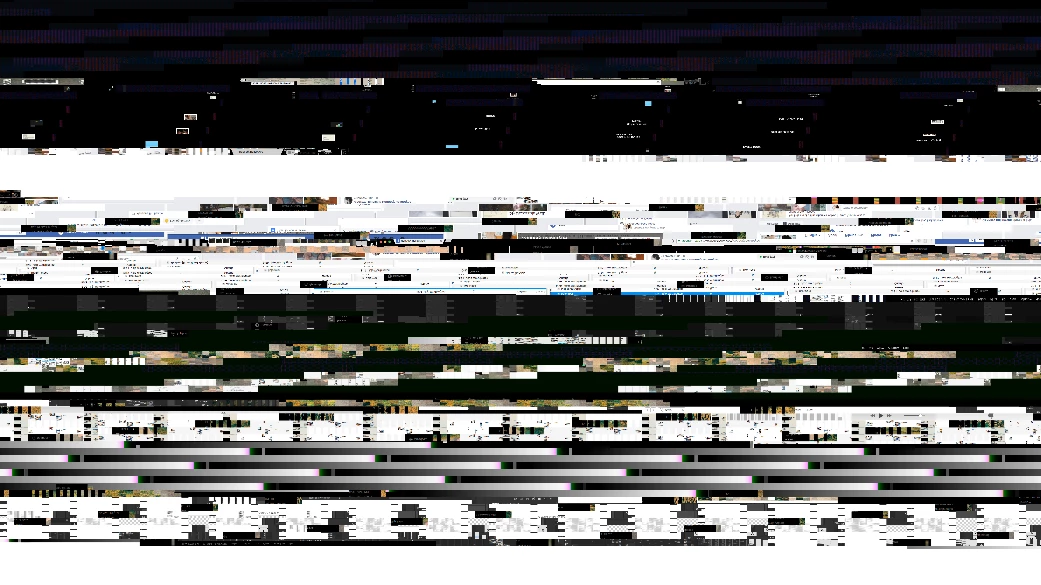
I am running El Cap 10.11.6, 2.3GHz I5, early 2011 macbook pro, Intel HD Graphics 3000 512 MB.

This topic has been closed for replies.
Correct answer Ann Bens

Ah missed that one.

May want to Contact Customer Care and ask for video queue.

1 reply

Ann Bens
Community Expert
Community Expert
May 25, 2018

If you are on an important project with a client I would not waist any time on this but revert back to previous version and wait for next update.

connoryb68732993
Participant
May 25, 2018

As mentioned in my post, I have tried using previous versions of the program to no avail. All versions have caused my still images to act in this way.

Ann Bens
Community Expert
Ann BensCommunity ExpertCorrect answer
Community Expert
May 25, 2018

Ah missed that one.

May want to Contact Customer Care and ask for video queue.