



Anchor point not updating when replacing images on MOGRTs
I've created a variety of MOGRT templates inside AE for GFX overlays for different formats that include images (title treatments) that are to be changed inside Premiere.
I've set the images (title treatments) to scale from specific corners to keep within safe zones for different formats, so I've used expressions on the anchor points in AE to adapt to whatever the image is. I then scale them to fit (as needed) and can move a bit using position attributes on a null layer.
Everything works in AE and I've no issues, but once it's a MOGRT inside Premiere it's no longer working as expected.
The 'default' image on the MOGRT is fine and scales from the corners as in AE, but as soon as I replace the image (png files), the anchor point information is messed up.
Default image works as is or when making changes:
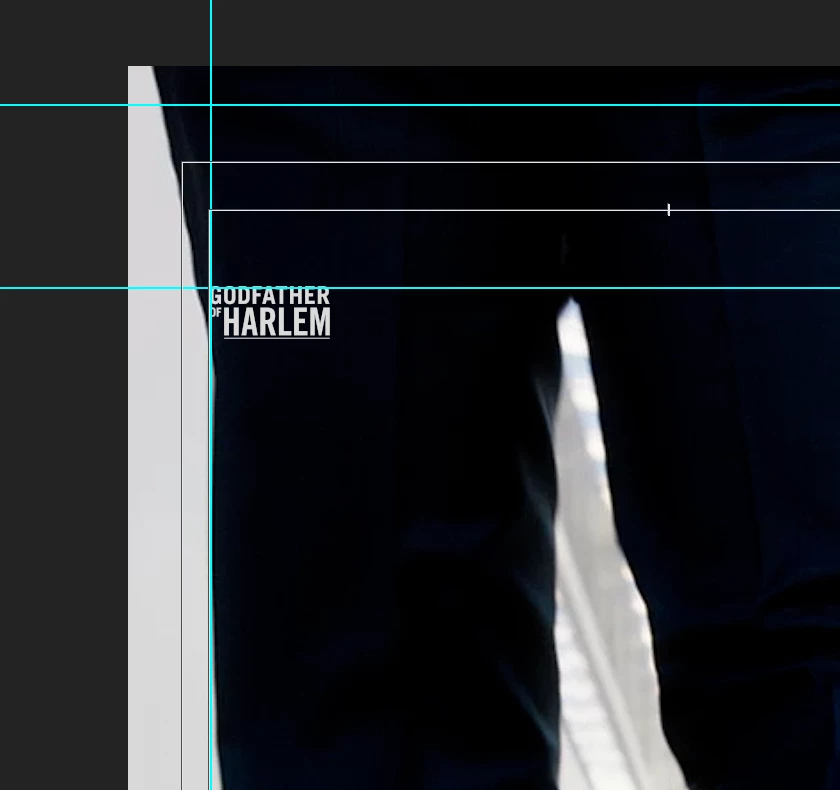 . Default scale
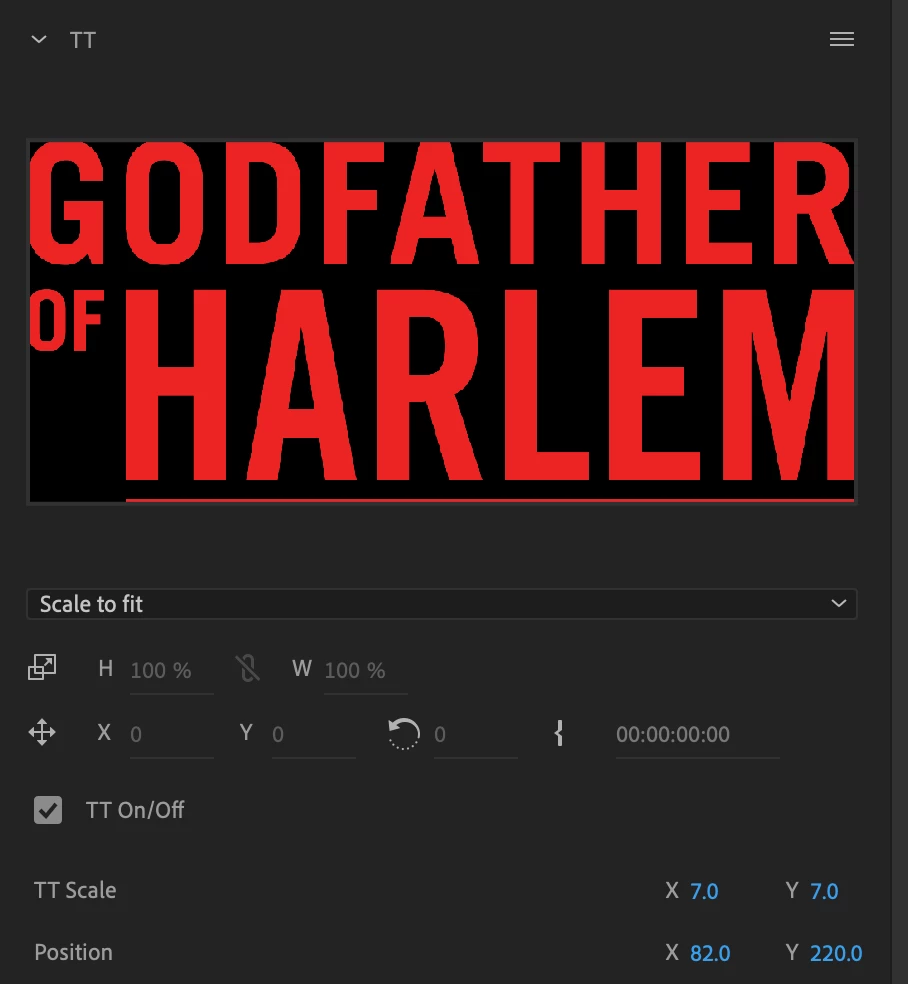 . Default attributes (base attributes greyed out)
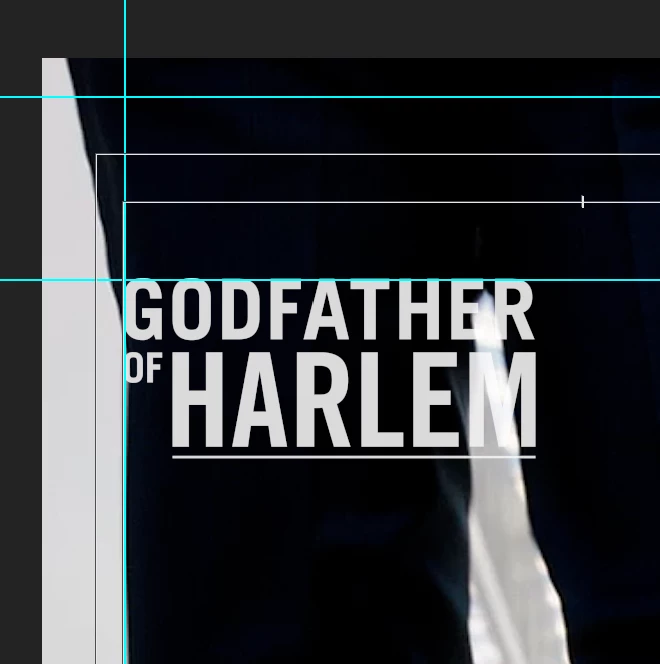 . Default image scales okay from corner as expected.
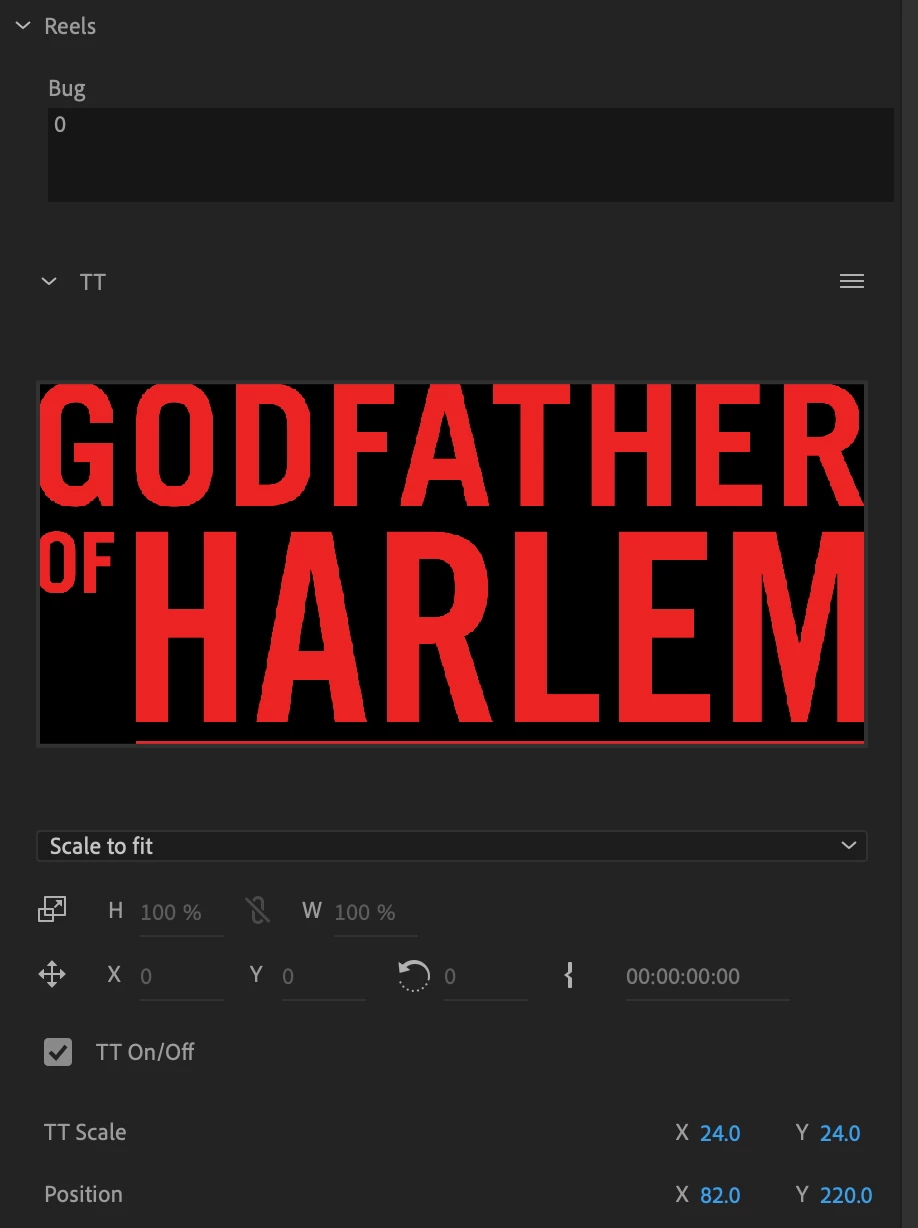 . Default image with scaling changed (base attributes greyed out)
The issue is that replacement images are no longer positioned correctly, nor scale from their edges, but seem to inherit properties from the default image. It seems to be taking attributes from the default image (which is a different size/aspect), so it's jut not placing it correctly so scaling is out of place too.
In Premiere you also see greyed out values on the default image, but once it's replaced you see some base values become active, so something feels like it's breaking.
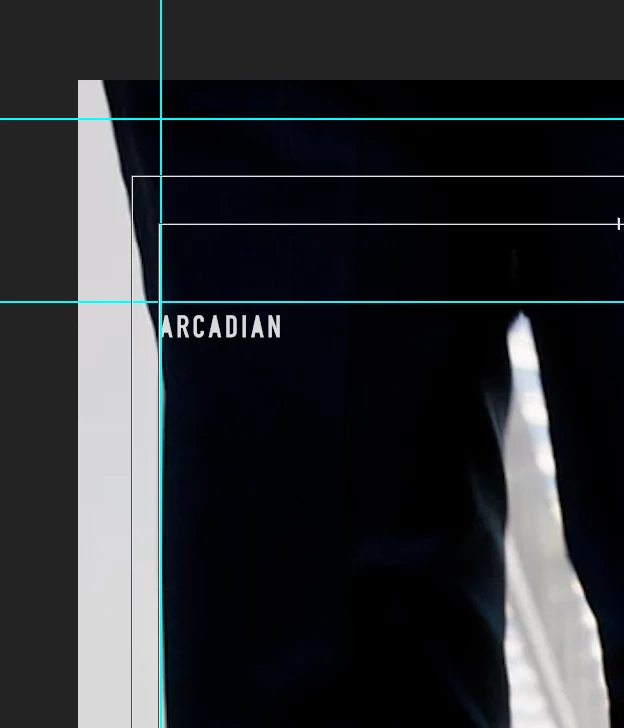 . Replacement image out of position.
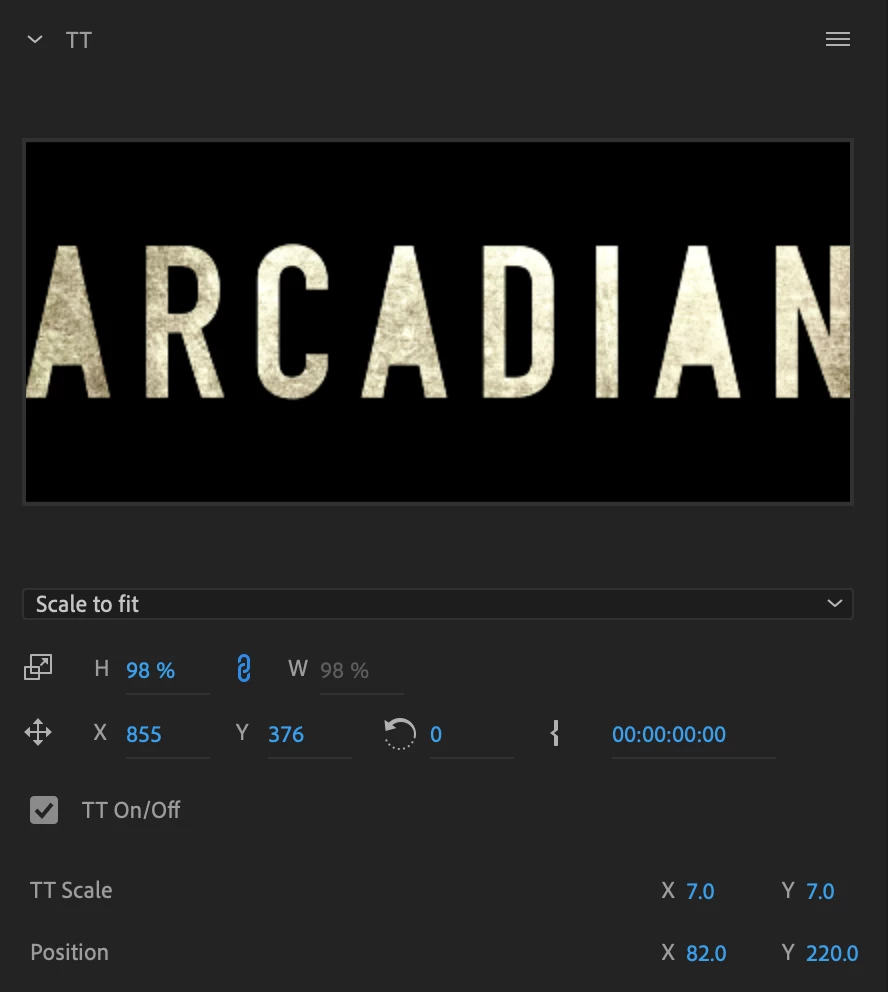 Default attributes (base attributes no longer greyed out)
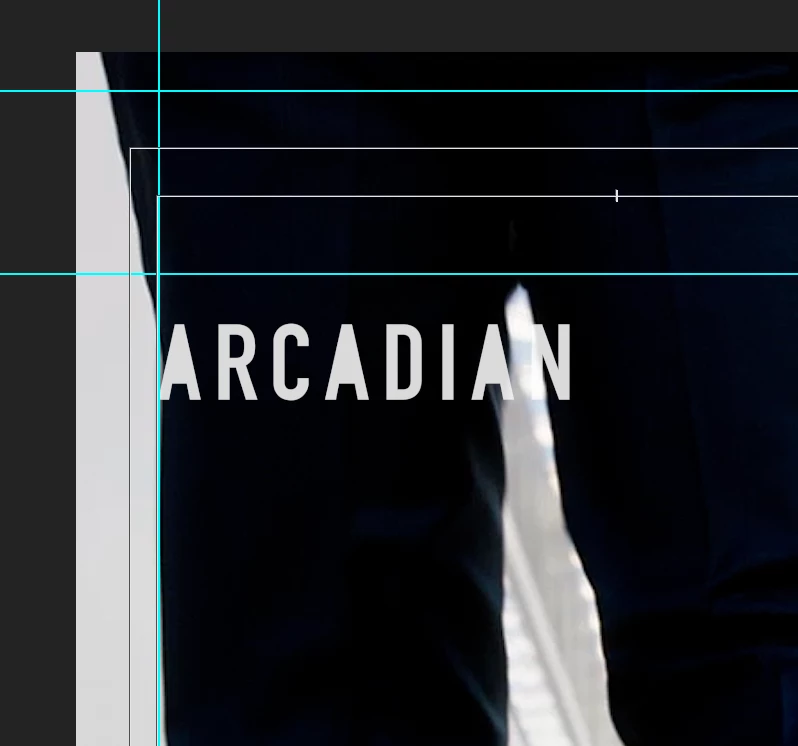 . When scaled the incorrect positioning becomes compounded.
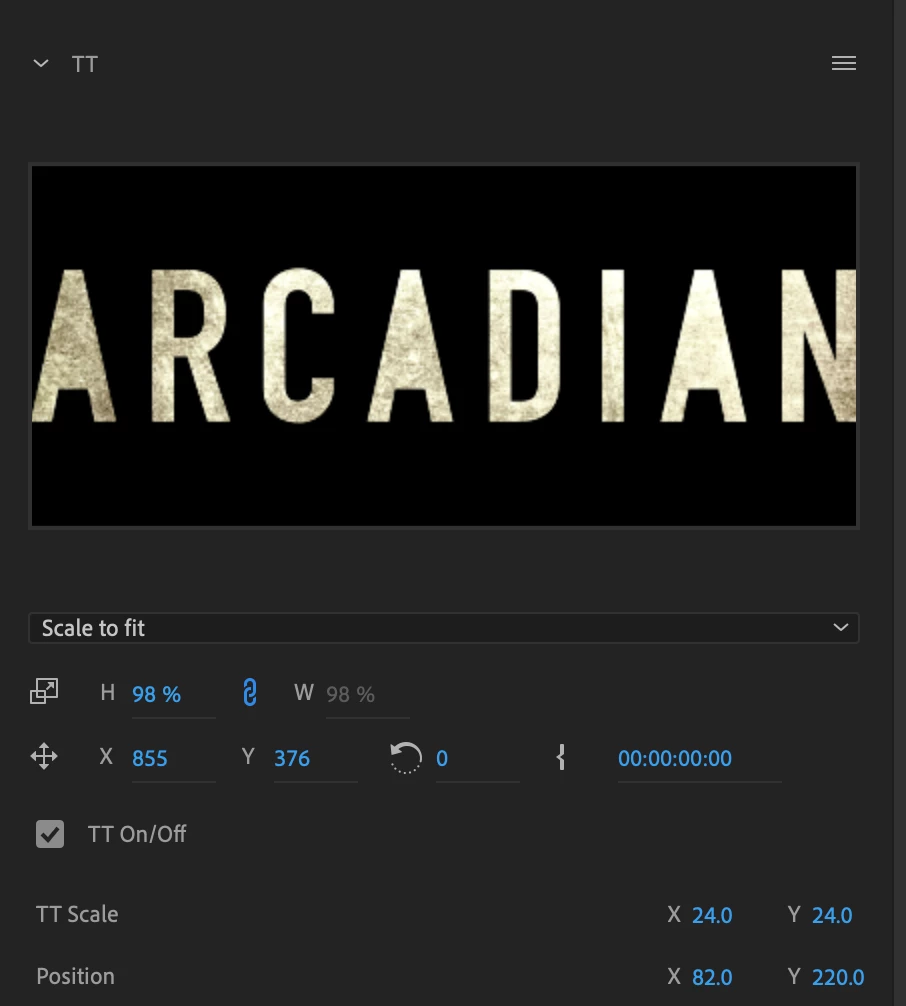 . Replacement image with scaling changed (base attributes no longer greyed out)
I'm assuming this is bug that could be fixed, but if not I'm hoping there might be some sort of workaround to solve this, as the templates work exaclty as we want them too in AE.
 AdChoices