Russ Finkelstein
Participant
July 8, 2026
Question

animation not showing up in playback

  • July 8, 2026
  • 1 reply
  • 6 views

I am trying to drop in an animated title card a designer sent me on a transparent background, but for some reason it doesn’t seem to show up in the playback window or when I export the video from the timeline. 
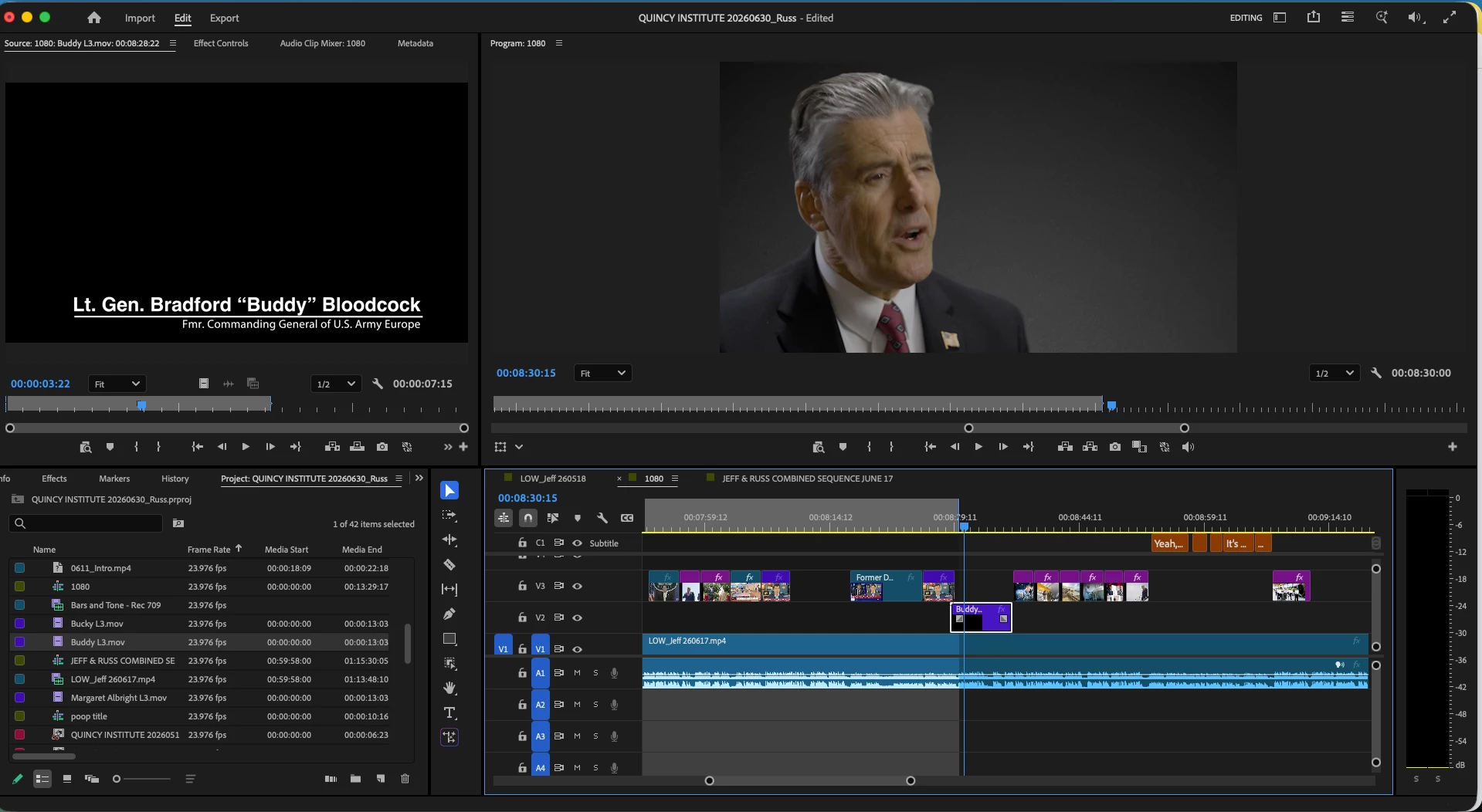
 

The animation plays perfectly in the preview window, but when I drag it into the timeline, it’s shows up as a rectangle on the timeline but seemingly is transparent or isn’t there at all. I’ve tried rendering it any number of ways (render & replace, render in to out, render selection) to no avail.
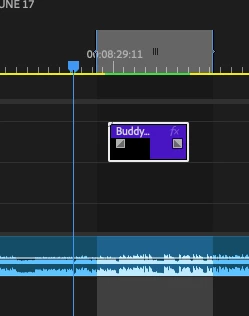
Anyone have any ideas on how to fix this?


    1 reply

    Community Manager
    July 8, 2026

    Hey Russ,

    A few things to check:

    • What file format and codec is the animated title (for example, MOV with ProRes 4444, WebM, PNG sequence, etc.)?

    • Does the file play correctly outside of Premiere Pro in a media player?

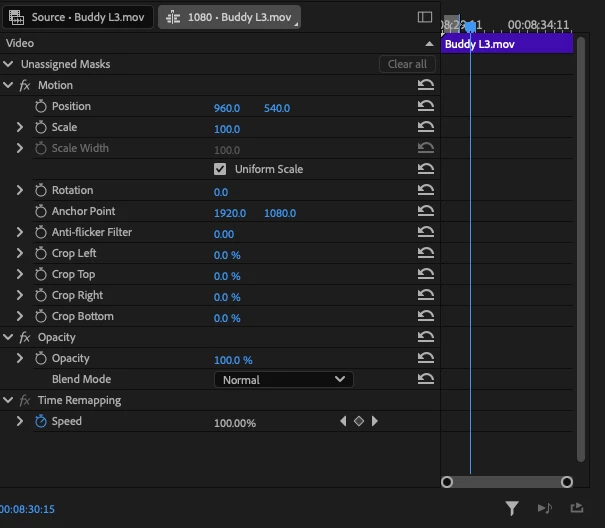
    • In the Effect Controls panel, is the clip's Opacity set to 100%?

    • If you create a brand-new sequence and place the clip on the timeline, does it appear there?

    Since it plays correctly in the Source Monitor but not in the Program Monitor or the exported file, knowing the file format and codec will help narrow down whether this is a media compatibility issue or something sequence-related.


    Tbhanks,
    Kevin