



Hachem Amarnia
Participant
March 3, 2026
Question

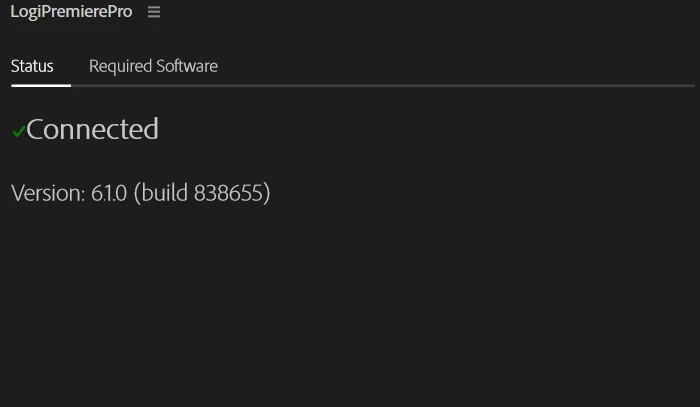
Annoying LogiOptions Panel appears in Premiere 2026
  • March 3, 2026
  • 2 replies
  • 145 views

I have a Logitech MX Master mouse that I use on a Windows 11 computer.

I'm having an issue with Premiere where a panel installed by Logitech’s mouse software keeps appearing in every project I open. If I close it, it reappears after a short time.

I’ve try every suggestionssolve this problem, but non of them work for me.


It's extremely annoying and gets in the way of Premiere's functions.

Any tips?

2 replies

Vadio
Participant
May 11, 2026

I have the same issue it keeps popping up every 10 seconds. Probably reseting the Logi options+ will help, BUT what professionals has a time to always resetting the Logitech apps??? :D And why Logitech can’t manage to make hardware+software, which last without a bug more than one year..

Stan Jones
Community Expert
Community Expert
March 3, 2026

@Hachem Amarnia,

See this old correct reply:

You still have access to the functions since you are not uninstalling the mouse software. You are just removing the PR extension.

Let us know if that is still the correct path for this extension.

Stan