
Another Choppy Export
Hey All!
I have another choppy export problem. I read through a lot of the posts here about exporting and settings to try but nothing seems to fix. I recorded and editted some videos without any problems. Recently my latest videos preview fine in the Windows Movie & TV, and in Adobe Premiere Pro. When I export the video stutters/ jumps and it's very noticable. Does anyone know the problem or can provide a solution?
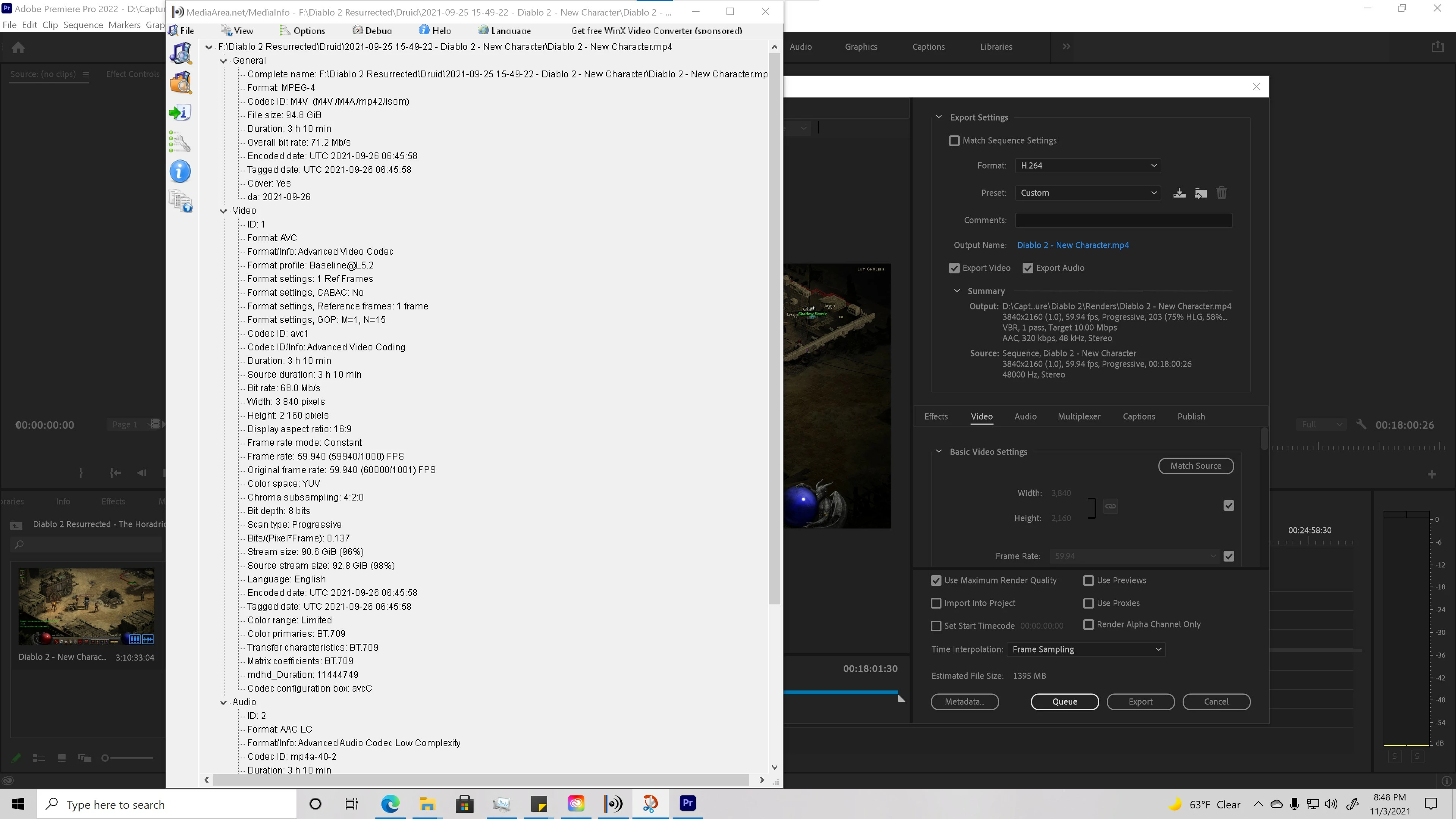
Video For reference:
Not Choppy Previous Video: https://youtu.be/m1l4XAYKKq8
Settings:
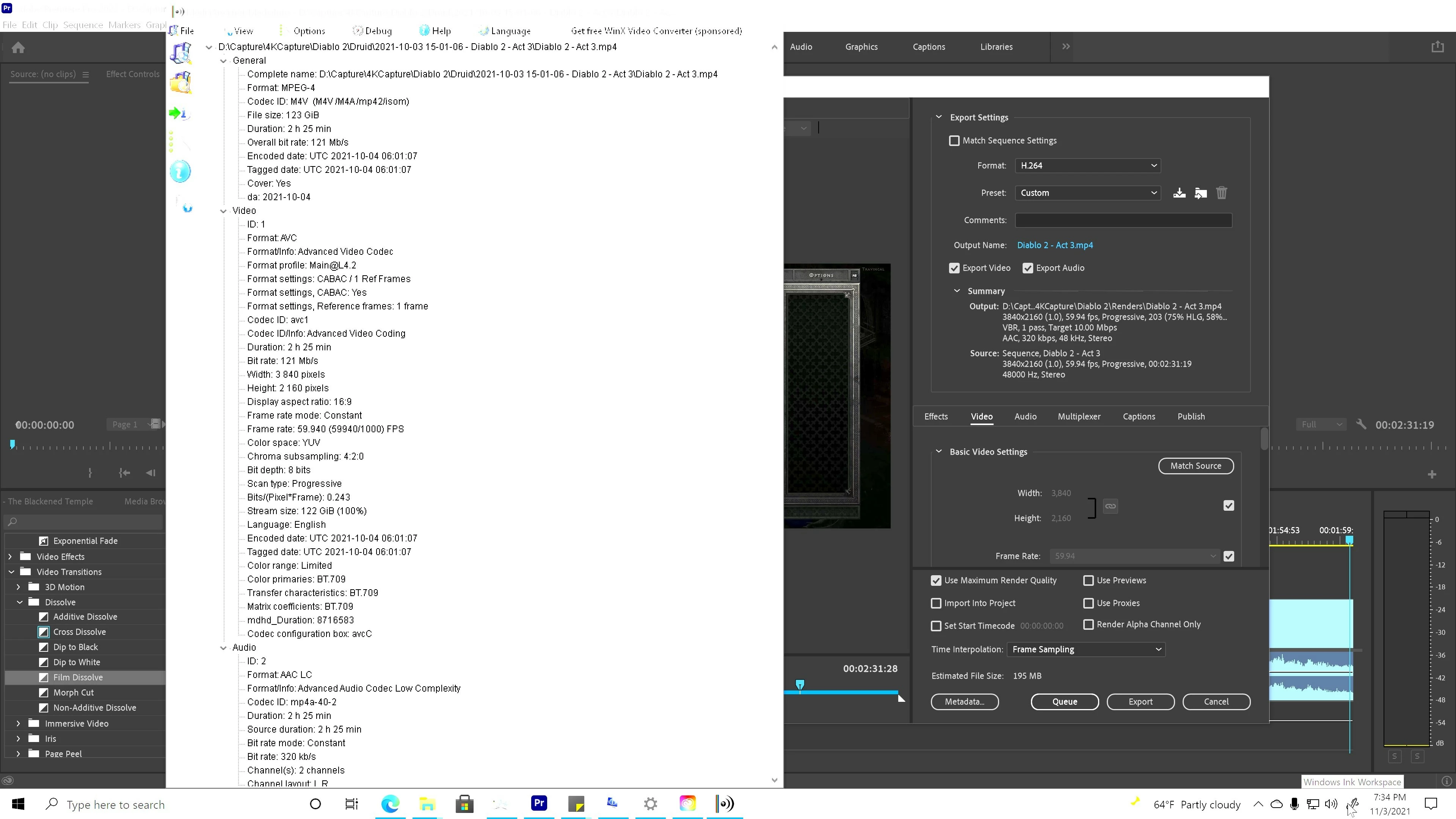
Choppy Last Video, really noticable at the 0:28second mark: https://youtu.be/d9NHJAa1Z0c
Settings:
I have been working on recording my gameplay from Xbox Series X using the Elgato 4KPro MK.2 https://www.elgato.com/en/game-capture-4k60-pro
I've read their:
- setup guide https://help.elgato.com/hc/en-us/articles/360052395011-Game-Capture-4K60-Pro-MK-2-Xbox-Series-X-S-setup
- bitrate settings https://help.elgato.com/hc/en-us/articles/4409928658829-Elgato-Game-Capture-4K60-Pro-MK-2-Maximum-Bitrate
- system requirements https://help.elgato.com/hc/en-us/articles/360055661032-Elgato-Game-Capture-4K60-Pro-MK-2-System-Requirements
My System:
Nvidia GeForce GTX 1080 - 16GB Memory (8GB Dedicated, 8GB Shared)
Intel Core i7-7700K
16.0 GB Ram
Premiere Pro v22.0 - Now, and what ever was before it
 AdChoices