
Any easier way to do this? MOGRT maybe? Multi-sequence graphic asset
Hello, may I ask if there is any way to automate this process? An example of the finished product:

To do this I have two sequences: one labeled "Singular" and the other "Singular, circled" ('Singular' being a standin name, it changes for whatever the asset is). This is "Singular, circled" from the program window:

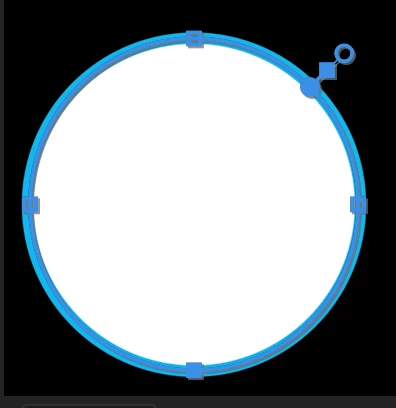
The thing to note is that I have a mask drawn around the circle on the 'Singular' layer so that only what is in the white zone will be shown:
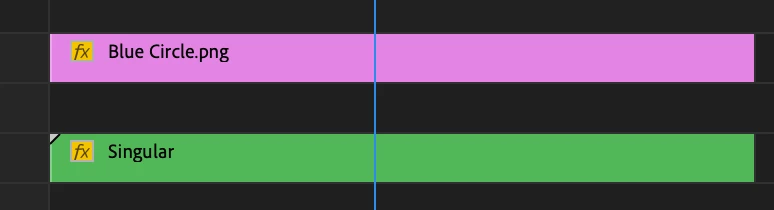
Now I click on 'Singular' and open it up: I have a white circle on track one and drop the asset on track two:
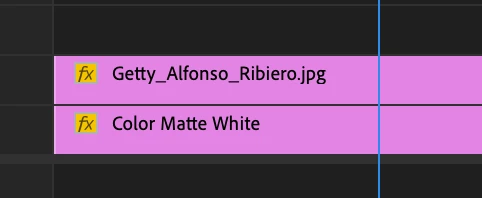
I'll drop the opacity of the asset so I can match it up with the white circle:

Then I'll ratchet back up the opacity, and do my animations. I'll go back and check "Singular, circle" to make sure all is well and when it is, I'll put that sucker in the timeline and I'm done.
So my question is: is there an easier way to do this? Can I make it a MOGRT or something? Sometimes I have to do 35 of these circles for a single 5 minute video and it can get tedious and take a while. Thanks!
 AdChoices