

ANY way to convert mjpeg using Adobe apps?
I have a motion jpeg file (.mov) that I downloaded from Getty but I can't do anything with it because After Effects, Media Encoder, and Premiere Pro are all incapable of reading this file. I can't even use Media Encoder to convert it to something like Cineform that works with everything.
I looked into downloading an old version of Media Encoder as suggested by some but here are my only options:
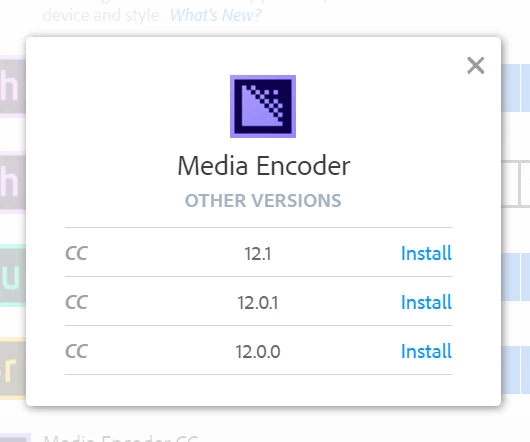
I'm currently on 12.1.1 (the latest version) so none of these would help because no version of Media Encoder CC 12 can work with mjpeg.
What is Adobe's official position on this? If you are not providing software that can read or write mjpegs then what third party software do you suggest I use?
I appreciate and welcome any and all suggestions from the community but am really looking for someone from Adobe to address this because it would be extremely unprofessional and rude to their community if they didn't have a solution for this and simply left it up to us to figure out what non-Adobe software works better than their own.
 AdChoices