

Answered
Apply changes to all matching clips in sequences?
Here's a "feature" that has long mystified me. If I right-click a clip and select "Modify -> Audio channels", the dialog has a check box that says "Apply changes to all matching clips in sequences"
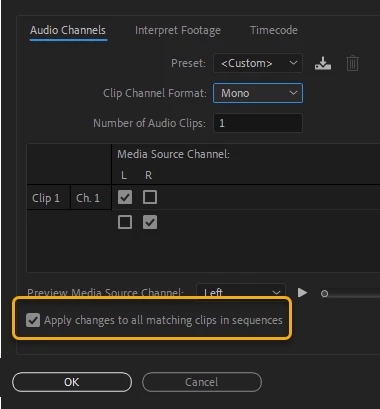
But if I have instances of the clip in any sequences, I get a warning when I click the OK button:
"Changes to the clip channel format or number of audio clips will not affect clips already in a sequence..."
So, what's the point of the "Apply changes to all matching clips" check box?
 AdChoices