


Question
Arabic text problem
Hello Guys . so thank God in those couple years we can now write arabic in Adobe product . but After the latest updates and the new text tool i still got some problems and i hope you can help me :
1- in the legacy title some letters doesn't connect but when i write it on the text tool it connect .. please find the photo Attached
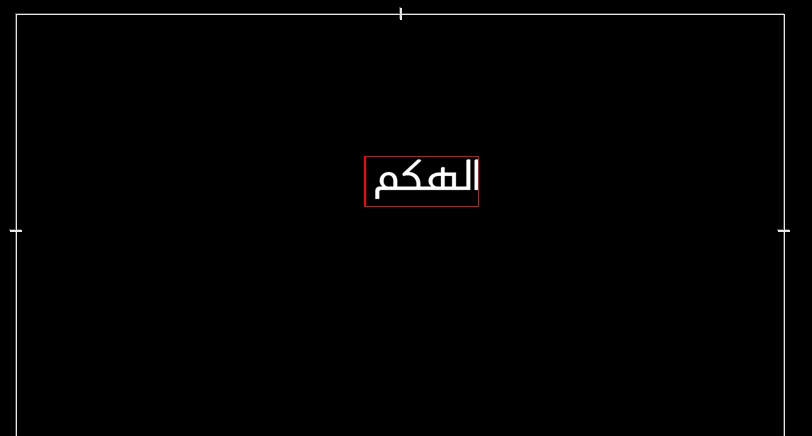
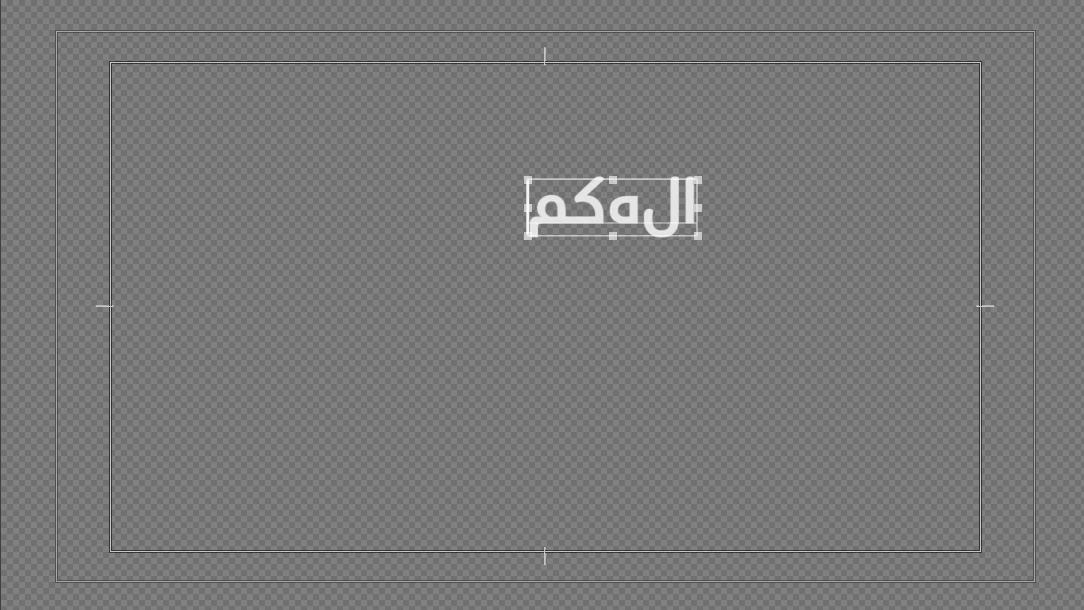
2- the new text tool Add a space after the word as you can see in photo 1 ...so it can't be aligned right
3- is there a magic button i don't know that can the legacy tool options come to the new text tool as aligning and all other text things
thank you guys hope you can help me
cheers.
 AdChoices