

Aspect Ratio Issue: 720x480
Hey all,
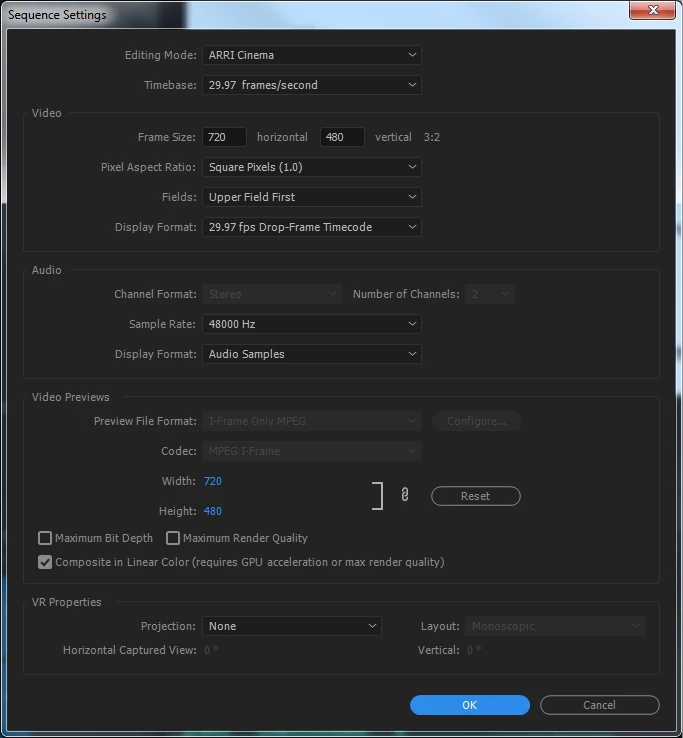
I'm having issues with Adobe Premiere Pro CC 2017's aspect ratio settings. I'm creating a video out of JPEGs made in InDesign sized at 720px by 480px. I've set up my Premiere project according to those same dimensions:
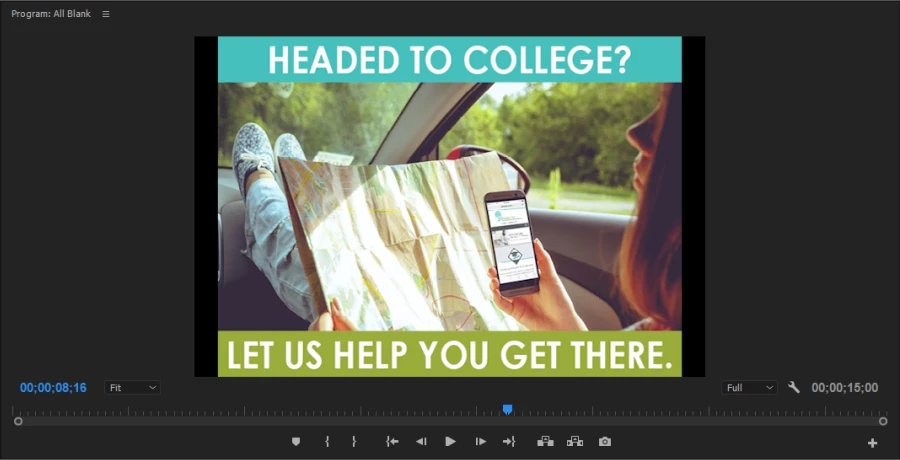
However, Premiere is altering the aspect ratio of my still images in the video preview, leaving black bars on the left and right sides:
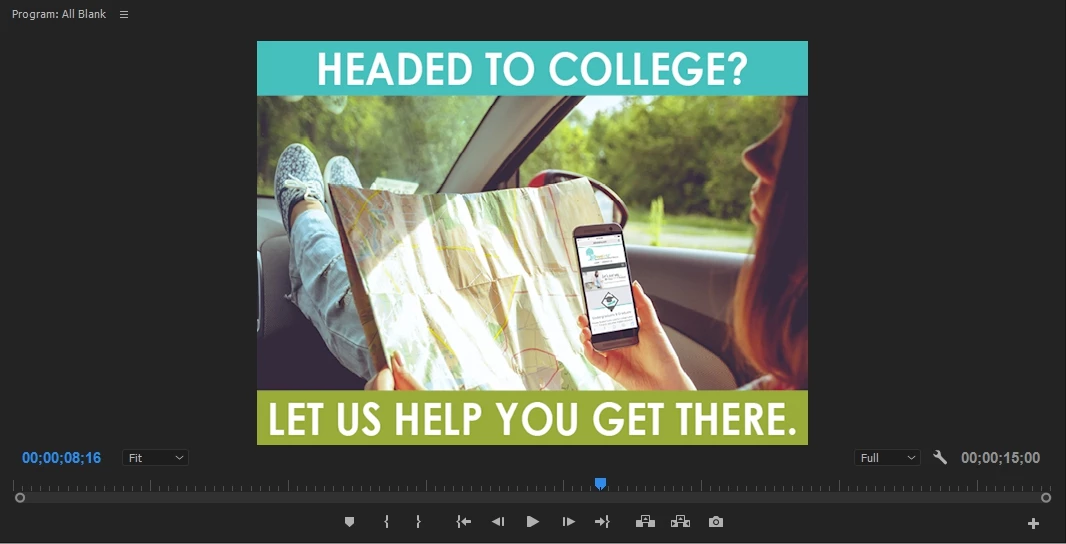
I've seen in some forums that changing the pixel aspect ratio to .9091 will address the issue, but that of course only rids my video frame of the black bars on either side, and doesn't correct my image's aspect ratio:
I'm most familiar with Sony Vegas, and that program allows you to edit the aspect ratio/dimensions of your clips directly. I can't seem to find that option anywhere in Premiere. How do I prevent Premiere from changing the width of my images? I've not run into this problem in the past when making videos from 1920px by 1080px still images in Premiere, so I'm not sure why I'm running into it now... Any help is appreciated; thanks!
Mark
 AdChoices