
Inspiring
July 12, 2022
Answered

attach debugger stops at unknown file stack-frame-0.jsx

  • July 12, 2022
  • 1 reply
  • 607 views

I have a extendscript that runs successfully when running with `launch` debugger with ExtendScript Debugger but it fails when running as extendsion, so in order to find out why, I need to attach debugger to the extendsion.


However the debugger pause at an unknown file called `stack-frame-0.jsx`, which contains the script execution $._PPP_.importXml("parameters here"), then ends after I click continue and I can't know why my script fails.


I'm stuck at this point, please help!
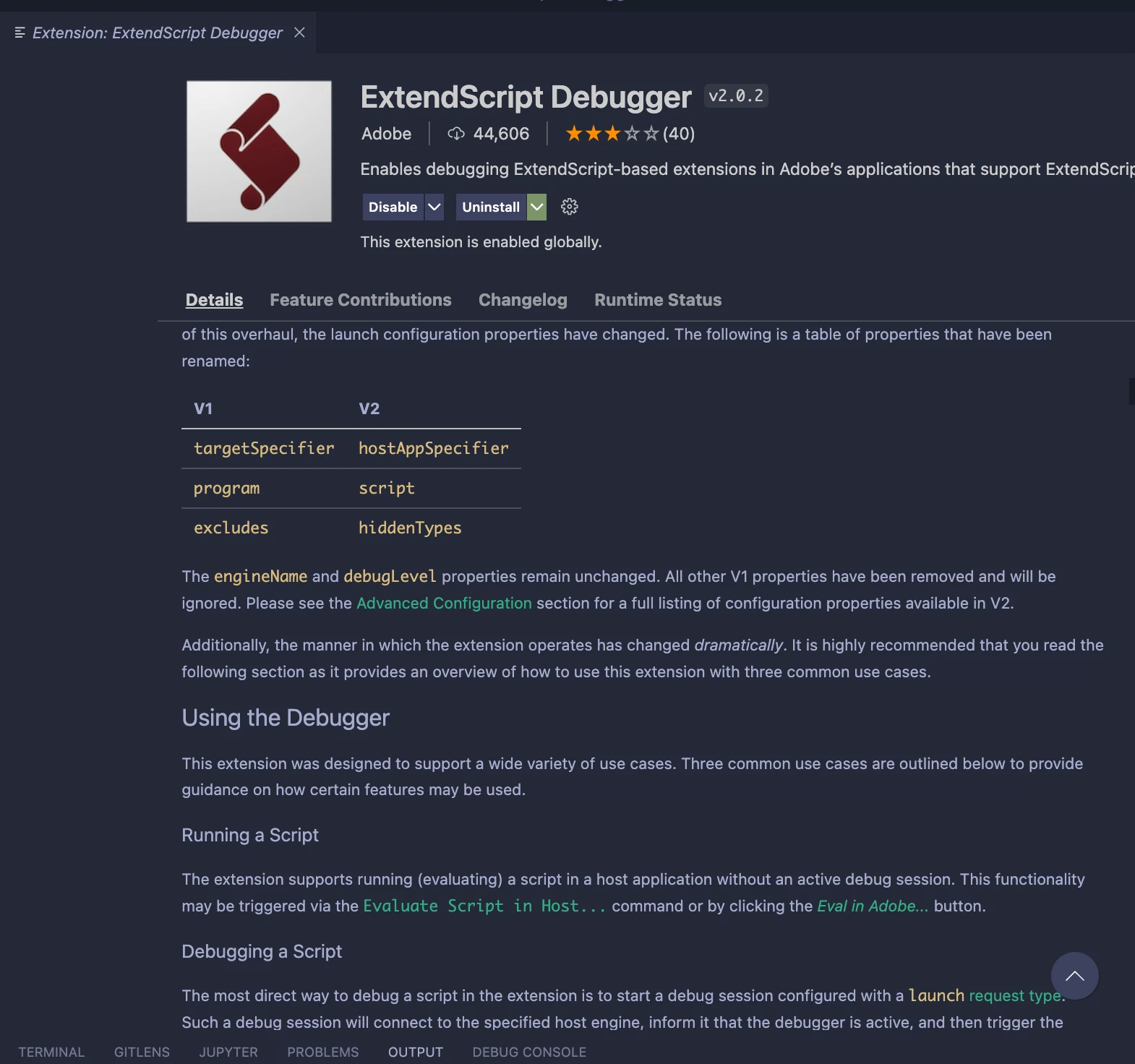
This topic has been closed for replies.
Correct answer bbb_999

I've just rolled back version from v2.0.2 to v1.1.2 and it's working now. Maybe there are some configuration required for latest version of debugger


Yep! Those configuration changes are covered in the extension's info page.

1 reply

Bruce Bullis
Community Manager
Community Manager
July 12, 2022

Confirming: You've updated the ExtendScript debugger extension, yes? If so...

Where does your debugging experience, depart from this description? 

https://extendscript.docsforadobe.dev/vscode-debugger/getting-started-with-vscode-debugger.html


Inspiring
July 12, 2022

Sorry I dont really understand your question. I did update my debug extension and debug script.


Here is my updated debug script:

{
"type": "extendscript-debug",
"request": "attach",
"name": "[Attach] CEP ExtendScript",
"hostAppSpecifier": "premierepro-22.0"
}
bbb_999
Adobe Employee
Adobe Employee
July 12, 2022

Primary question = "What version of the ExtendScript debugger extension are you using?"

If you follow the directions at the link I sent, are you successful? If not...at what point does your experience, depart from the directions?