
Answered
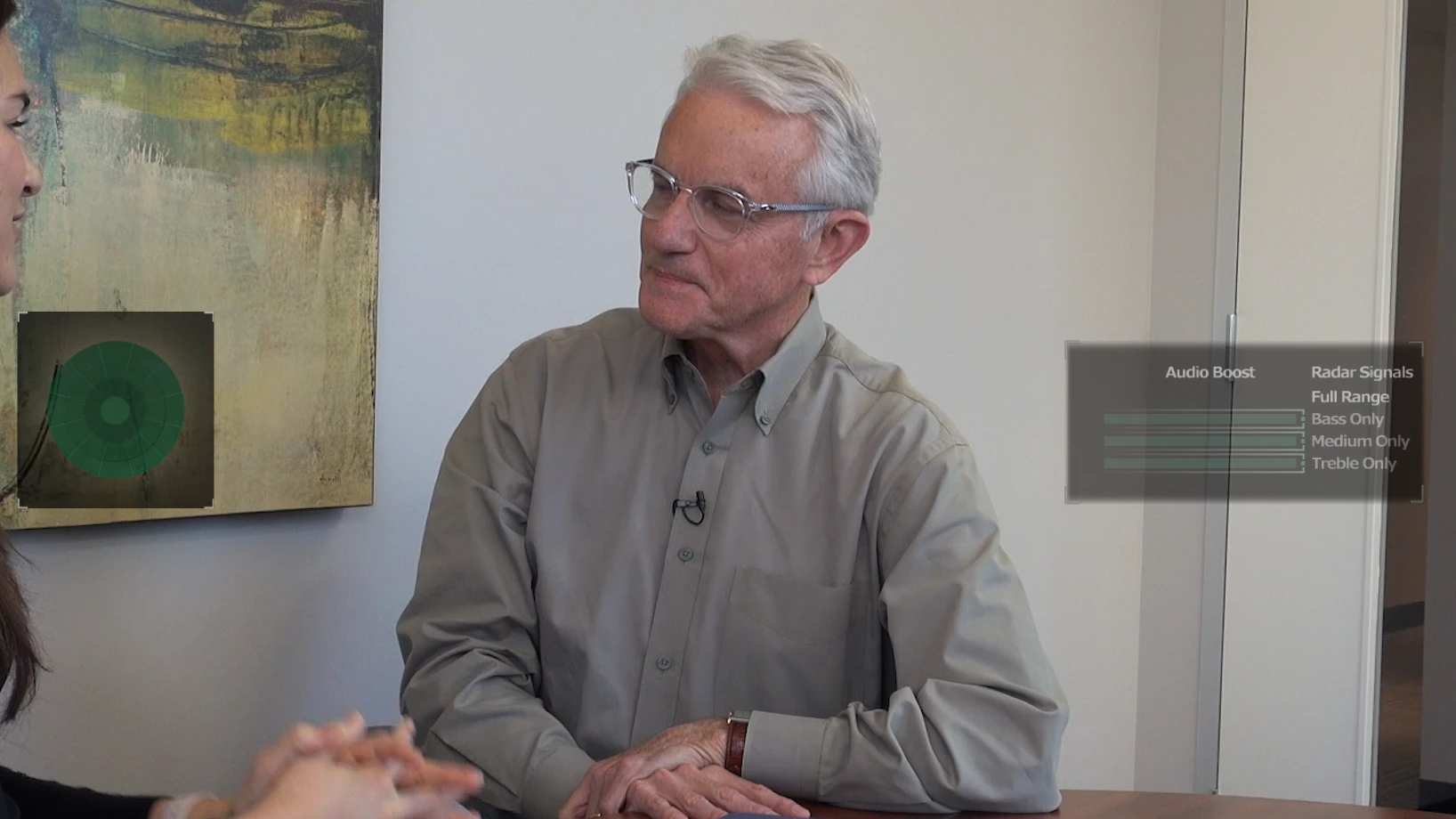
Audio Boost Overlay in Program Window
I just did a fresh install of Premiere Pro CC 2019 on a new computer. I have installed this program many many times but I have never seen these audio overlays in my Program window. I can not seem to get them to go away. Any ideas on how to get rid of them? It will make it very hard to edit with these constantly on the screen. I have tried new projects, fresh uninstall and install, different video clips... nothing works.
 AdChoices