
Inspiring
February 5, 2019
Question

Audio filter offline? Premiere pro 13.0.2 (build 38)

  • February 5, 2019
  • 2 replies
  • 2027 views

Hi,

Out of the blue my VST audio EQ is missing?

There is nothing wrong when I use the vst in other apps.

When I load my project I get the "Filter missing" error.

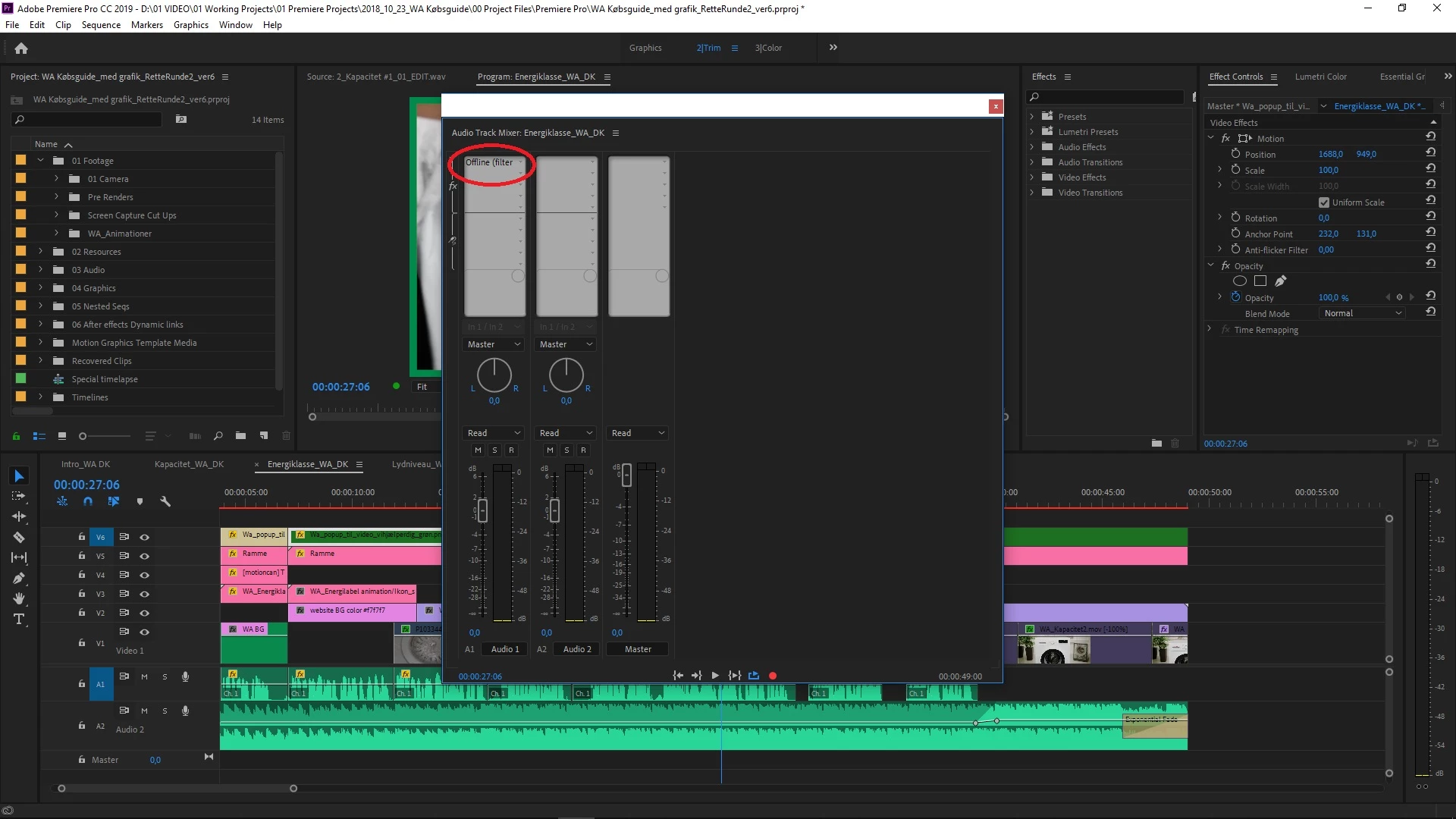
When I go to my audio mixer it says "Offline"
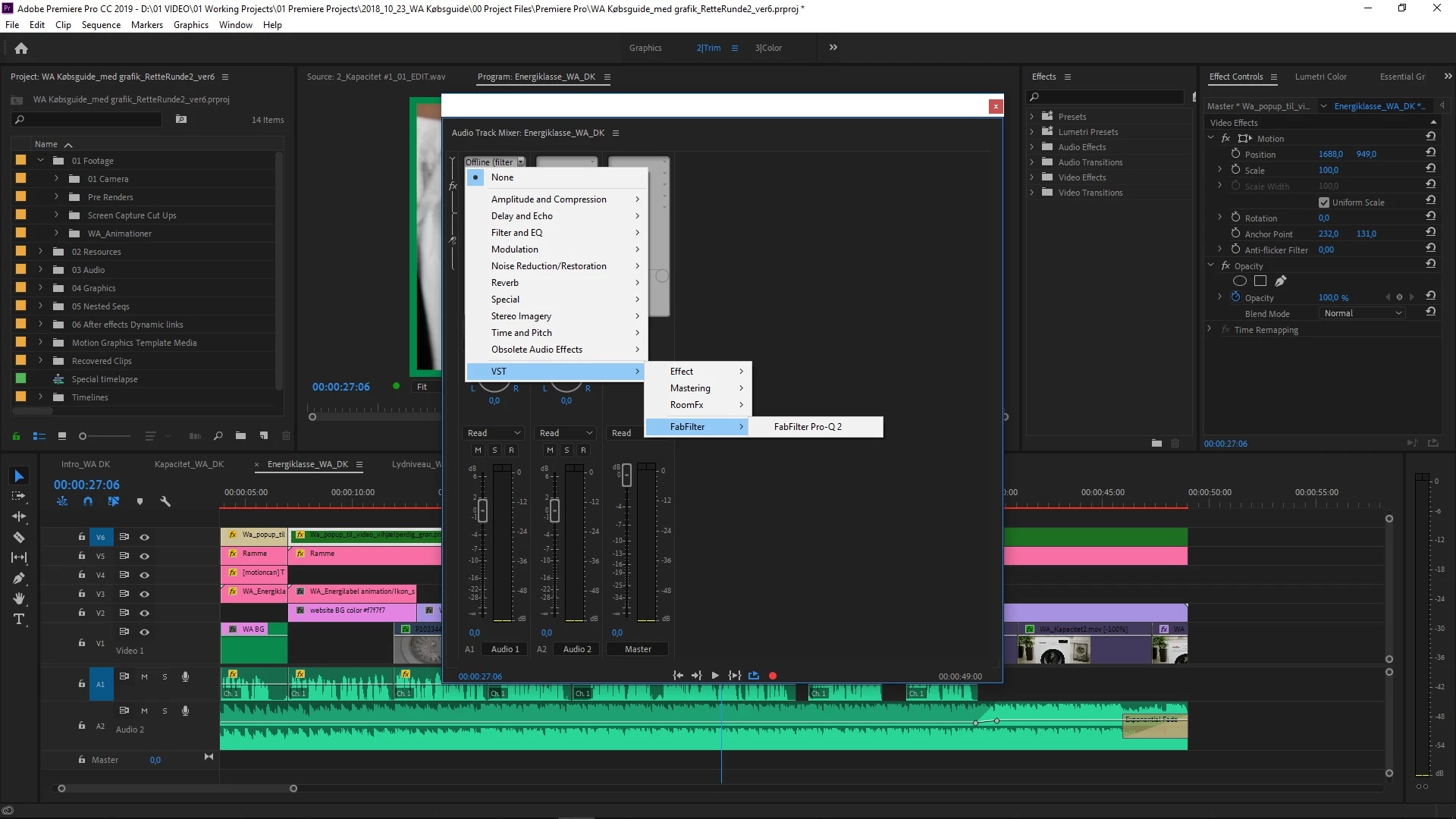
I can see the VST in the drop down menu. It's not greyed out but can't select it. Nothing happens if I try.
I can select other filters.
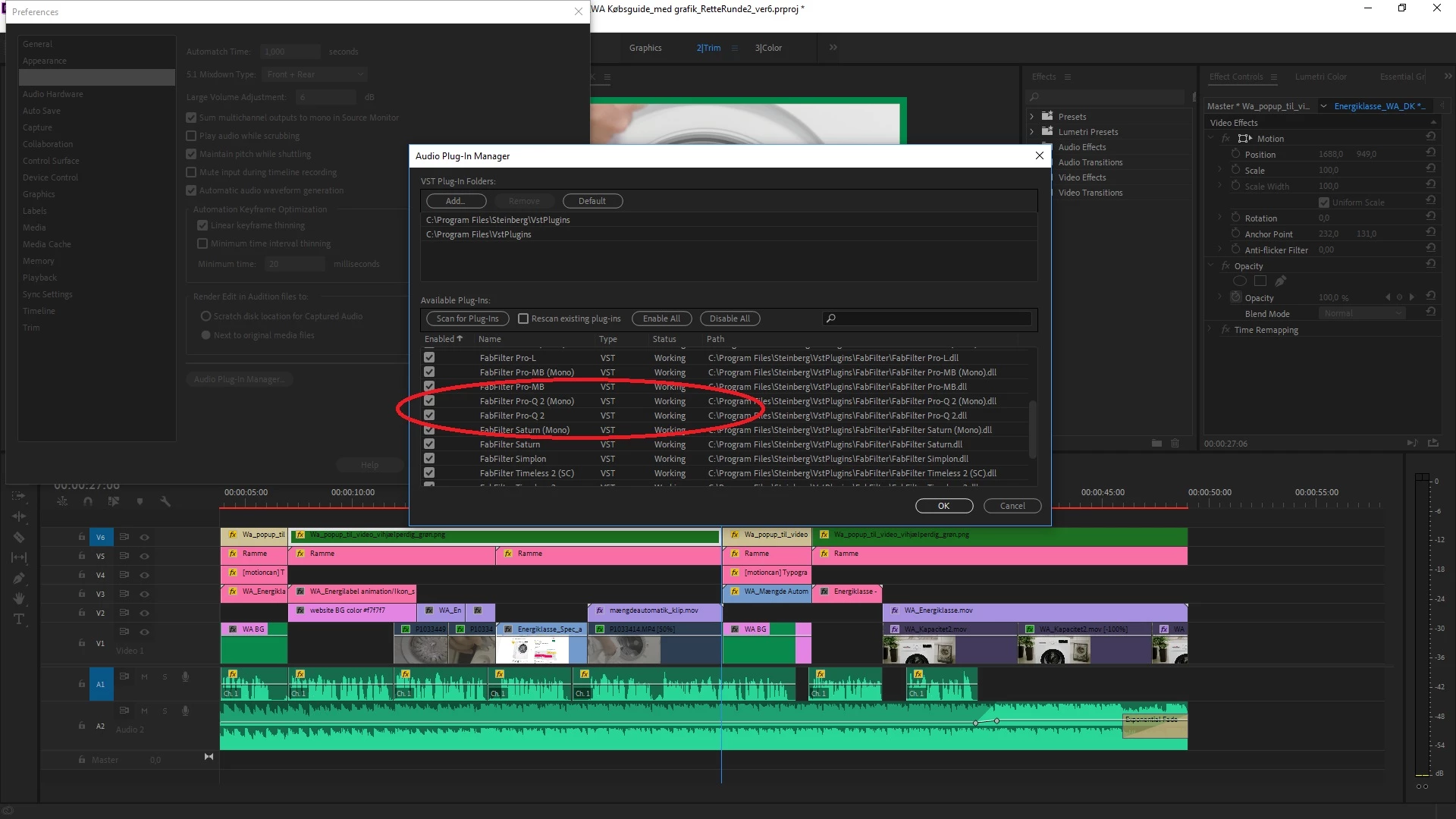
When i go to my plugin manager it's claims to be working...
Does anyone know what went wrong?

Thanks

/Per 🙂

    This topic has been closed for replies.

    2 replies

    Per FritsAuthor
    Inspiring
    February 6, 2019

    And out of the blue it works again...???

    But thanks anyway for the response.

    /Per :-)

    Legend
    February 6, 2019

    Computers, eh?

    Legend
    February 5, 2019

    Try a Rescan in the Plug-Ins Manager.

    Per FritsAuthor
    Inspiring
    February 5, 2019

    I tried that twice and in my plugin manager it claims to be working 

    Legend
    February 5, 2019

    OK.

    My next idea is Step 2K below.  Is that doesn't work, Step 2F.

    Unofficial Premiere Pro Troubleshooting Guide