
Answered
Audio importing glitch. Audio file missing 2 seconds, has 2 seconds of nothing.
Hello.
I am struggling to import audio files correctly, as I notice the audio sound is off.
I changed it to a much shorter audio file, to get more details.
For some unknown reason, MP3 files, when imported do 2 things.
1. They will remove the first 2 seconds of any audio I import and replace the play length with 2 seconds of nothing at the end of the audio.
2. They will only add 2 seconds of no audio to the end of the audio file.
I found that if you rename the files, it will prevent glitch 1, but not glitch 2.
I cleared all the cache as well.
Not entierly sure what has caused the problem.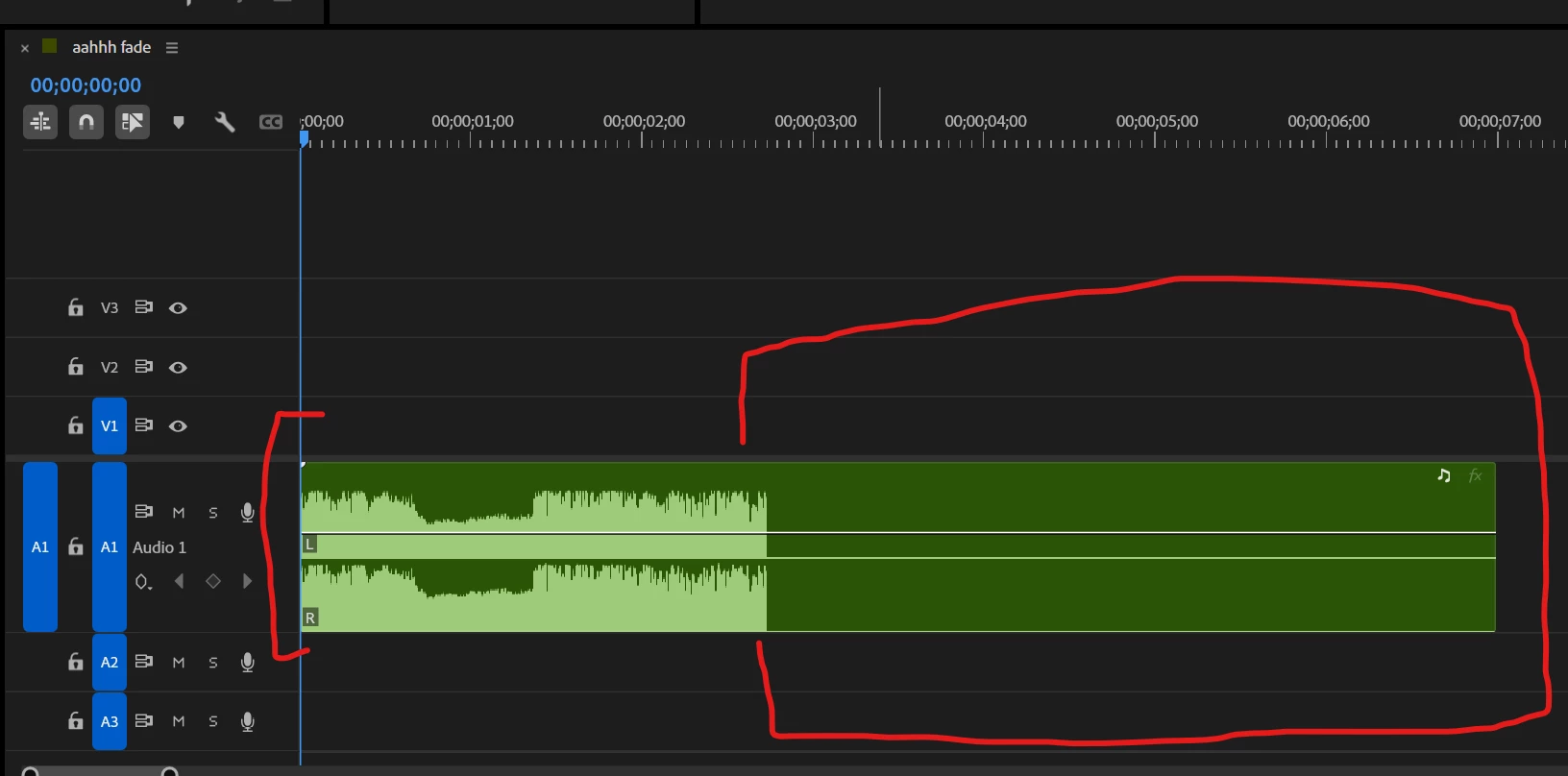


 AdChoices